In the "Workspace Profile" section, you can customize various aspects of your business information. This includes updating your logo, business name, legal name, tax ID, address, social links, time zone, and contact details.
Additionally, you can set your default currency and choose the start day of the week, among other available options.
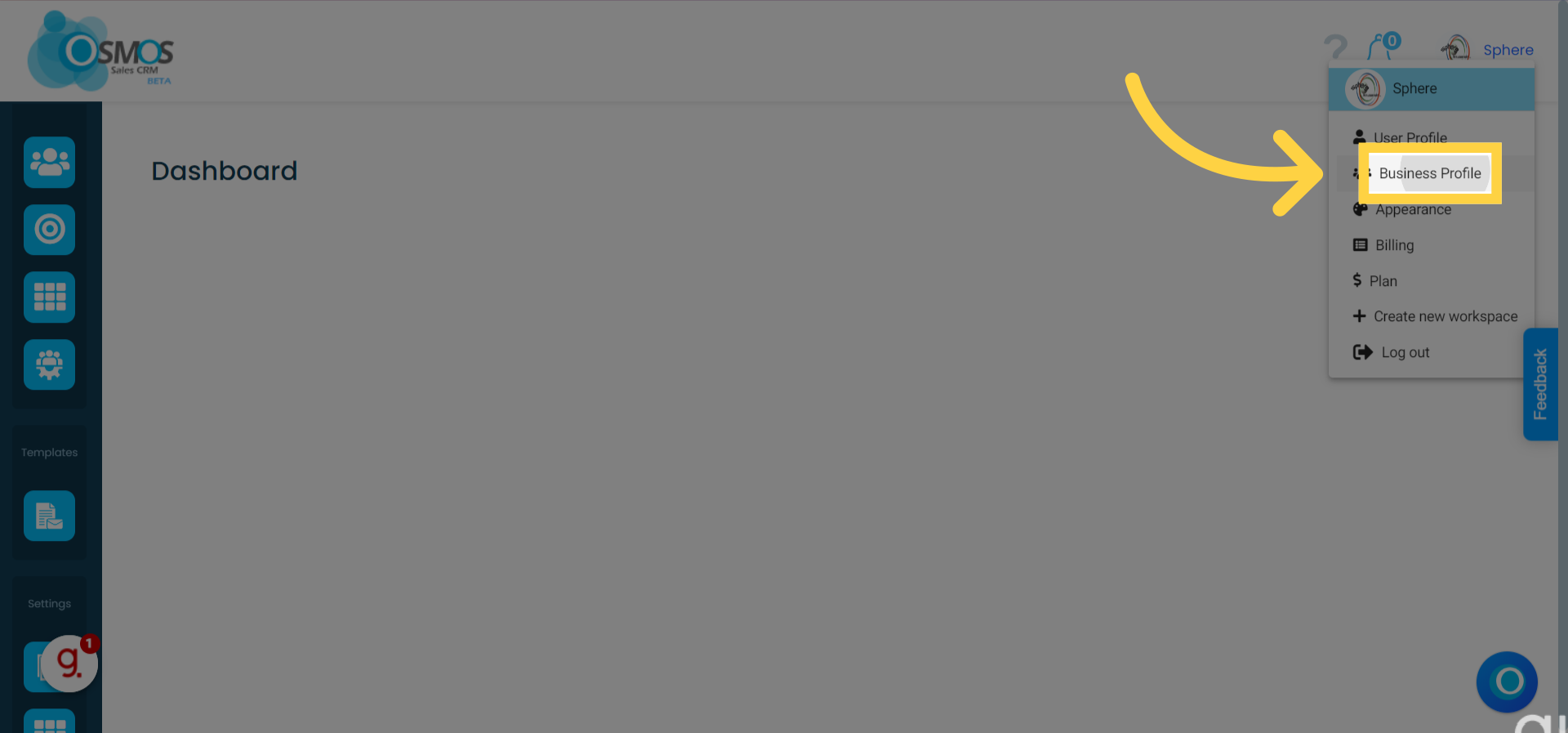
To access the "Workspace Profile," click on the dropdown menu in the upper right corner where your workspace name appears
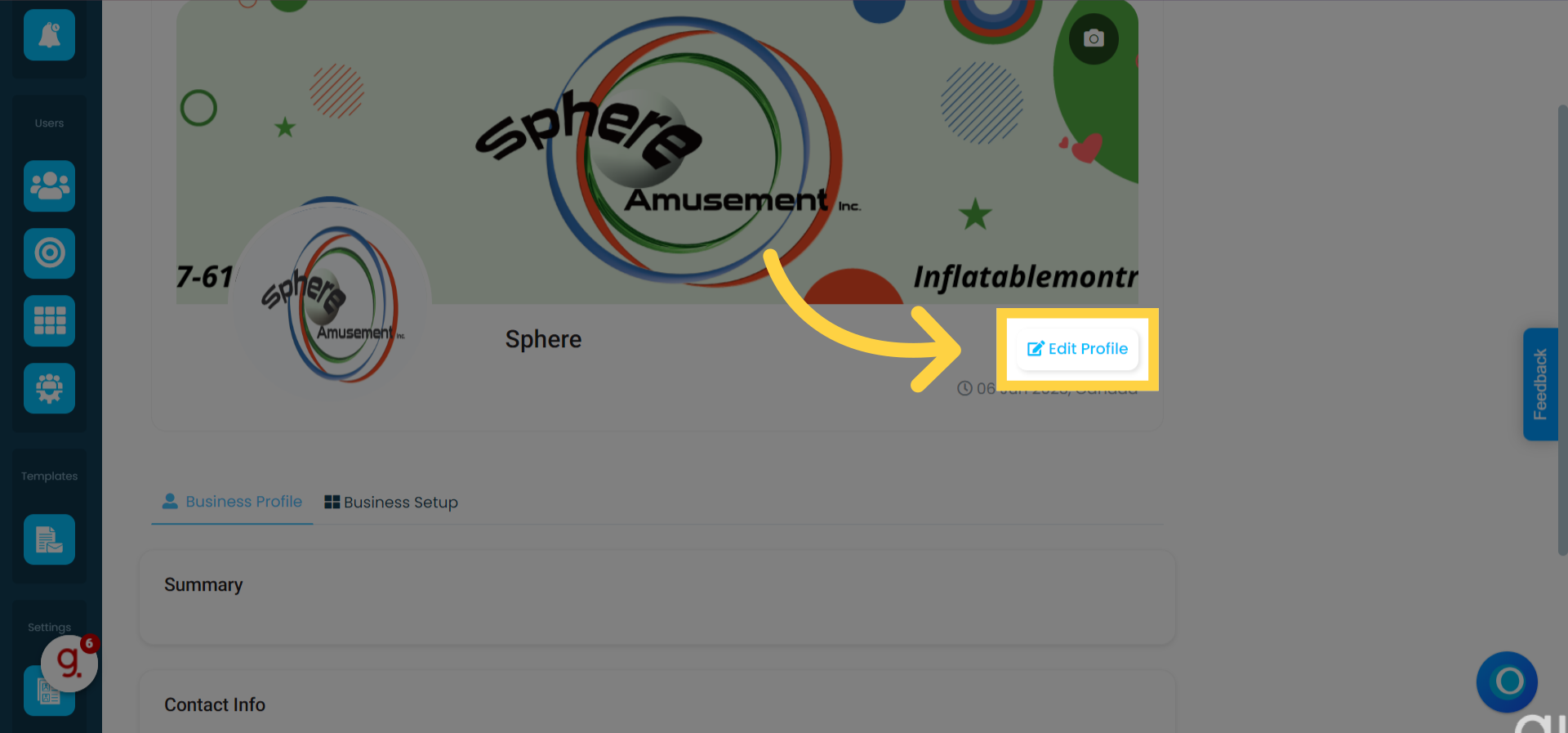
To edit your business details, click the "Edit Profile" button
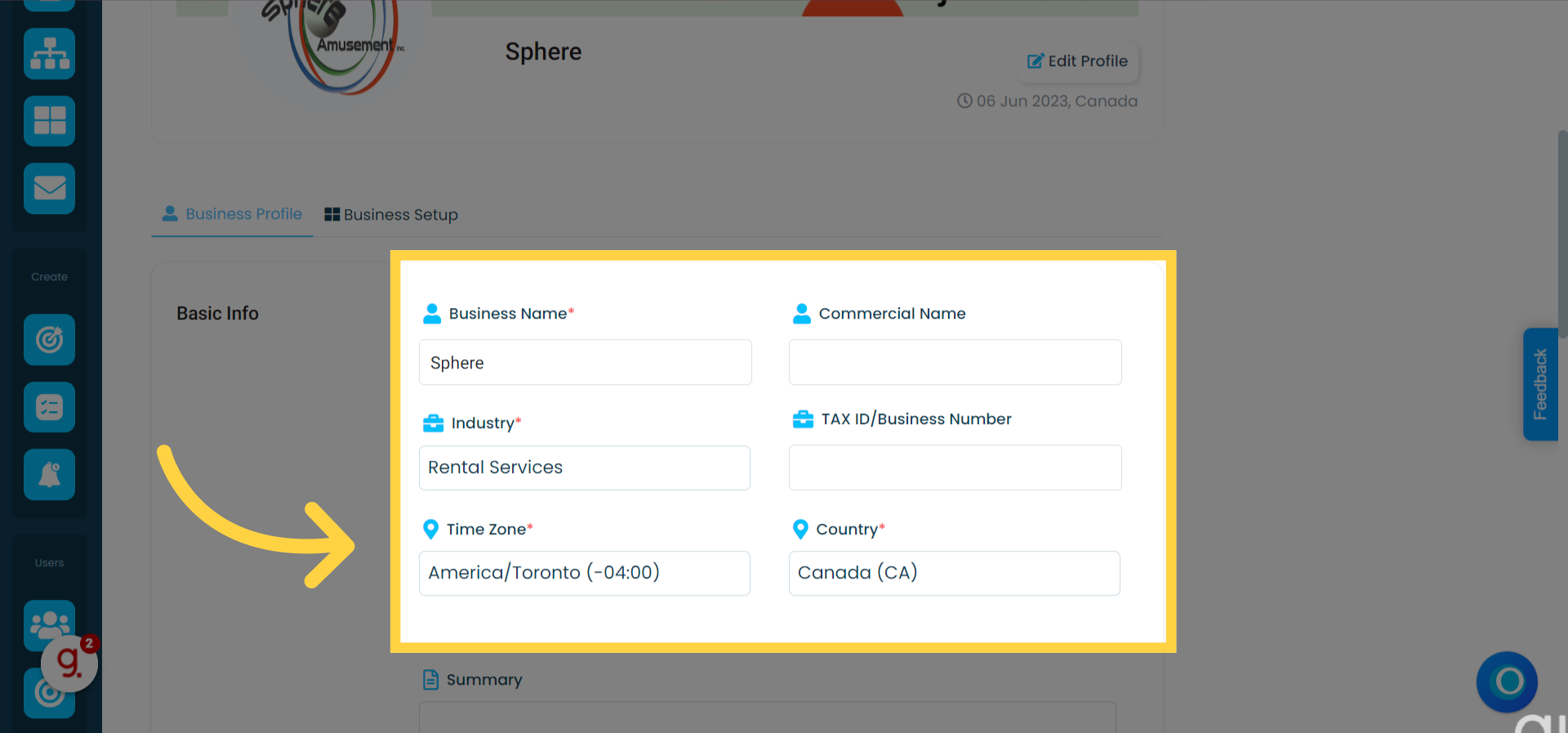
Edit your information and when you are done click "Save Changes"
From here, you can edit details such as:
Company name
Legal name
Tax ID number
Time zone
Country
Social links
Email
Company address
Phone numbers
To personalize your business parameters, click on "Workspace Customization."
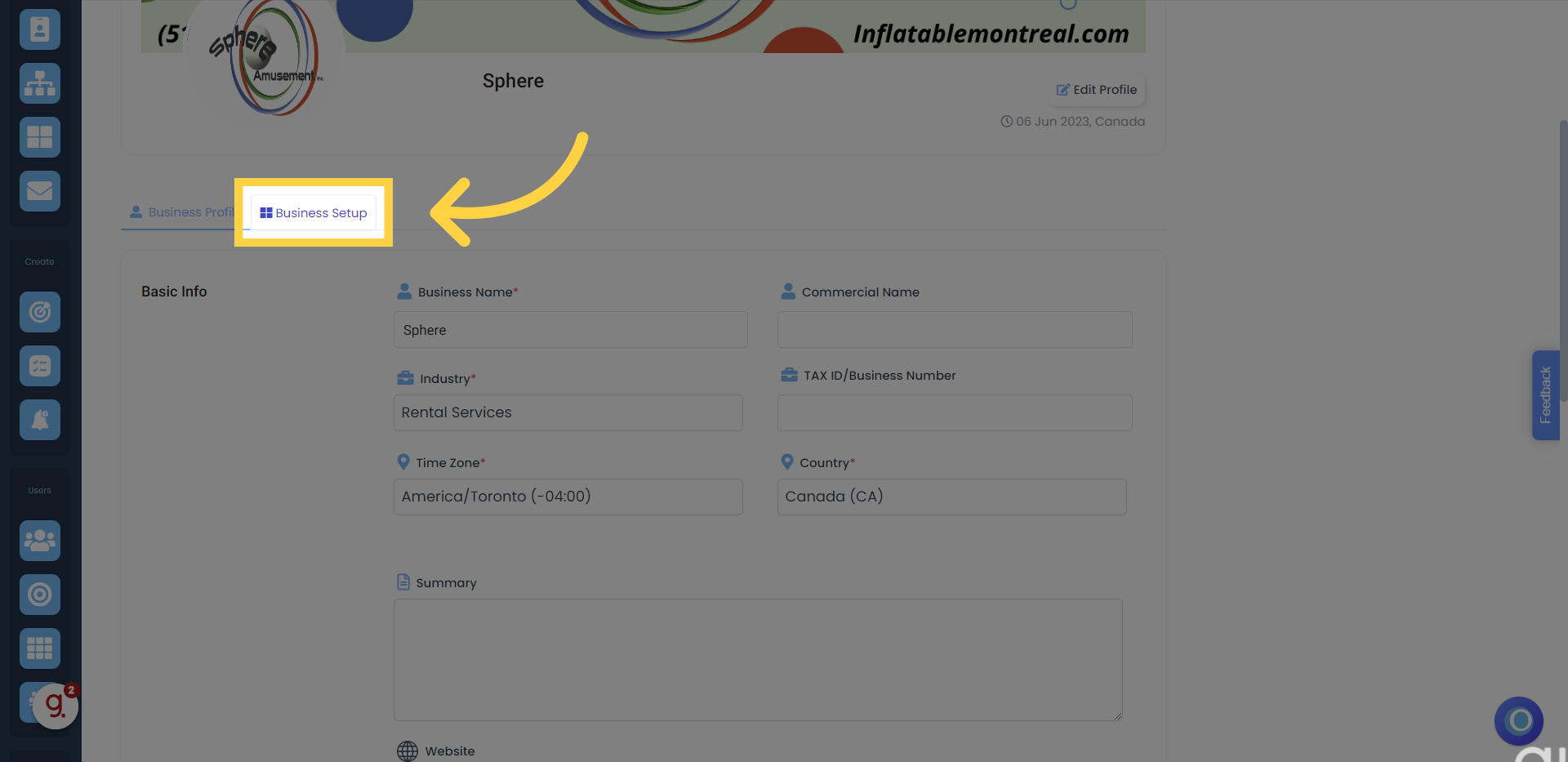
From this section, you can:
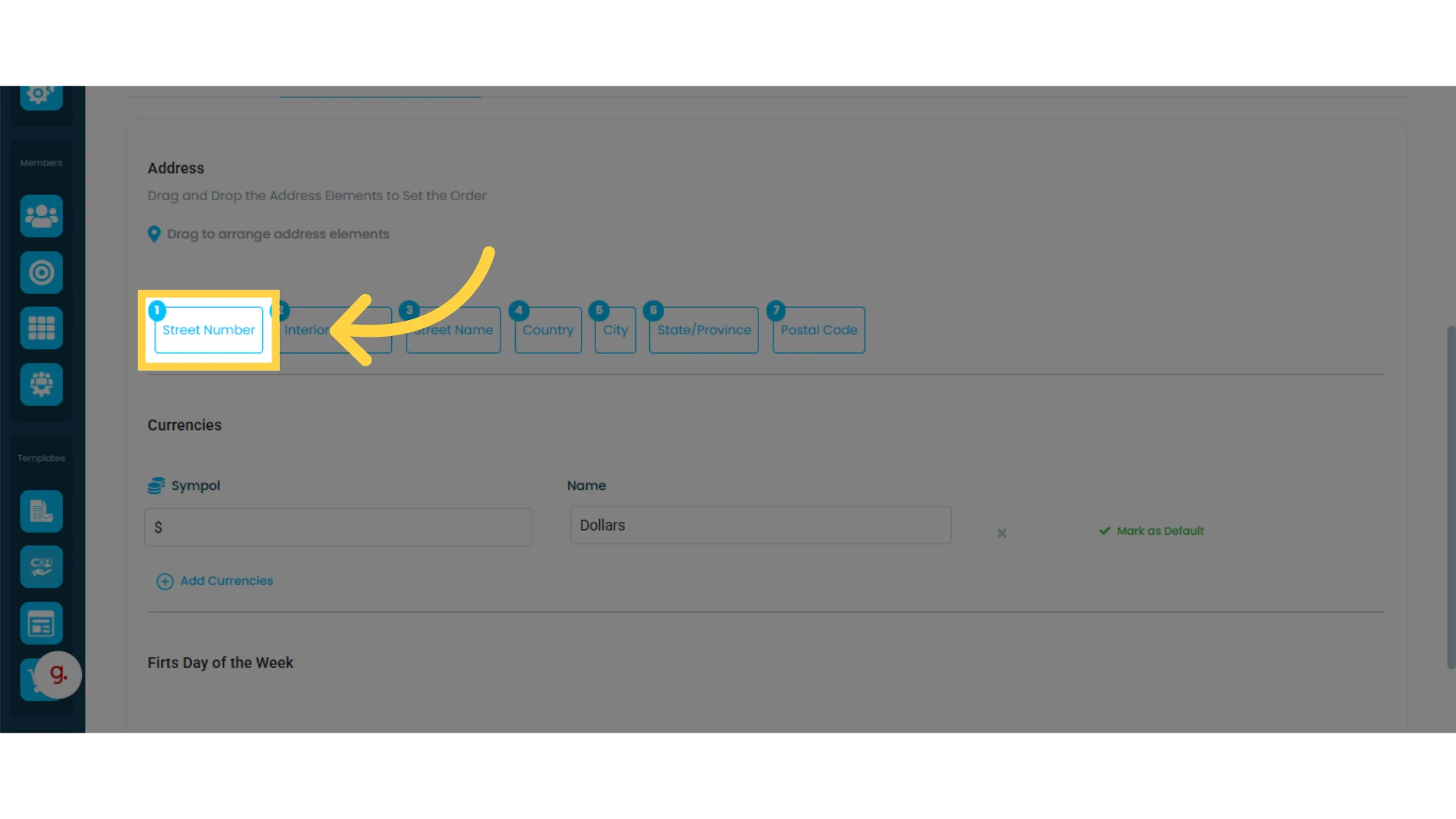
Adjust how addresses are displayed in Osmos and on your quotes
Add currencies
Select the start day of the week
To modify how your contacts' addresses appear in Osmos, simply drag and rearrange each address component to fit your preferred order.