In this guide, you’ll learn how to add items directly from a quote. This process gives you the flexibility to create new items from within a quote without needing to add them first in the Items module.
Follow these steps to add an item to your quote:
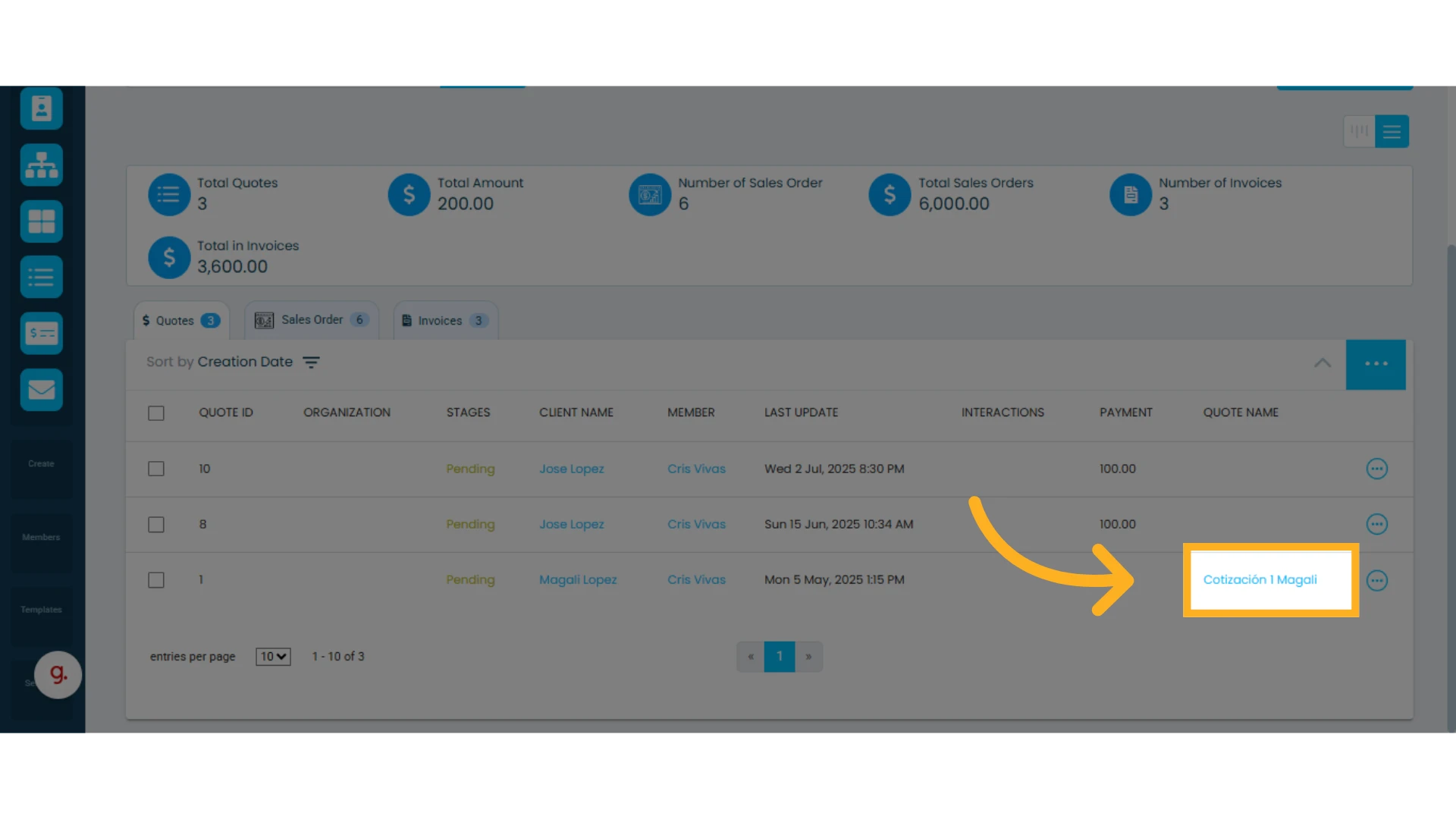
1. Open the quote where you want to add an item
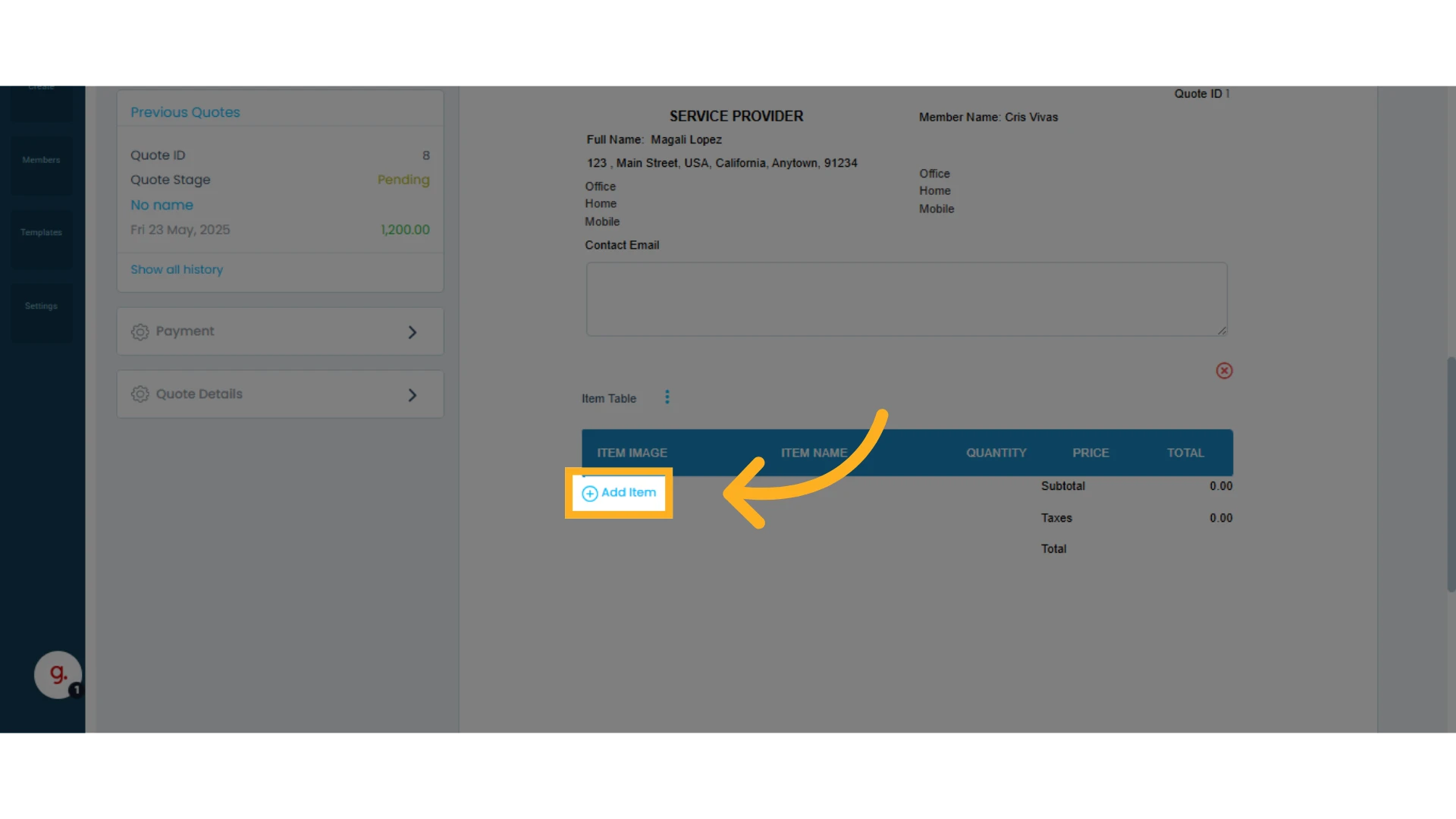
2. Click "Add an Item" within your item table
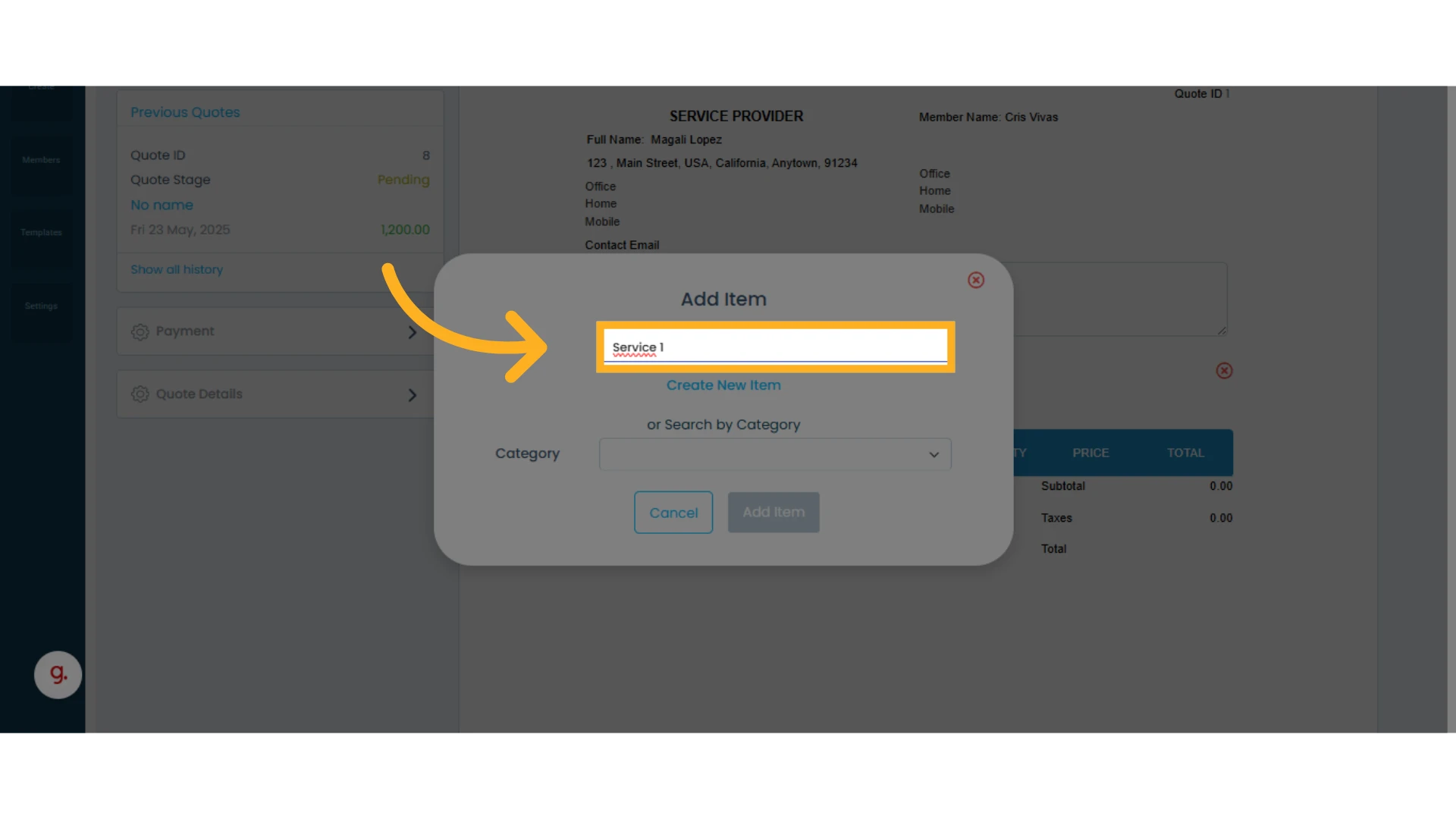
3. Type the name of the new item you want to add
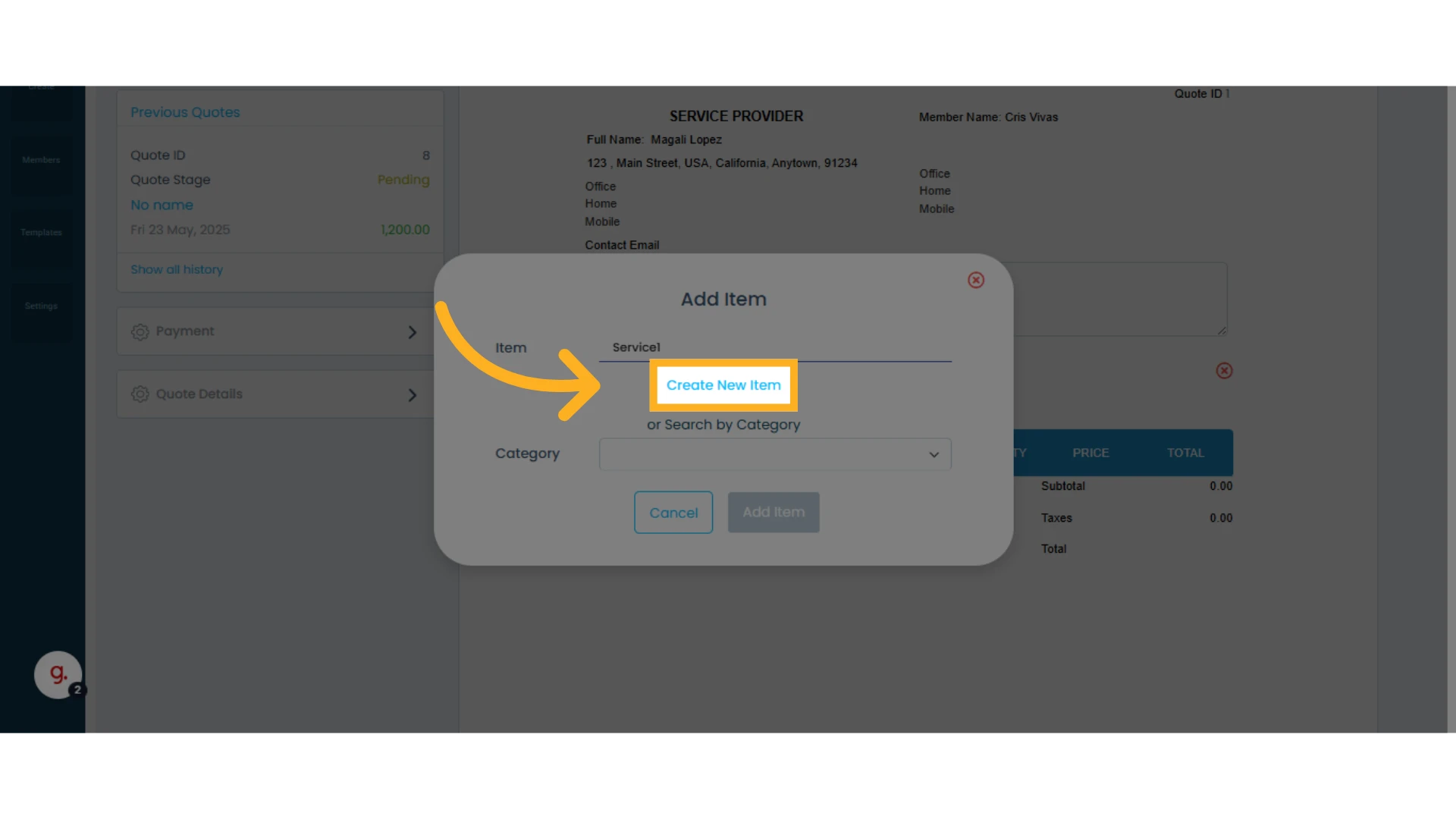
4. Click "Create new item"
5. Enter the item details, making sure to complete the three required fields:
Category
Name
Price
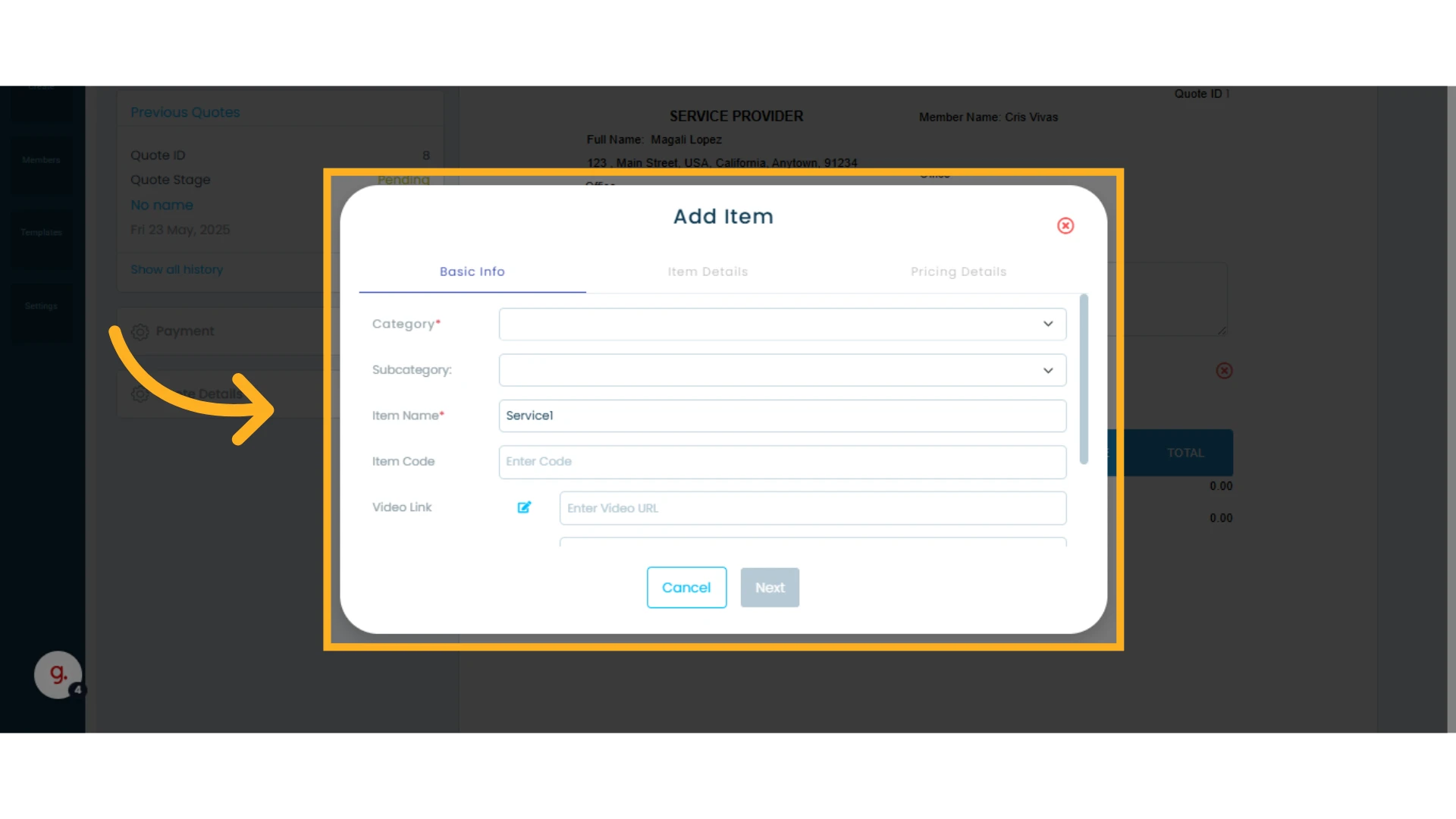
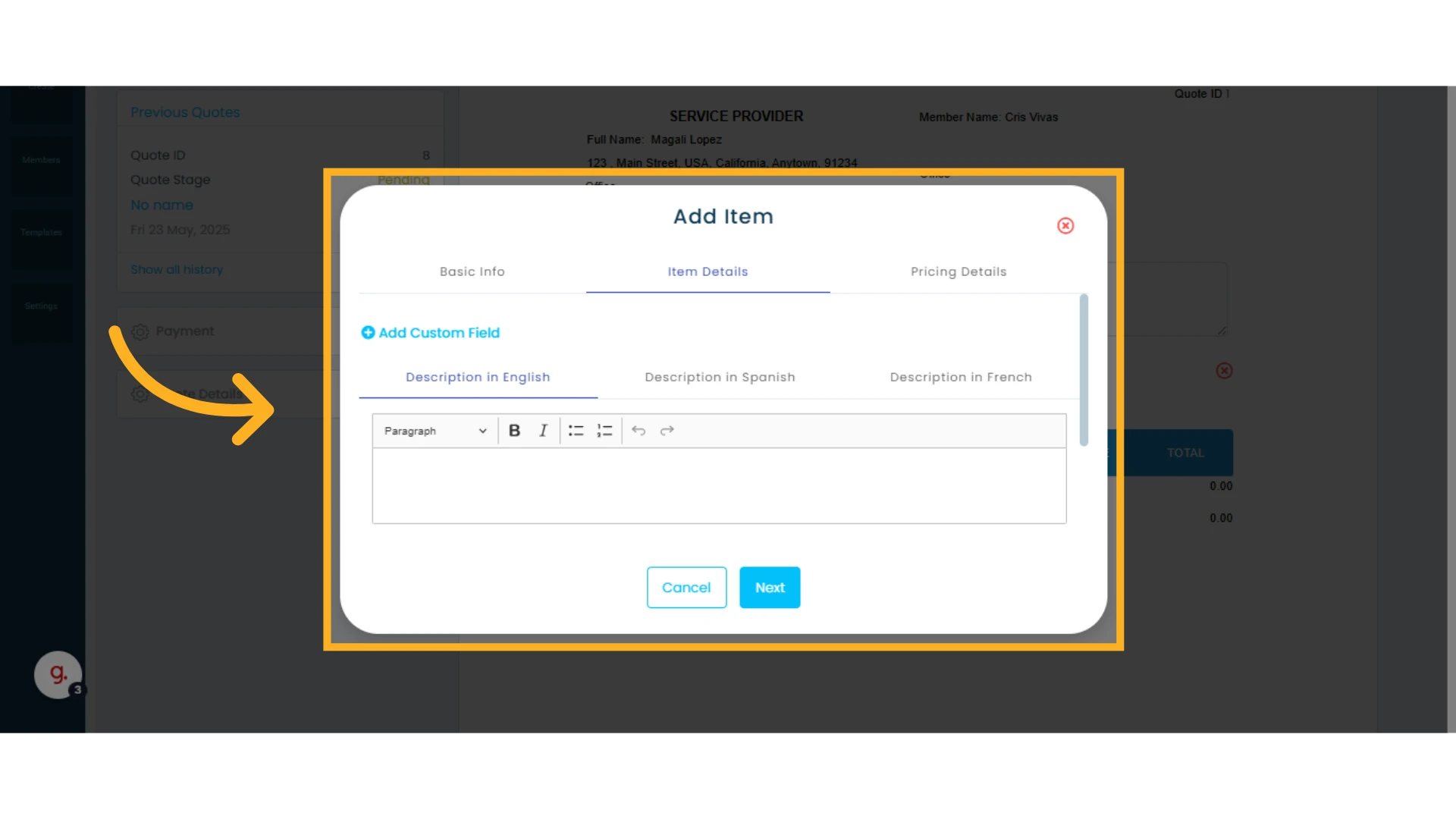
6. Navigate through the different tabs by clicking "Item Details" and then "Price Details" to review and complete the information
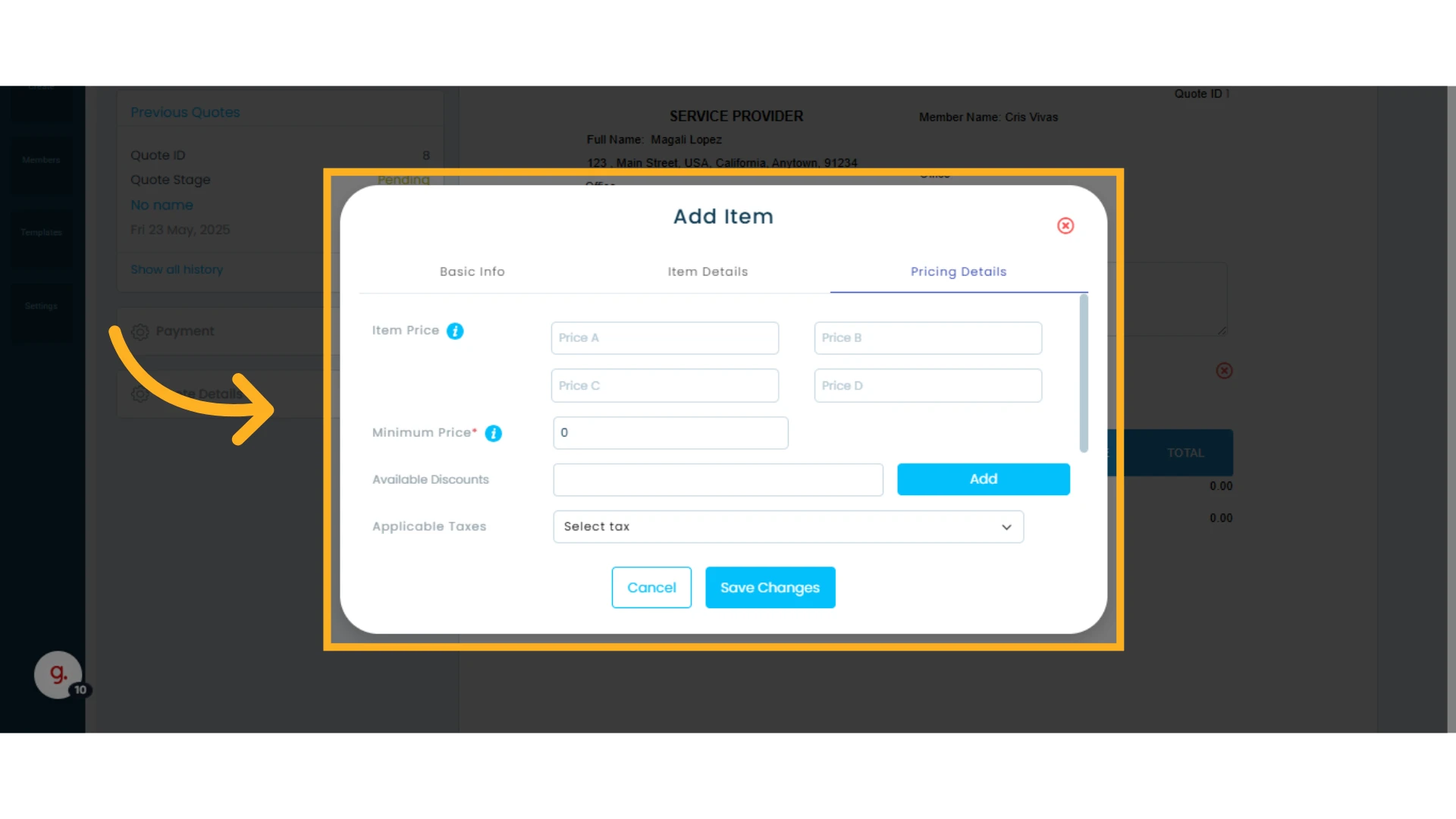
7. Once finished, click "Save Changes"
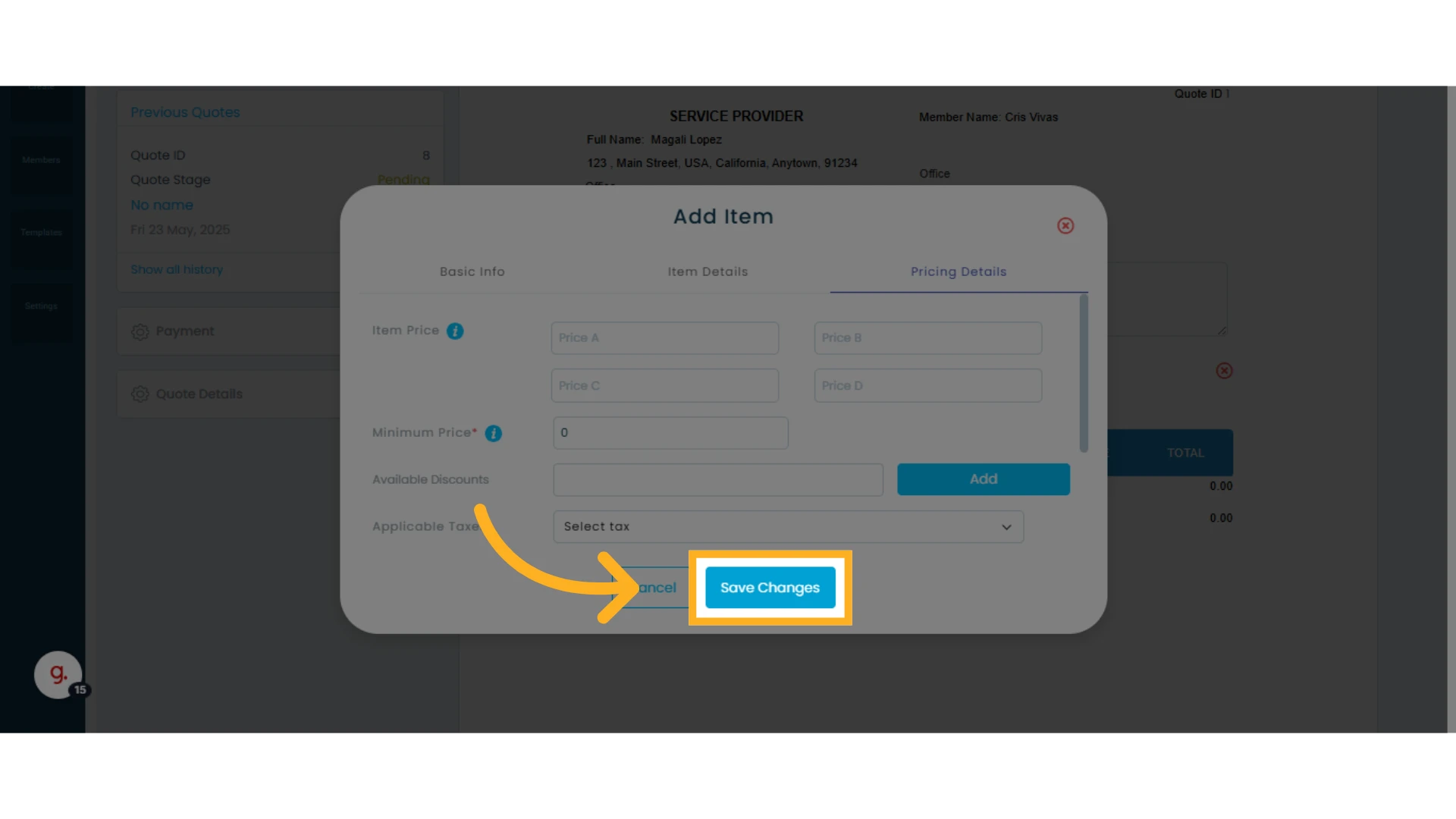
The item will be added to your quote and will also be available in your item catalog for future use.