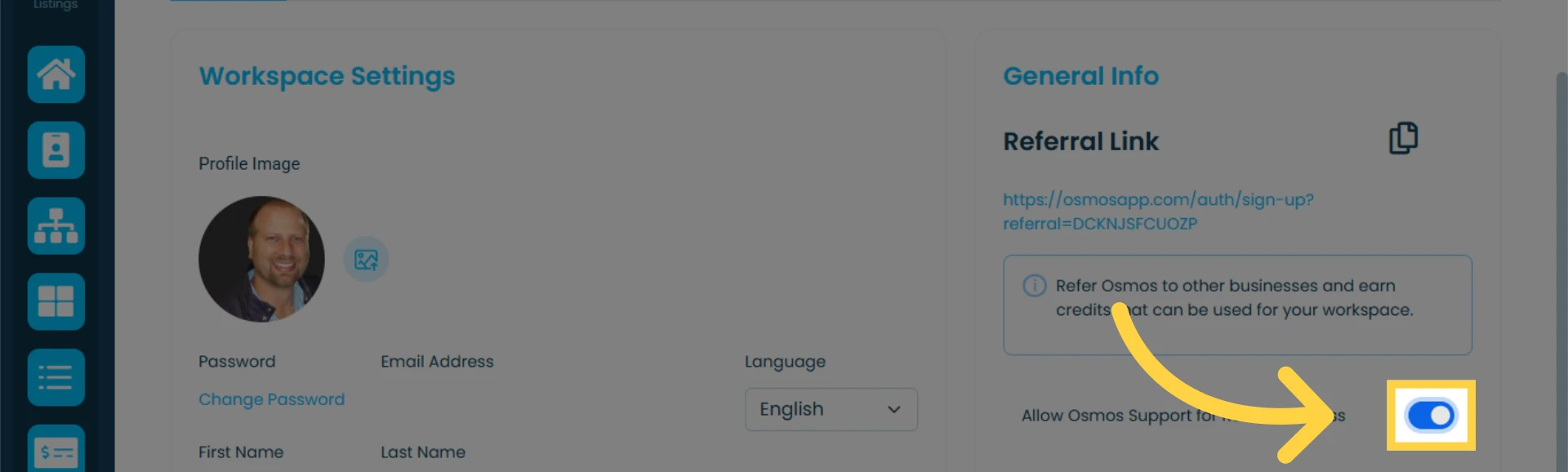
In the "Member Profile" section, you can update your profile picture, change your password, earn money/credit using your referral link, and allow the Osmos support team to access your account.
Accessing the Member Profile
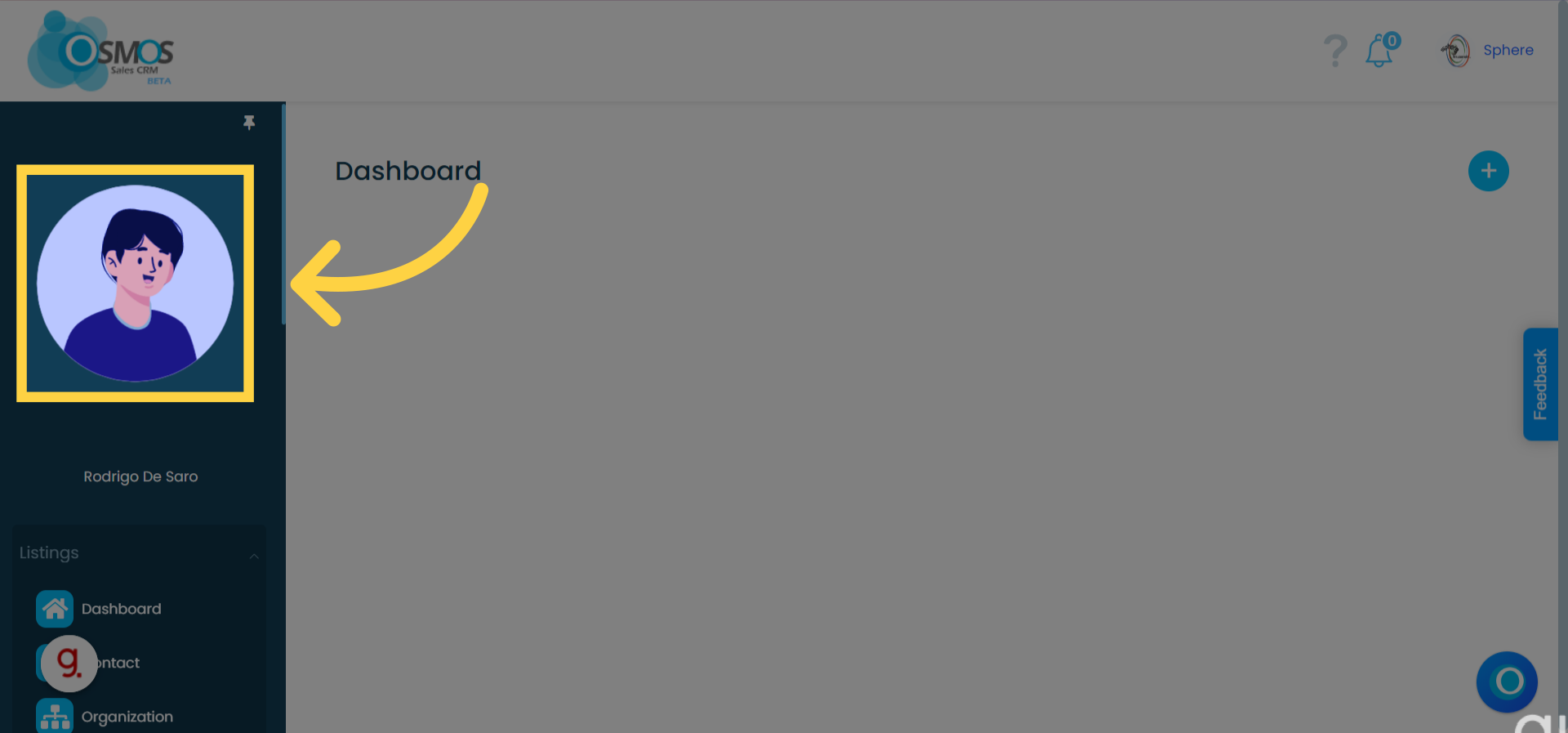
To access the "Member Profile," click on your profile icon in the left menu or the dropdown menu where your workspace name appears
To change your profile image, click on the photo icon and upload a new image
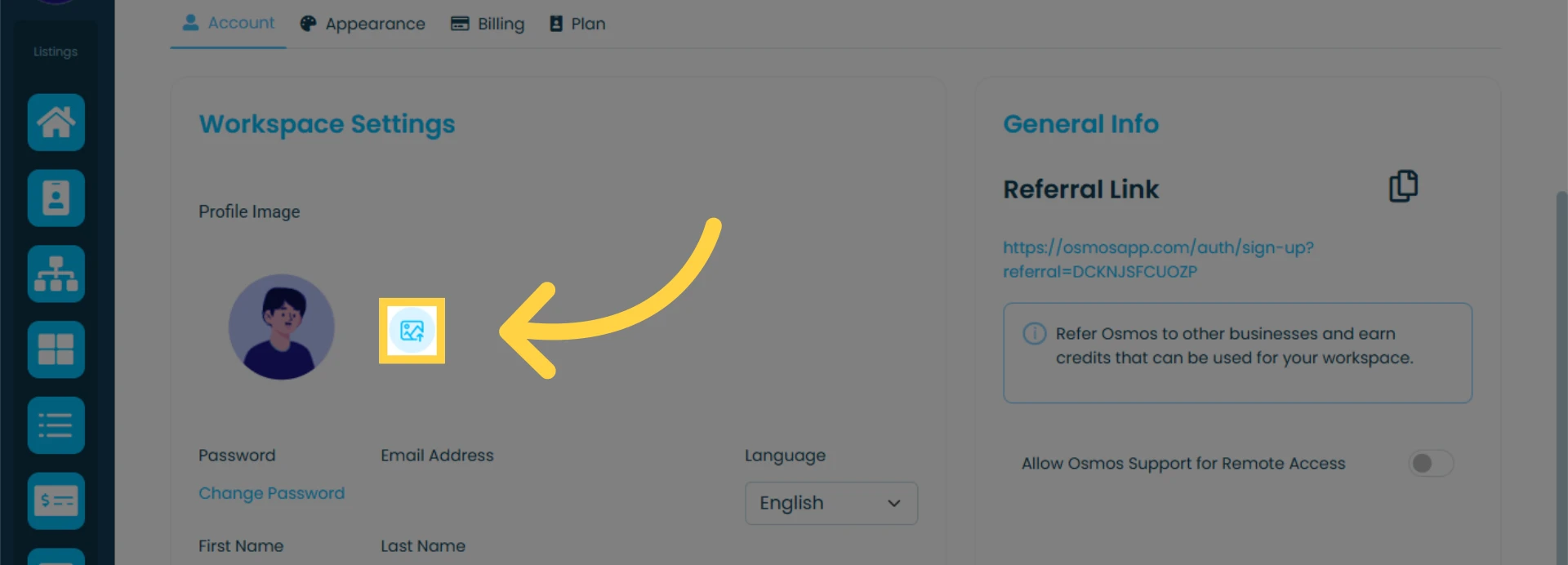
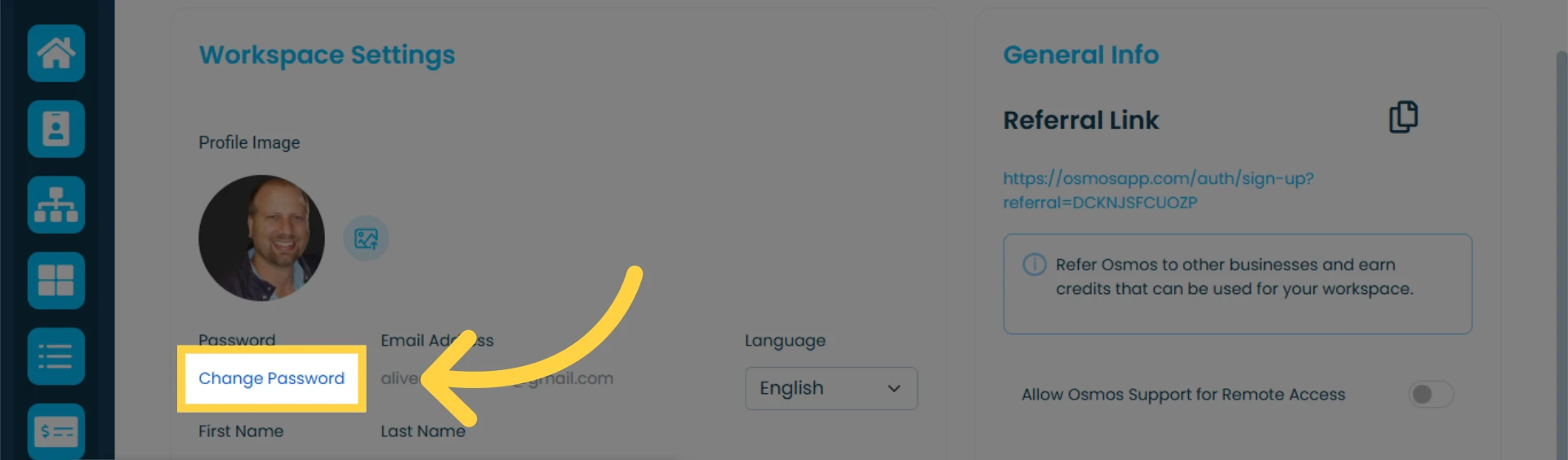
To change your password, click on "Change Password"
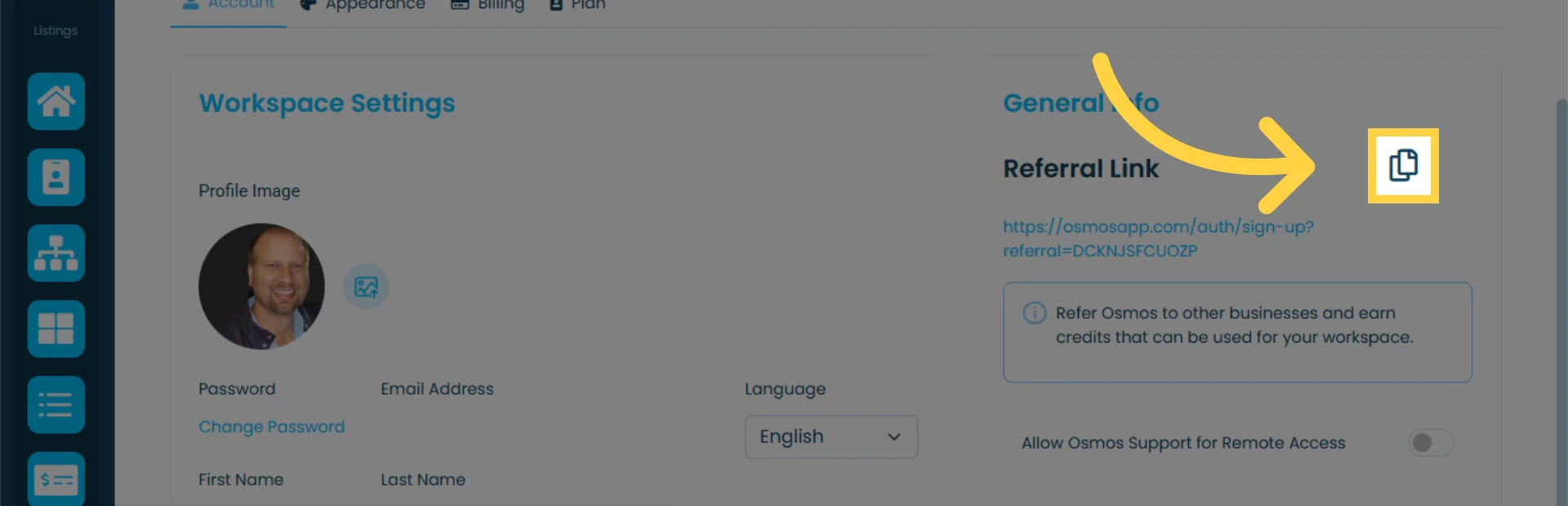
To earn money/credits through referrals, copy and share this link
Learn how referrals work.
Granting Access to the Osmos Support Team
Learn how remote access works.