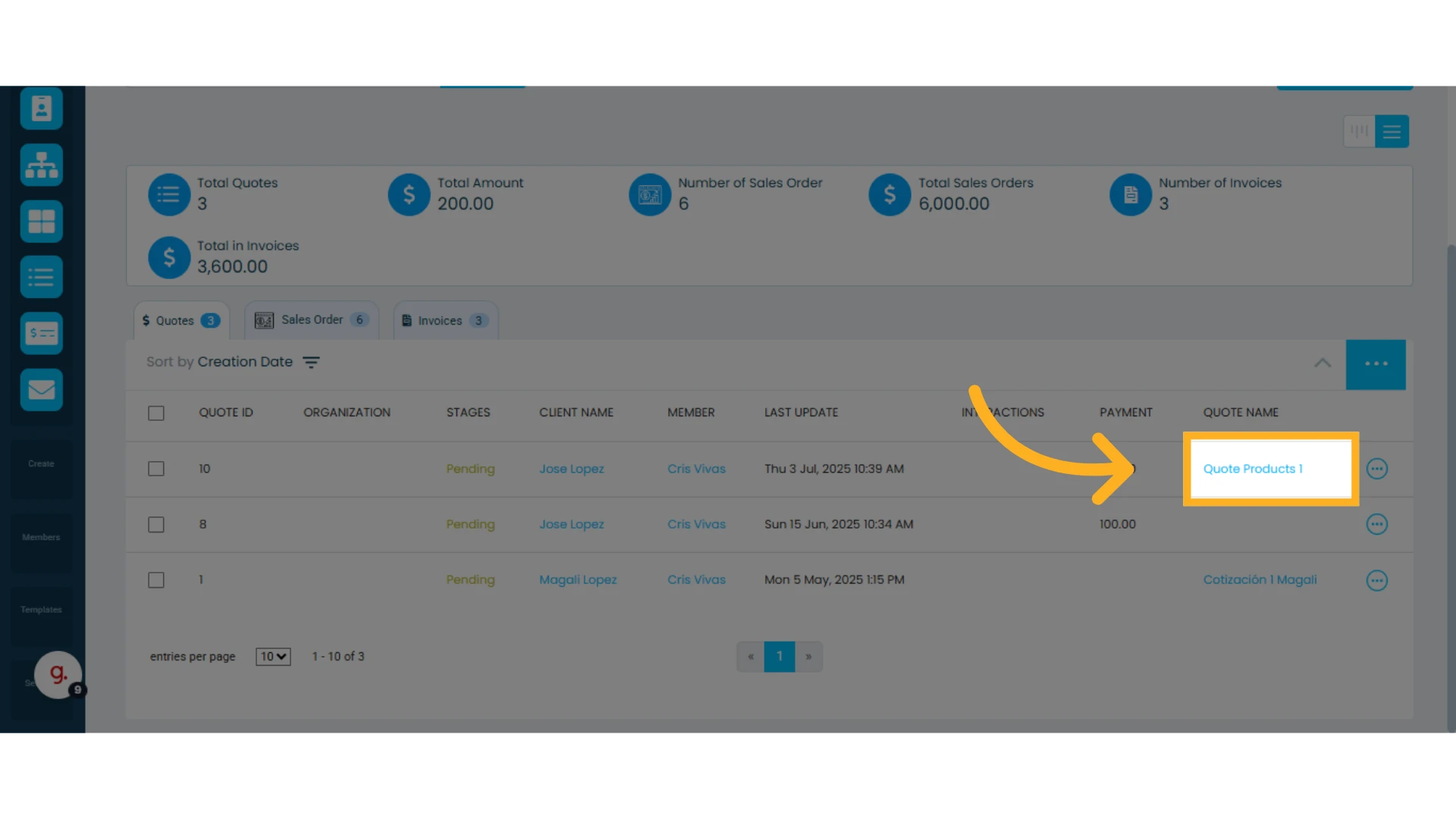
Assigning a name to a quote can be very useful for identifying and reusing it in the future.
This allows you to name different quotes and clone them to assign to other clients—without needing to create a new one from scratch.
For example, if you’re asked for the same quote with the same items, instead of recreating it from zero, you can simply save and name a quote, reuse it, and just assign the contact/client you want to send it to.
Learn how to clone a quote.
How to assign a name to a quote:
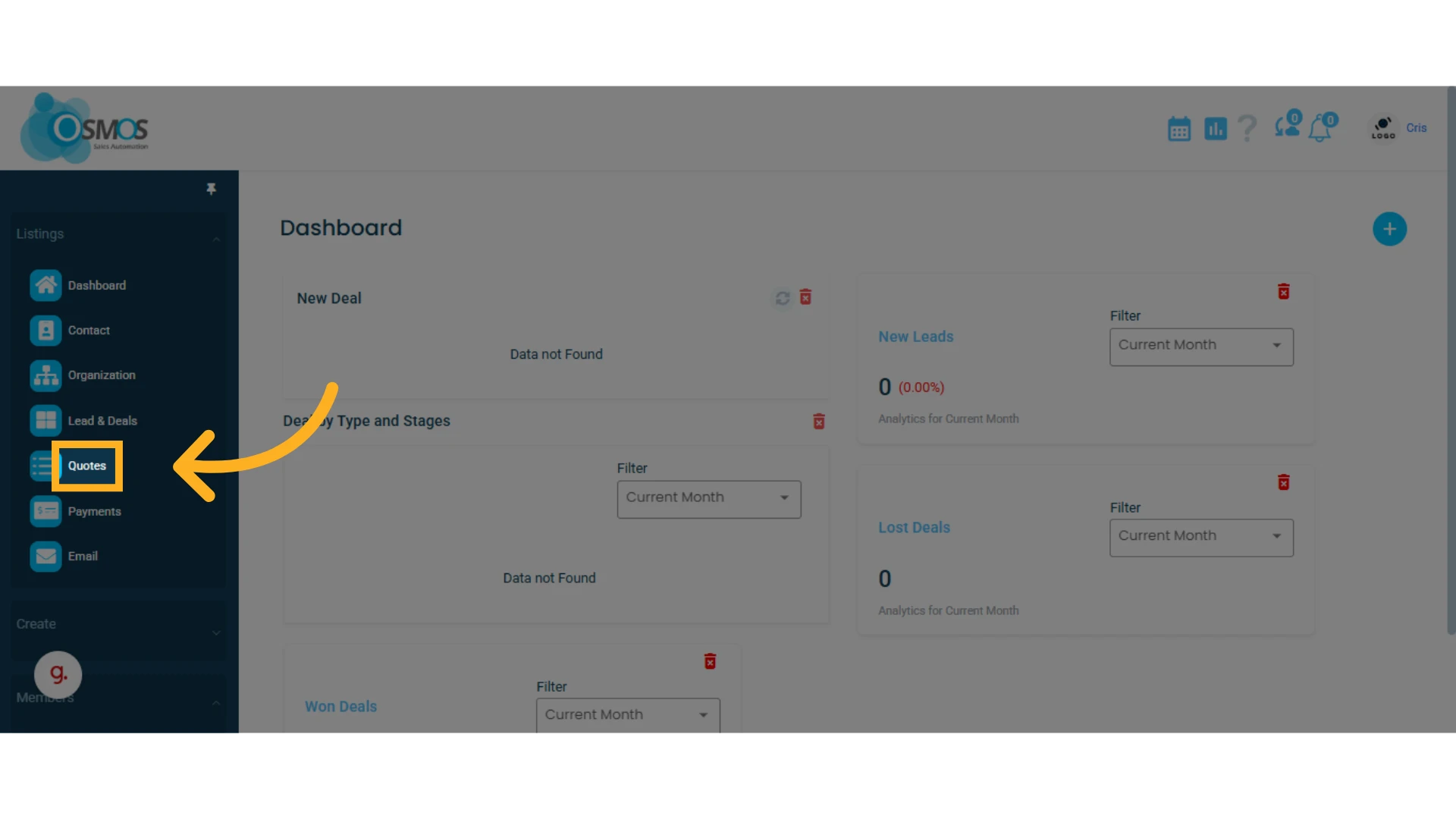
1. Go to the left-hand menu and select the "Quotes" module
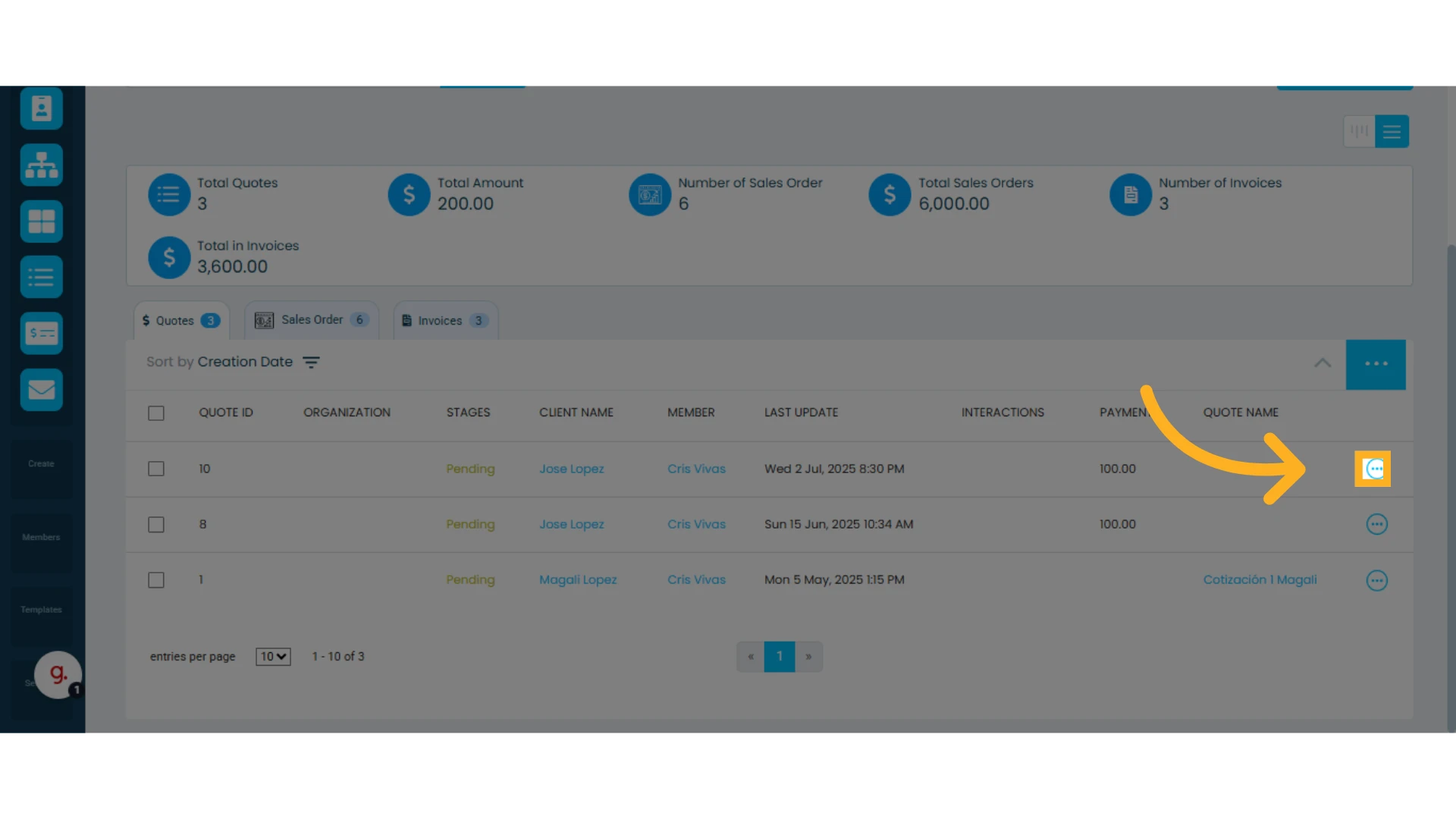
2. Find the quote list and click the three-dot menu to the right of the quote you want to name
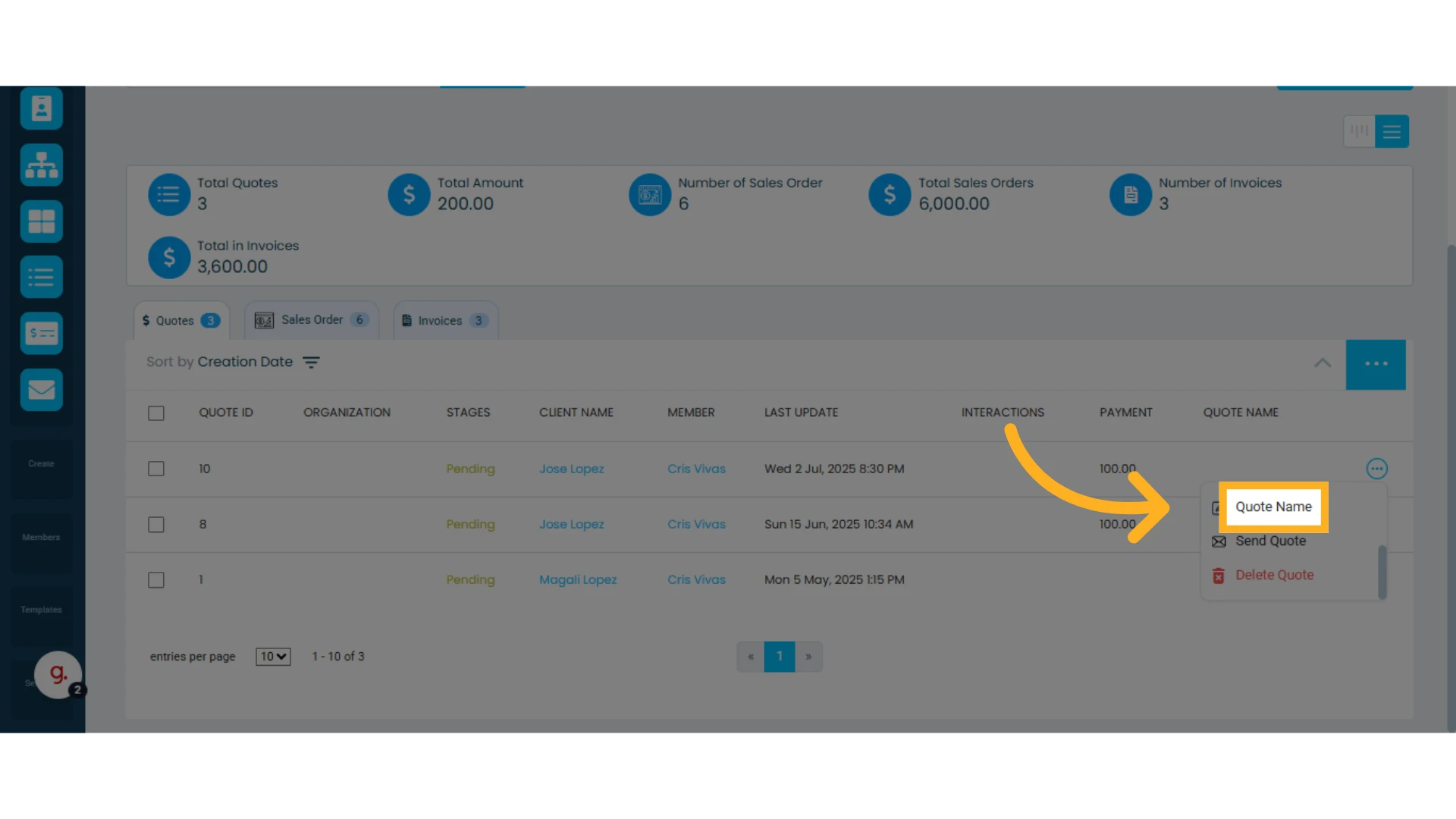
3. Select the "Quote Name" option
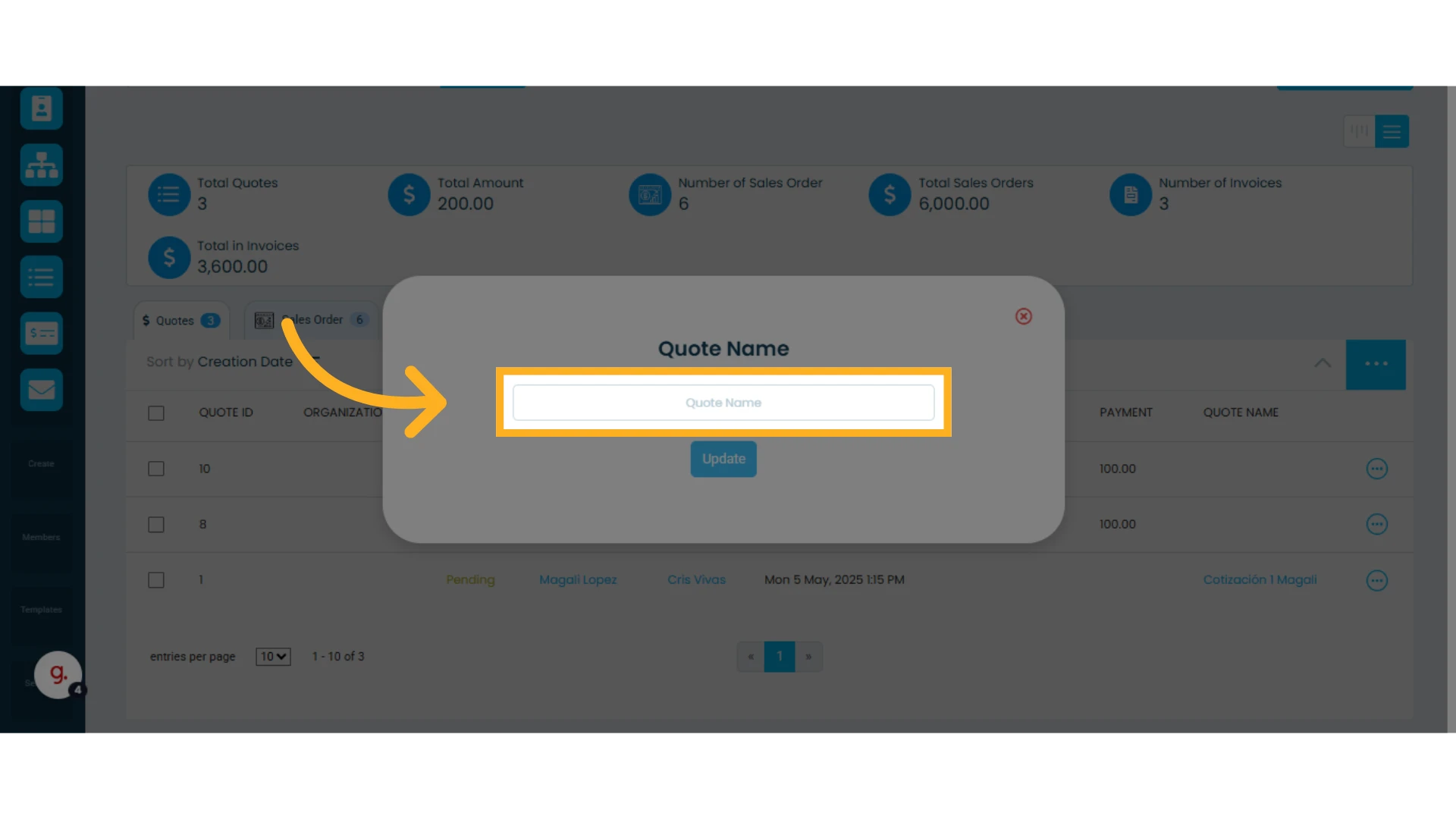
4. A window will open where you can enter the new name. Type the name you want to use.
5. Click "Update" to save the changes
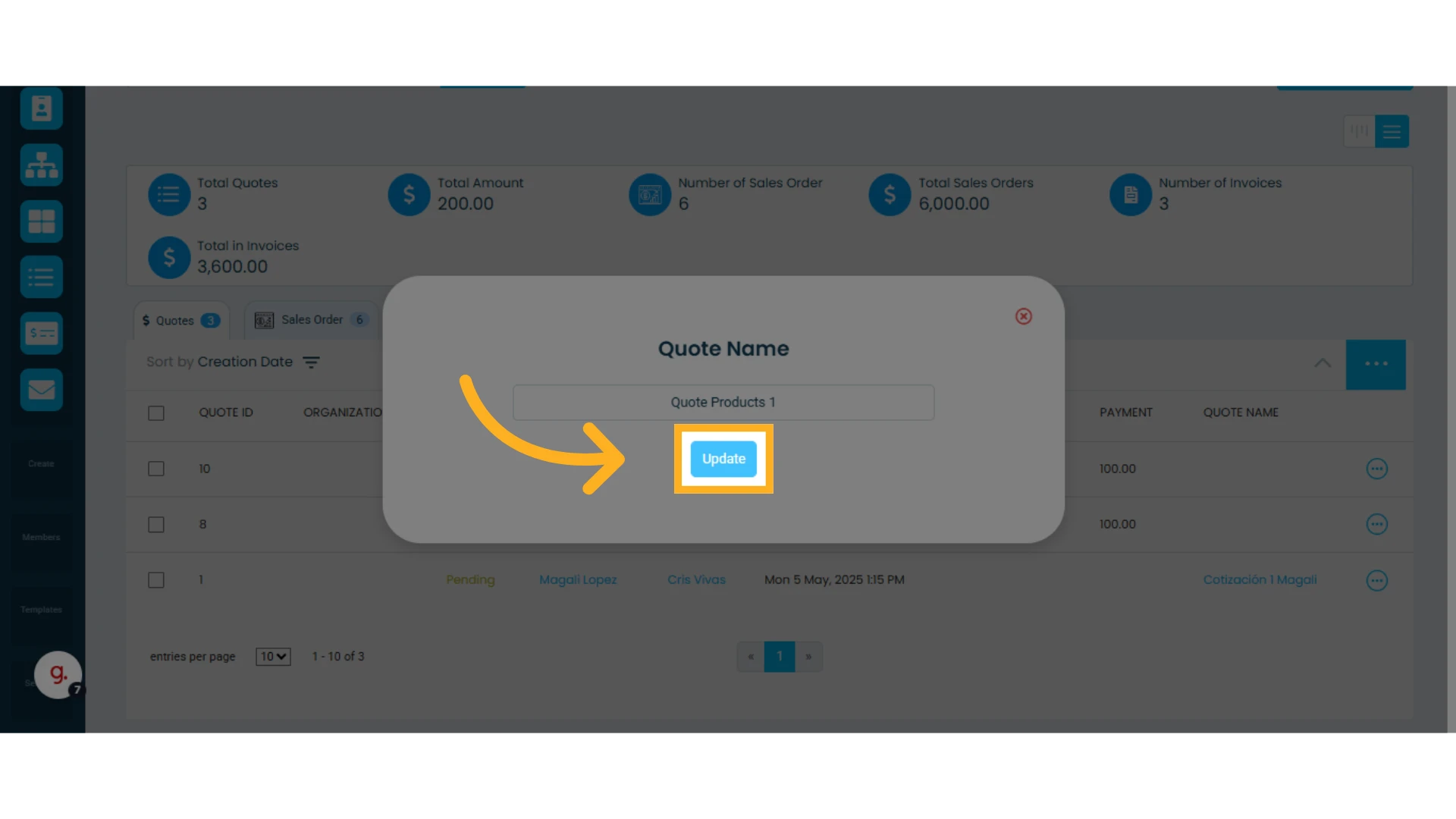
Once done, you’ll see the quote name in your list of quotes. This makes it easier to find and reuse previously created quotes and clone them to use them for new contacts/clients.