In this guide, you will learn how to upload multiple item images quickly and efficiently, saving time when managing your catalog.
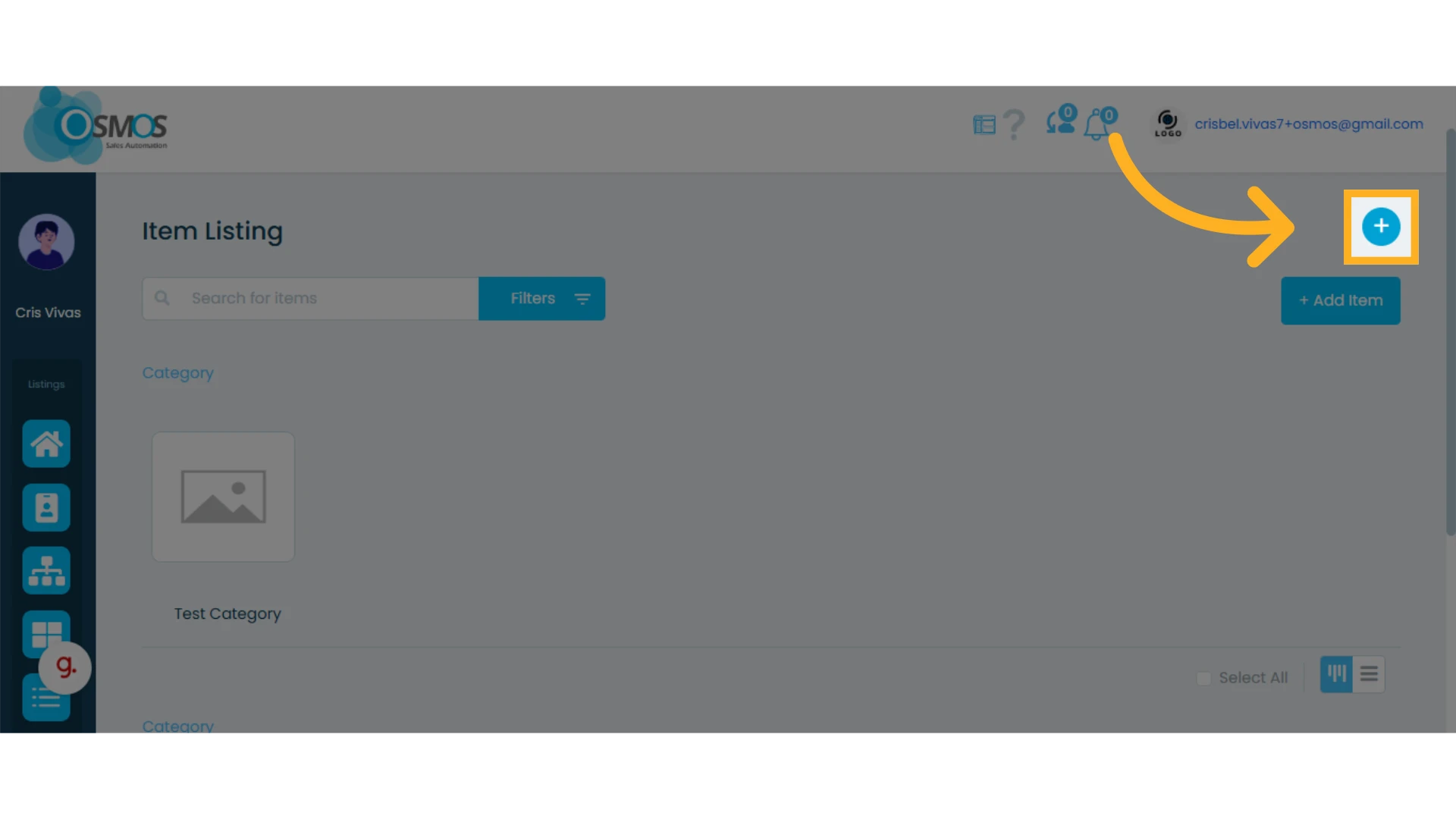
1. Click the “+” icon and select “Upload Images”
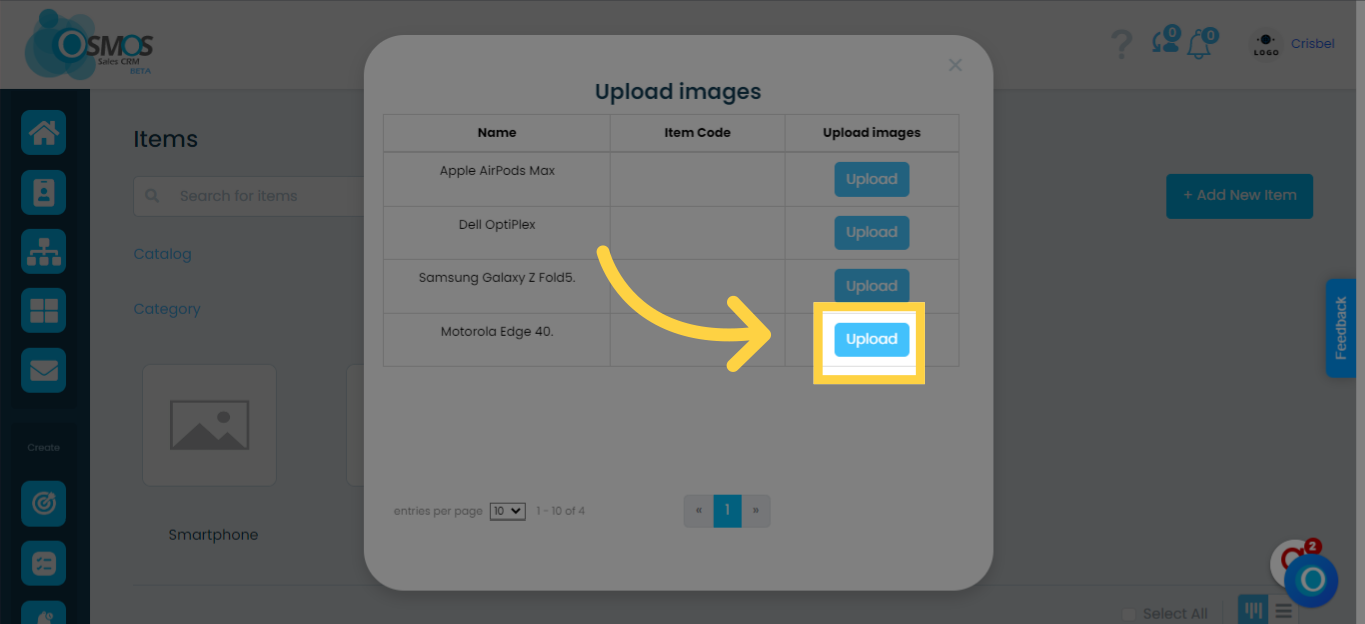
2. Click the “Upload” button next to the corresponding item
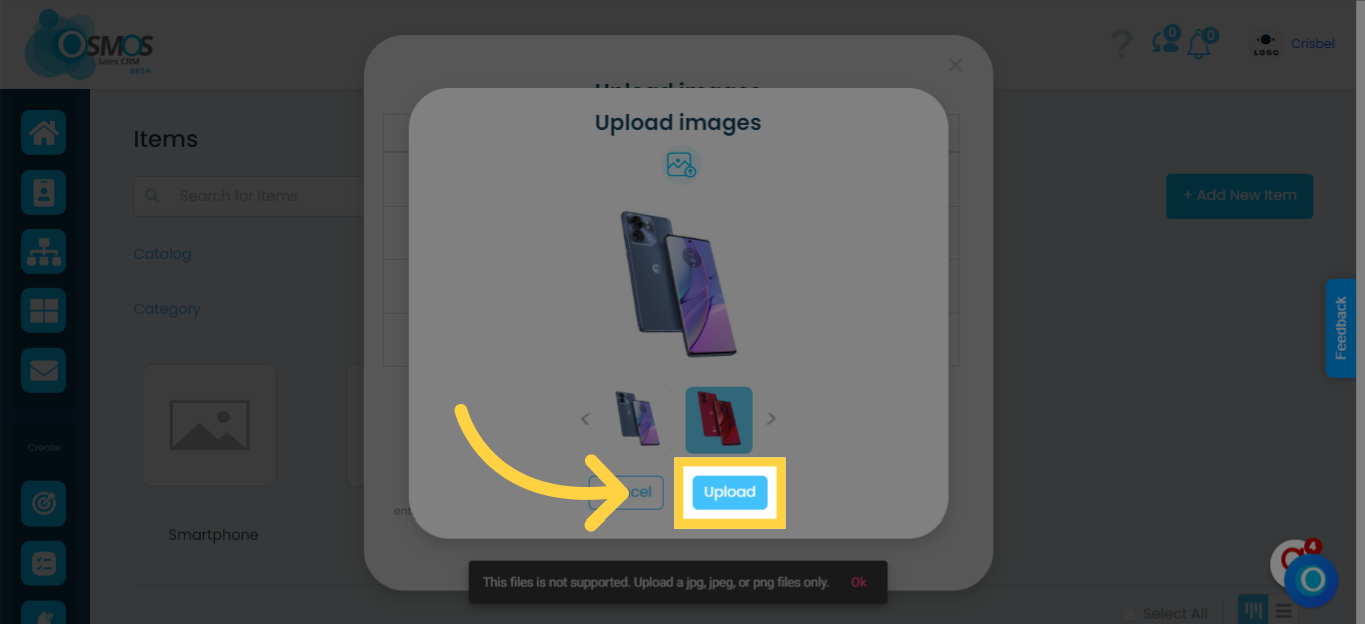
Select all the images you want to upload for the item and click “Upload.”
Repeat these steps for each item.