In this guide, you’ll learn how to edit a quote template in two ways: directly from the "Quote Templates" module or from within an individual quote.
From the Quote Templates Module in the left-hand menu:
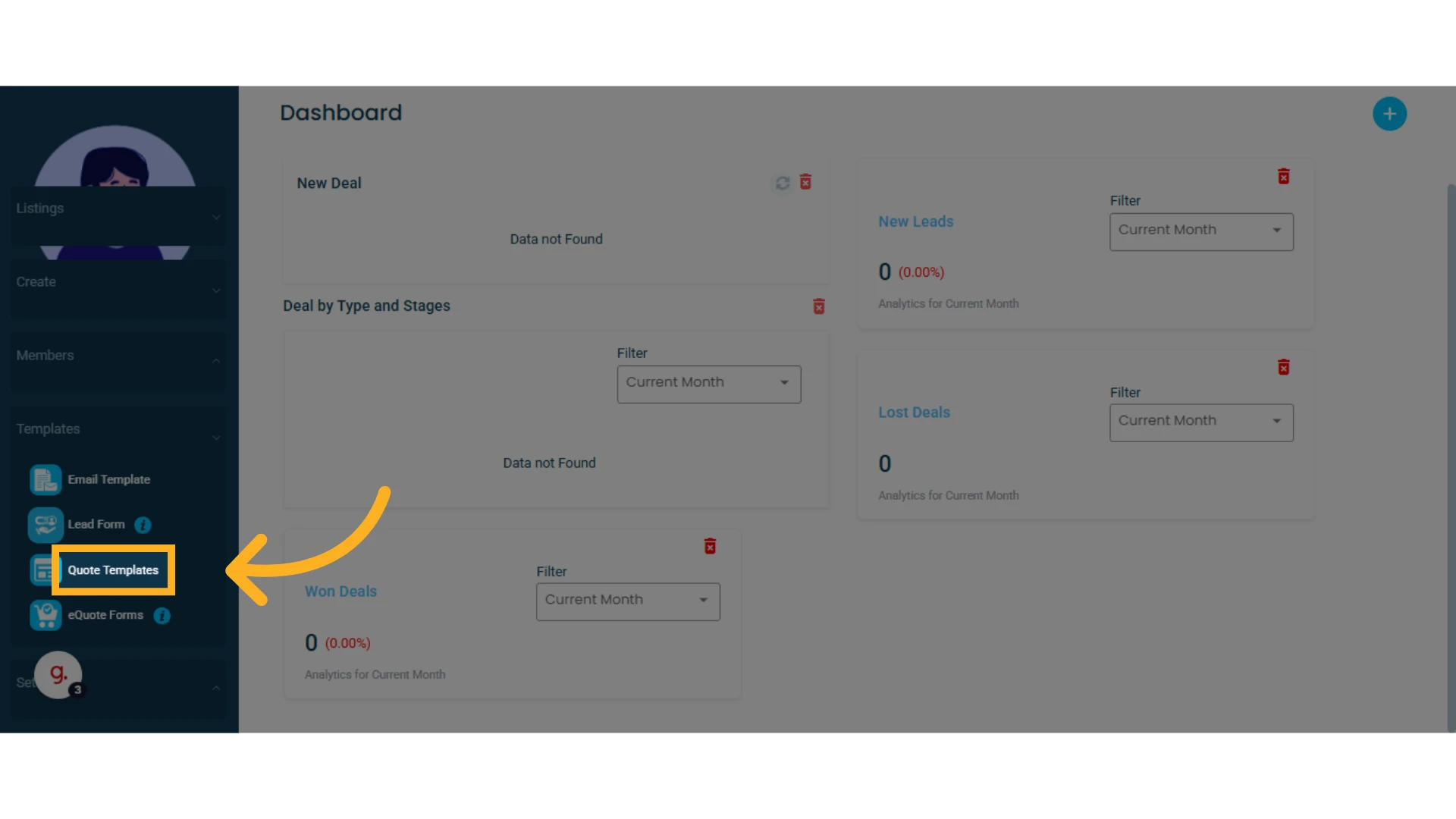
1. Go to the "Templates" menu and select "Quote Templates"
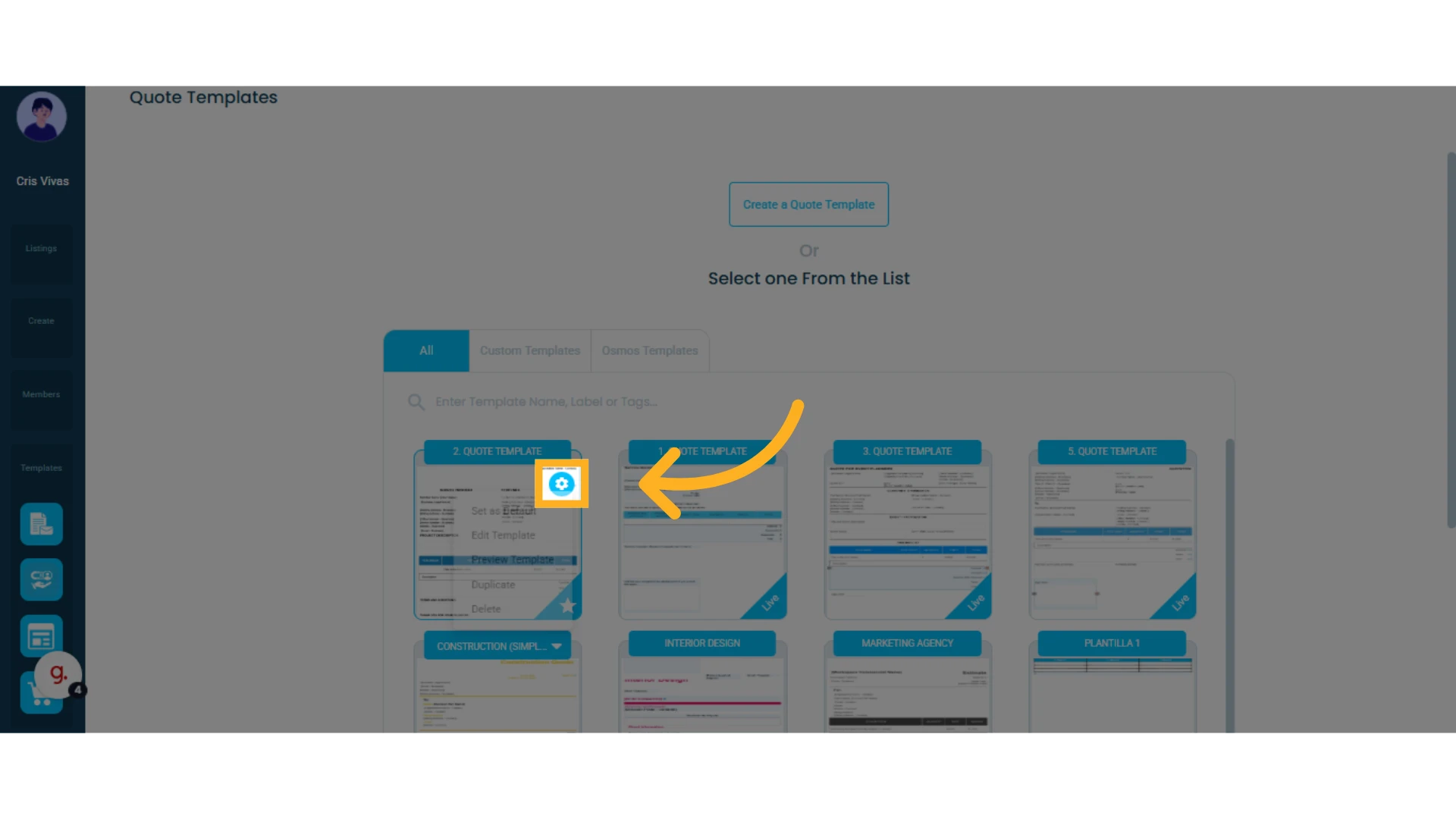
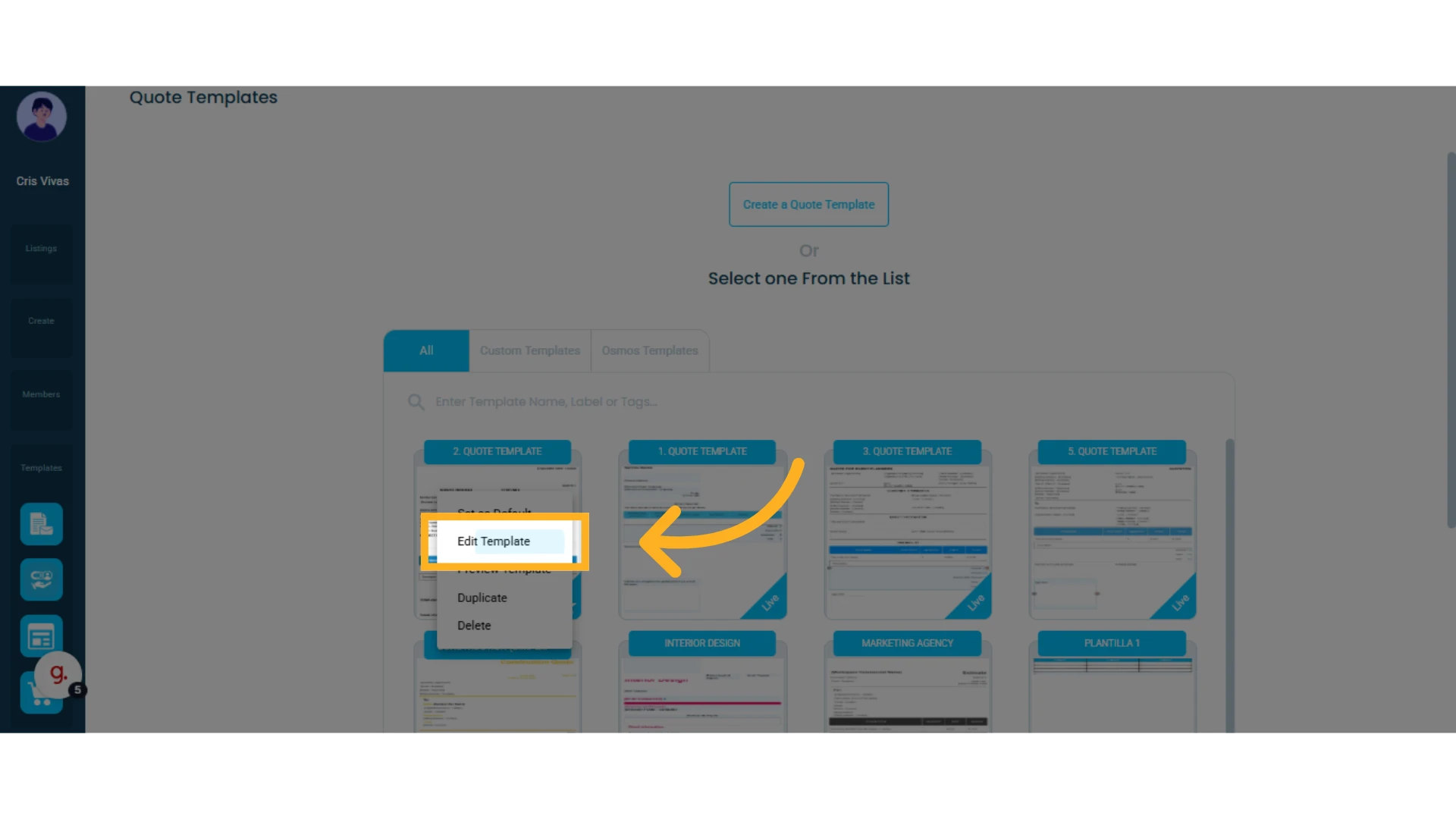
2. Click the gear icon next to the template you want to edit and select "Edit Template"
Learn how to design a quote template.
From a Quote:
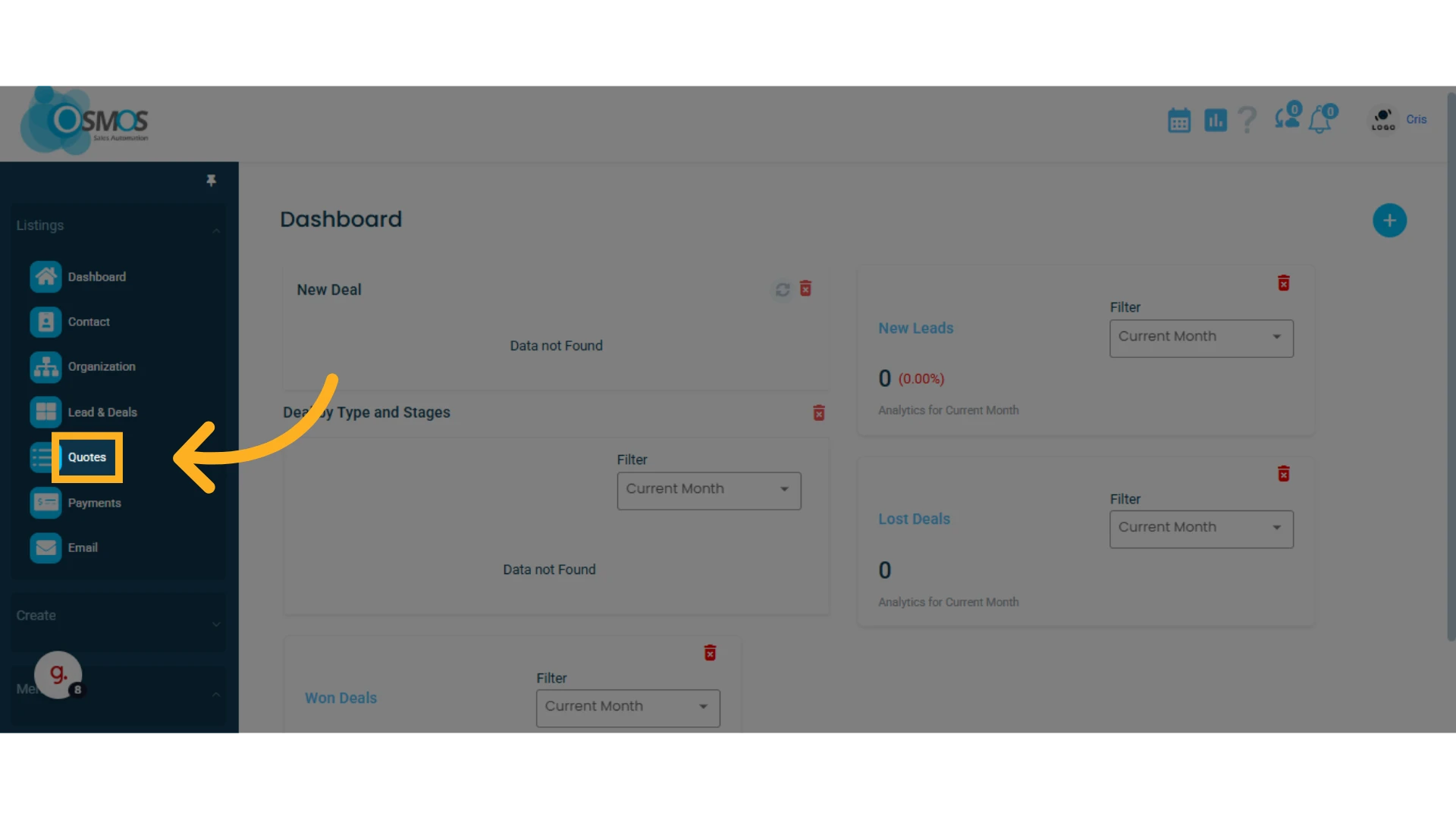
1. Go to the left-hand menu and select the "Quotes" module
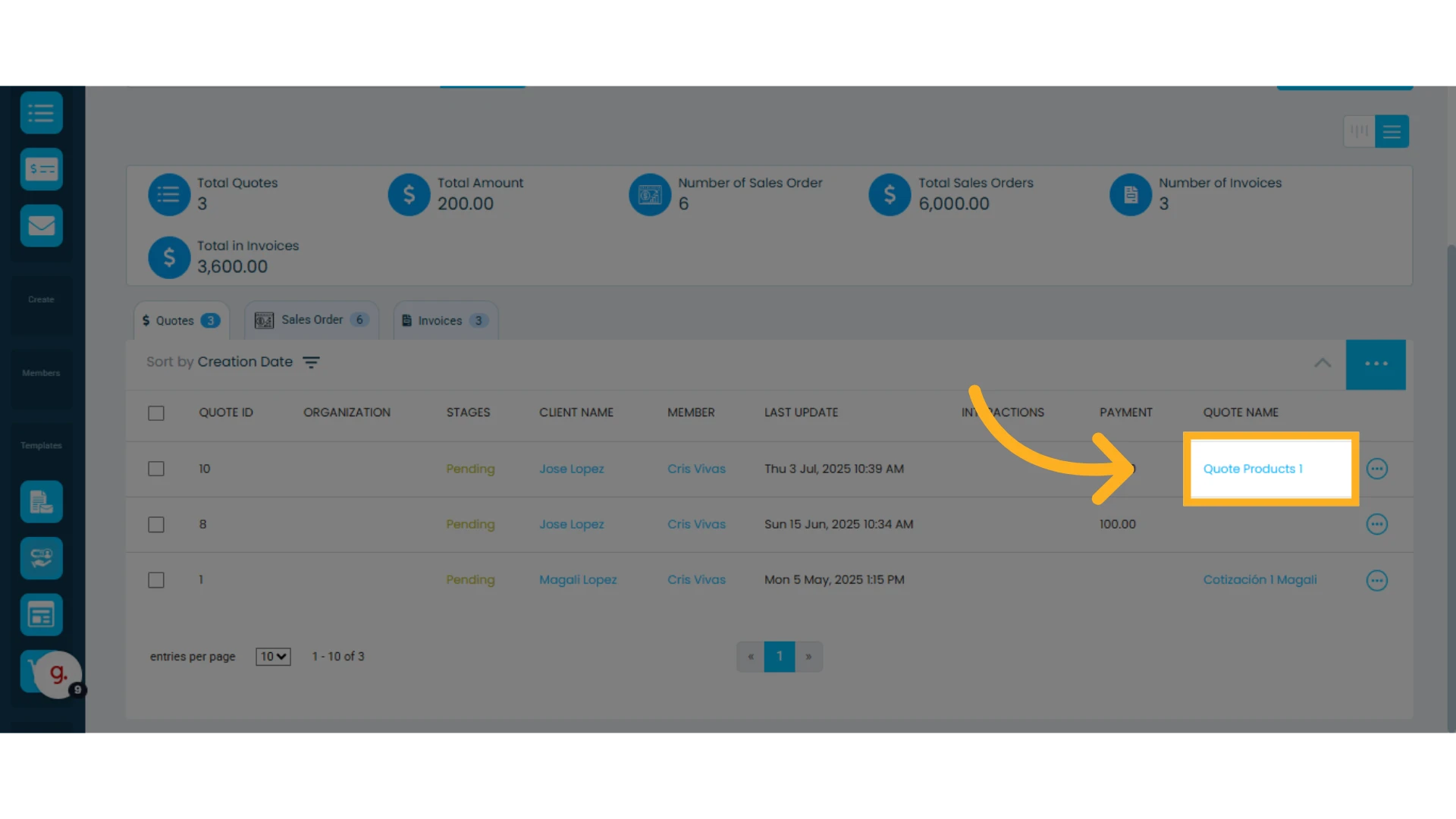
2. Find the quote you want to modify in the list and click to open it
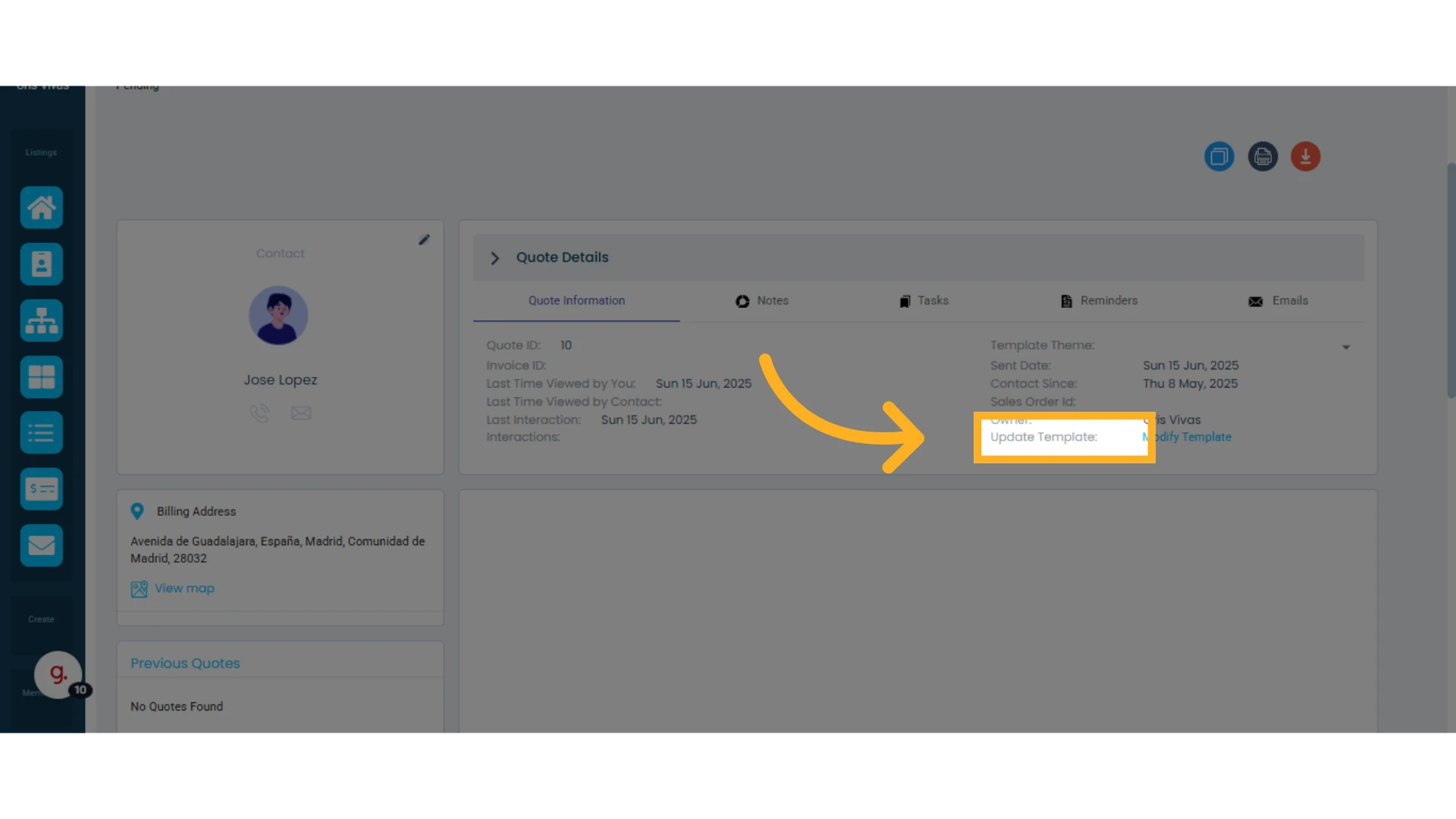
3. In the top-right corner of the quote, you’ll see the "Update Template" option
4. Click "Modify Template"
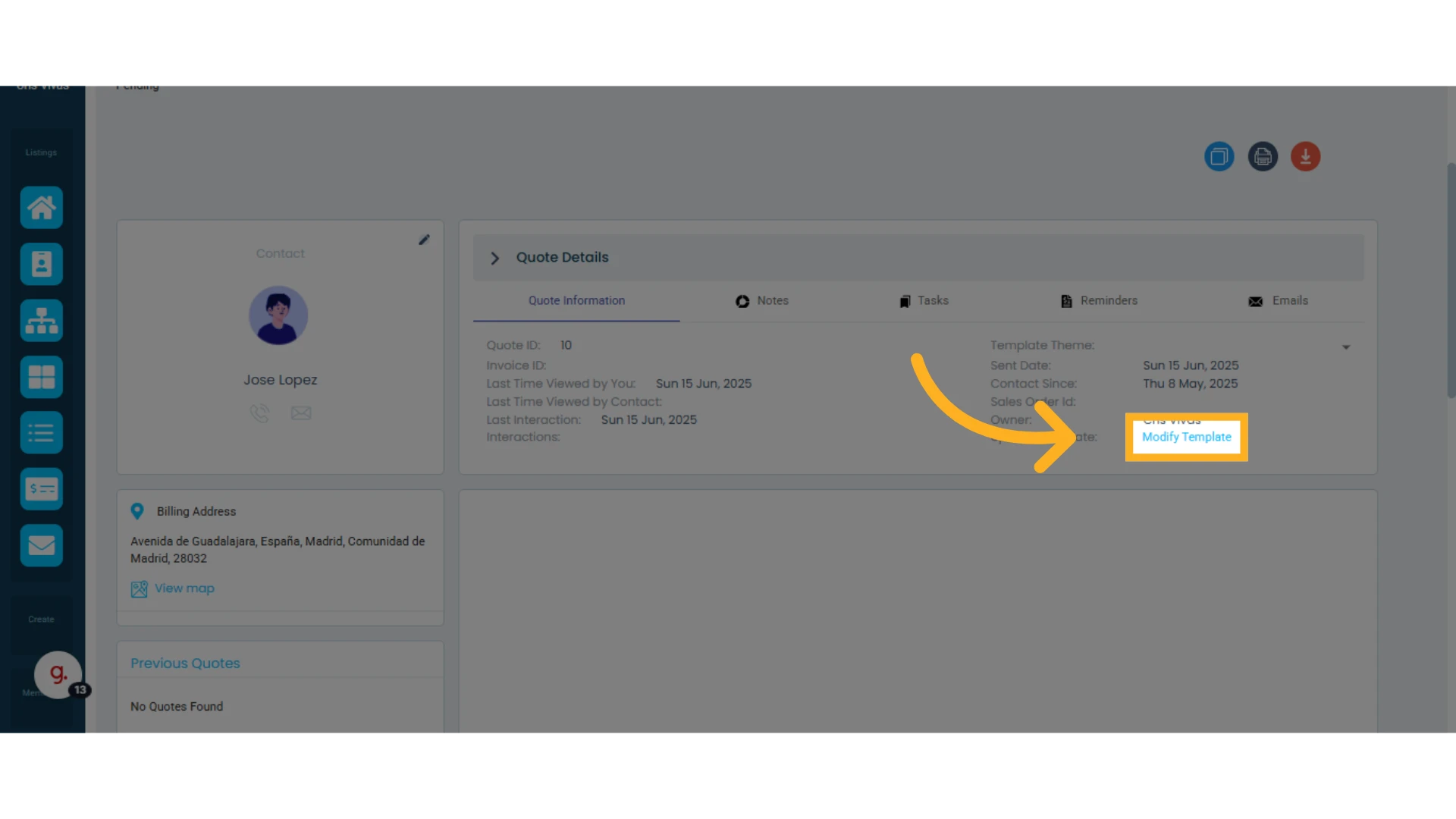
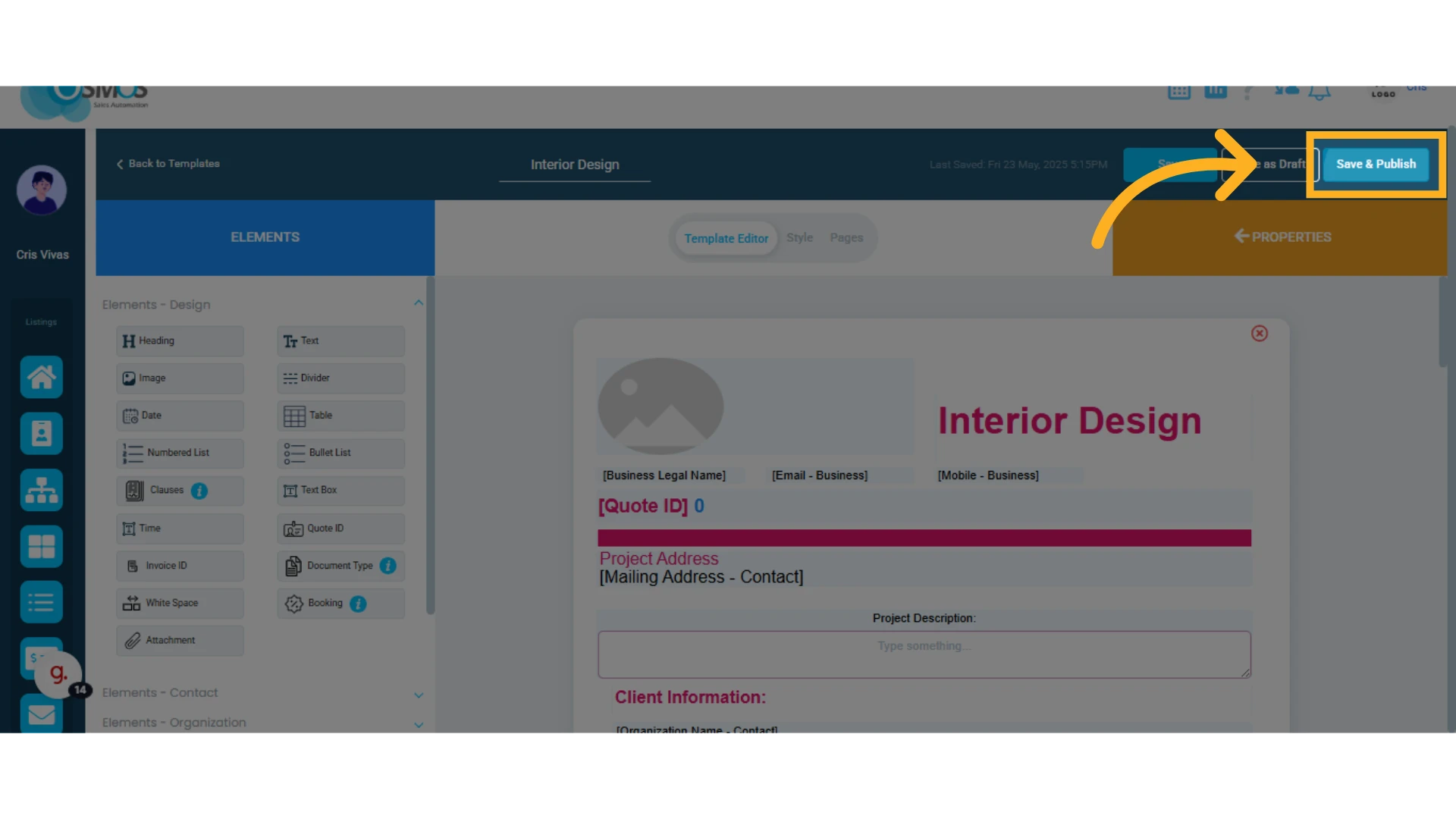
After clicking "Edit Template," you can make the necessary changes to the quote template. Don’t forget to click "Save & Publish" to apply the changes.