Cloning a quote in Osmos allows you to easily replicate an existing quote, either with for the same contact or a new one.
In this guide, you’ll learn how to quickly and easily clone a quote.
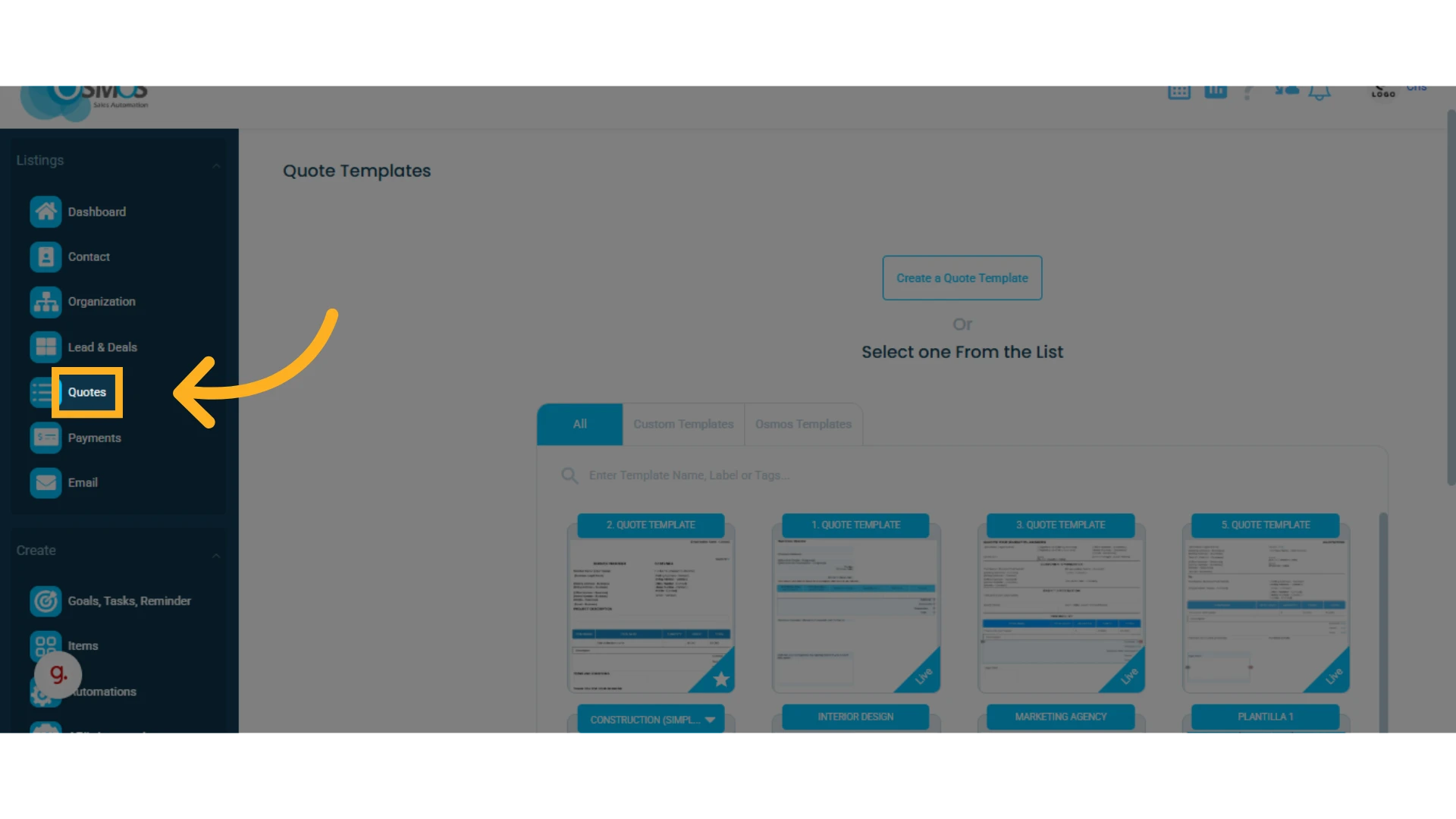
1. Go to the left-hand menu and select the "Quotes" module
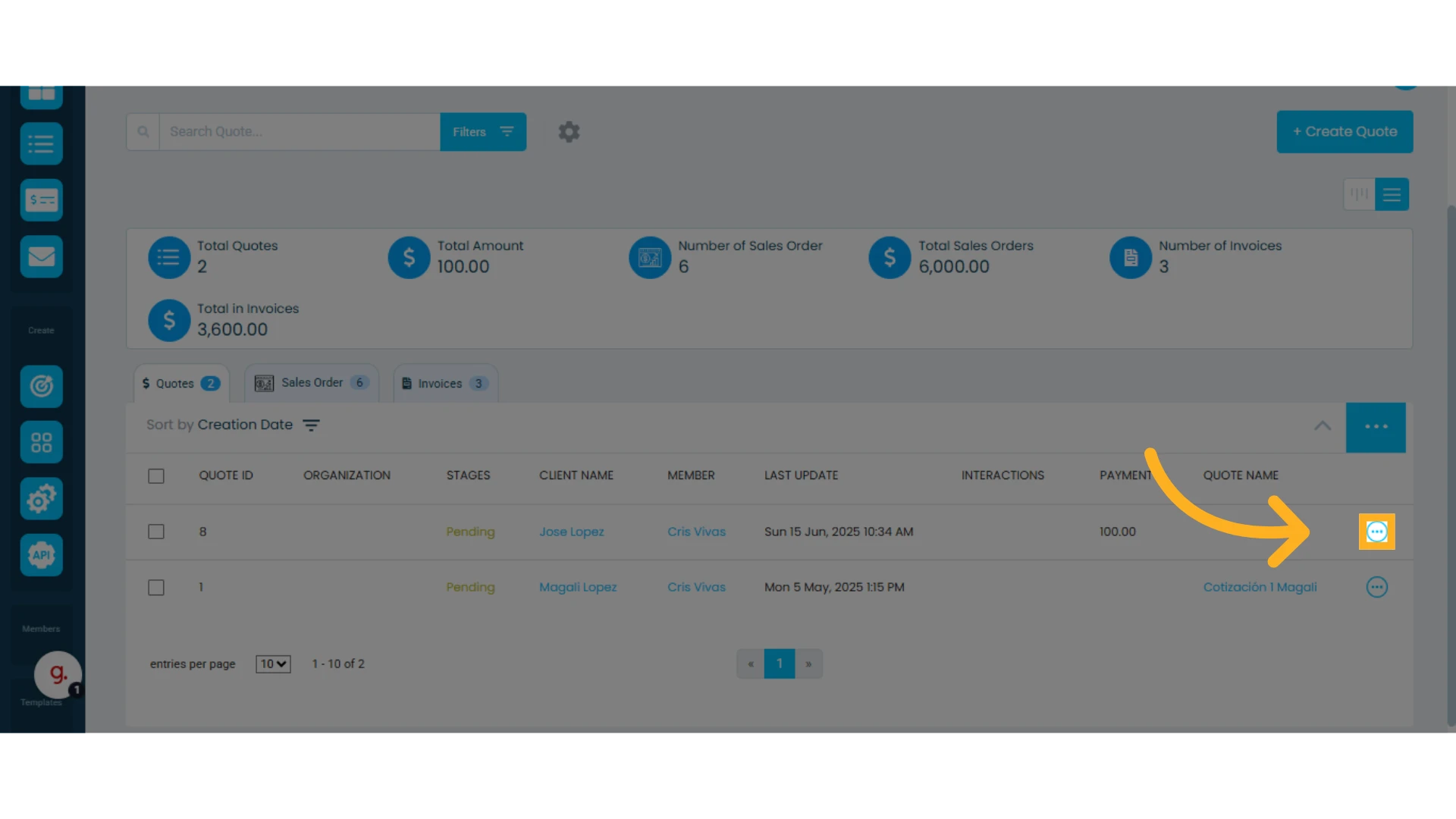
2. Locate the quote list and click the three-dot menu to the right of the quote you want to clone
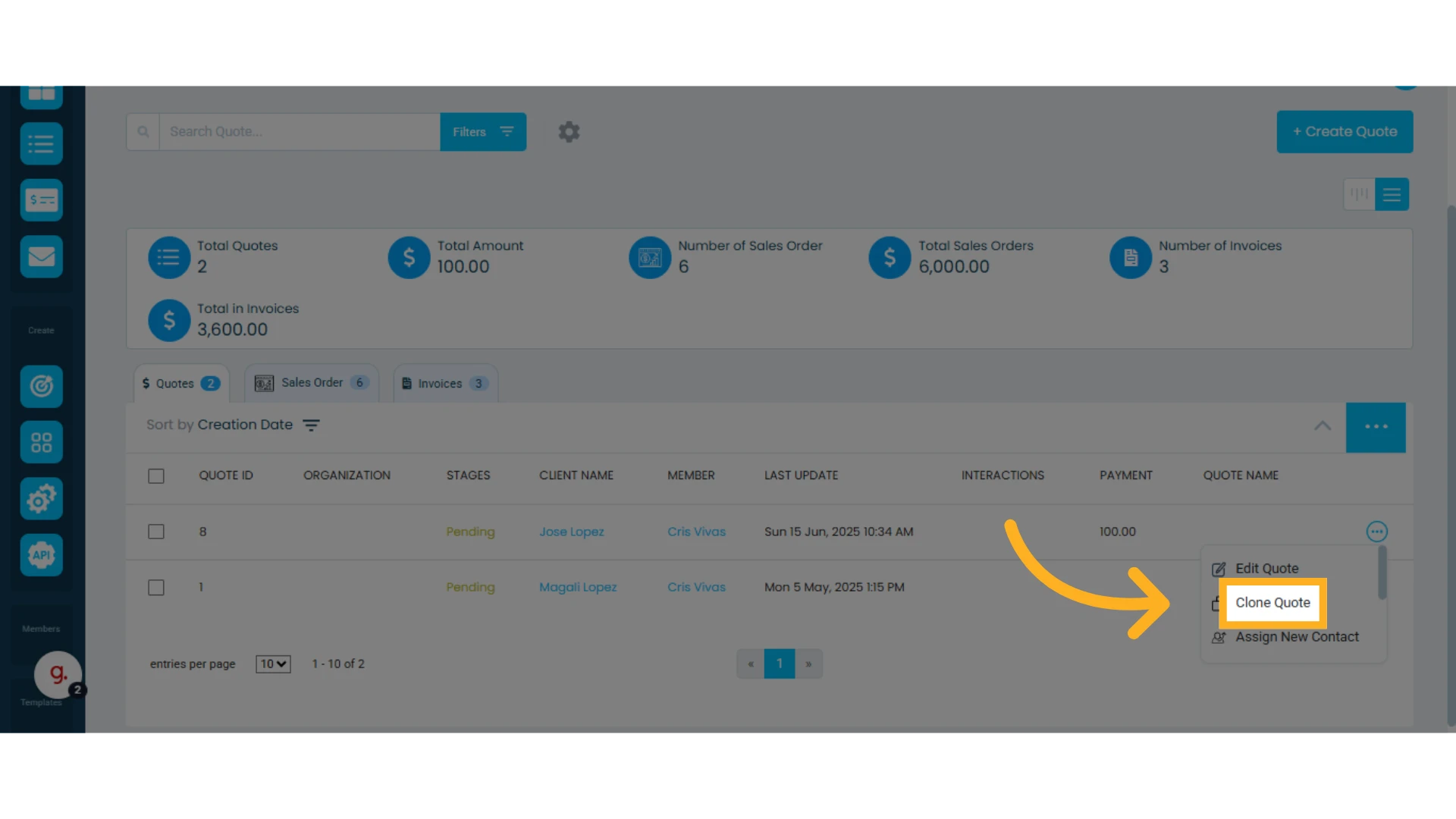
3. In the dropdown menu, select "Clone Quote"
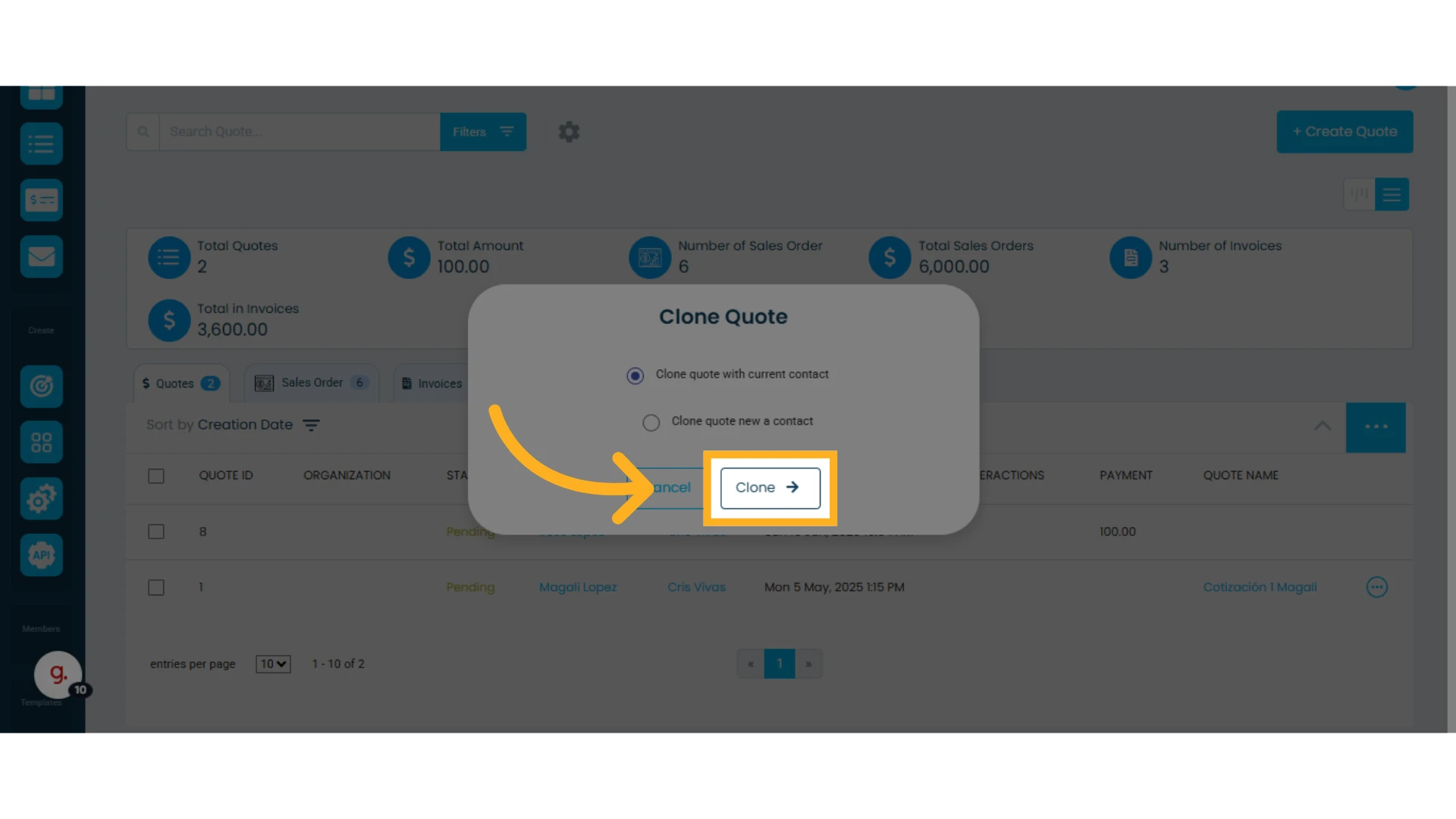
4. Choose one of the following options:
Clone quote with current contact: This will replicate the quote using the same contact.
Clone quote with new contact: This will allow you to assign a new contact to the same quote.
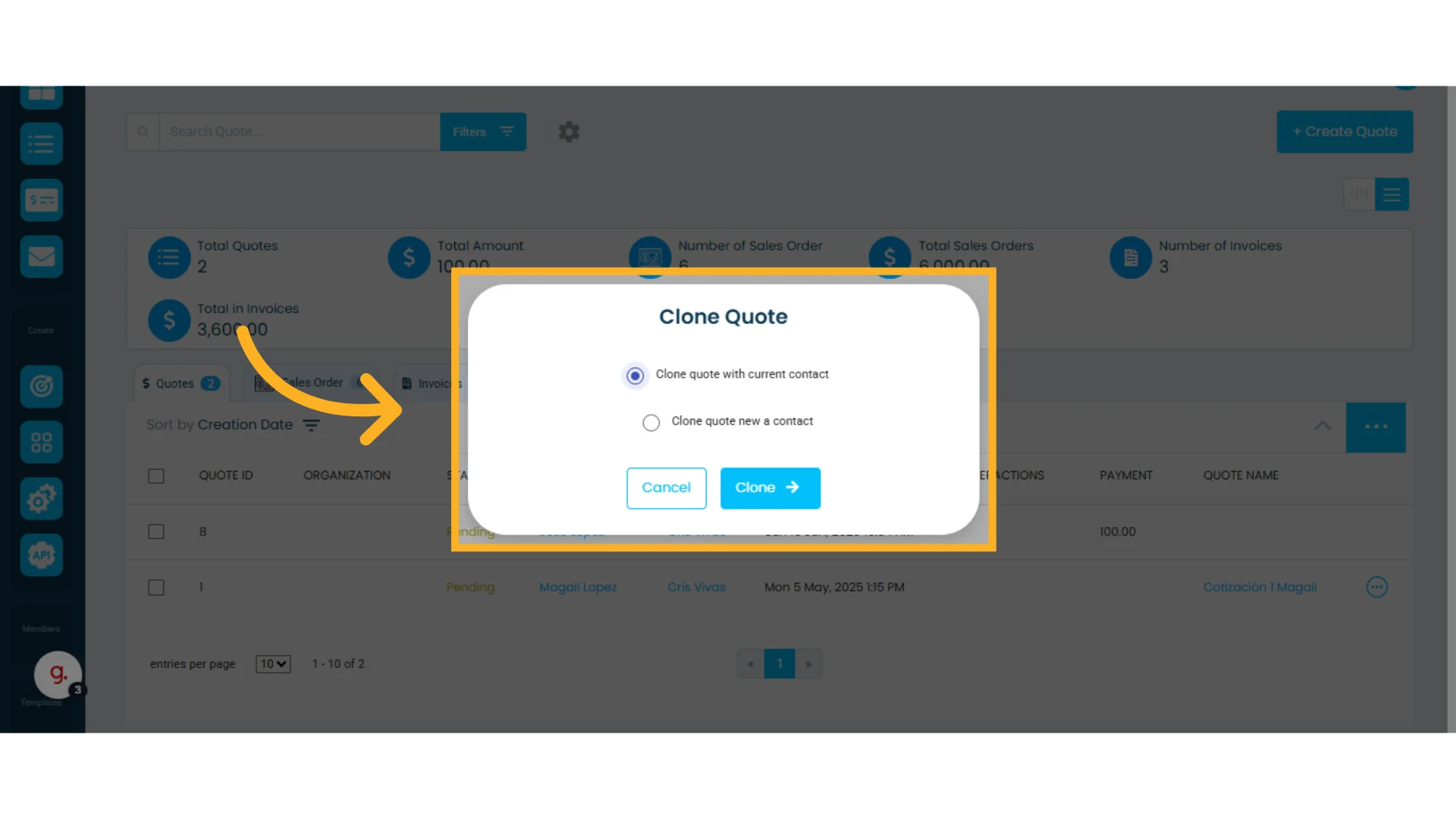
5. Click "Clone"
That’s it! Your quote has been successfully cloned.