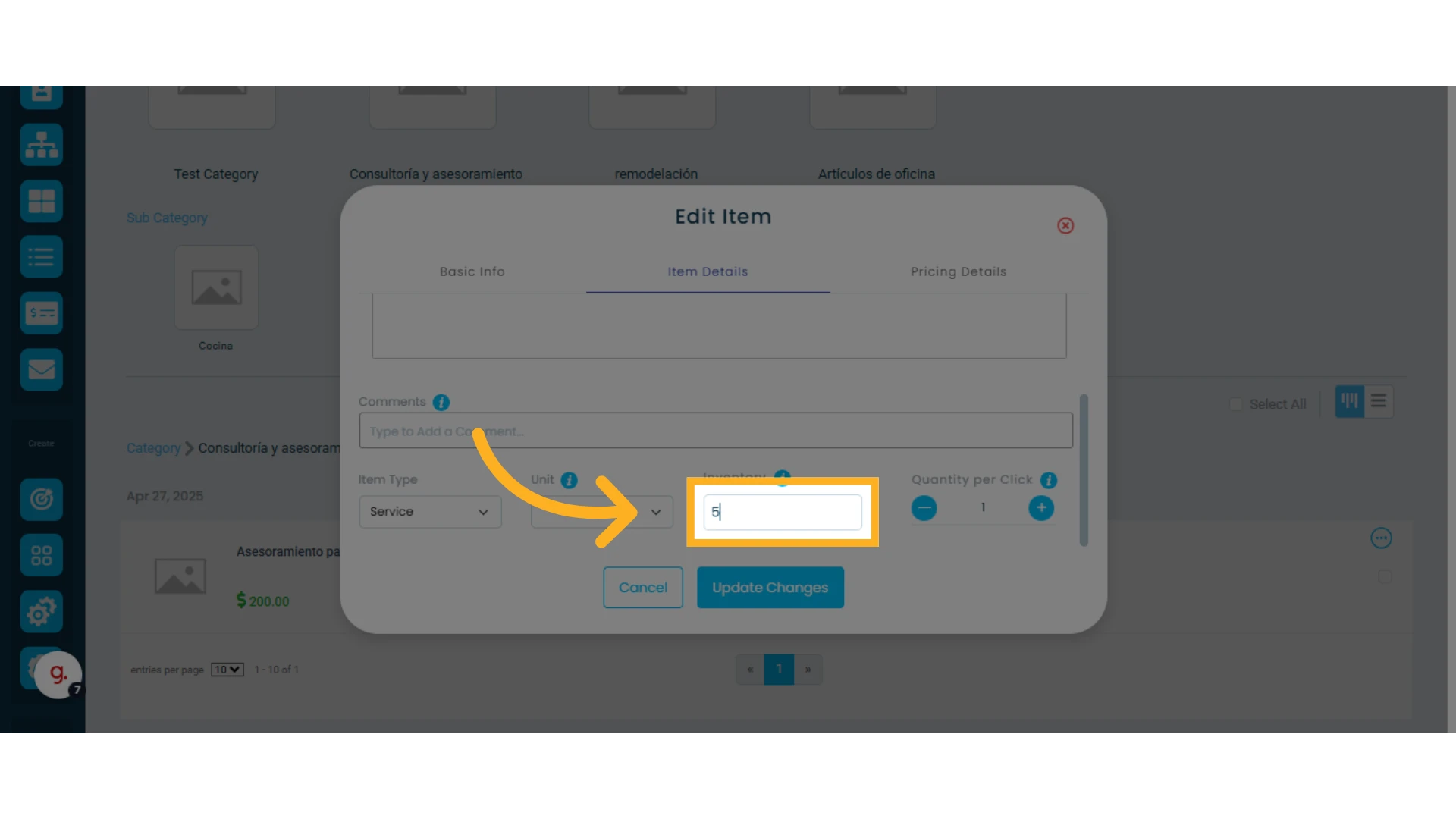
Managing inventory and service availability in Osmos is essential if you want to use the sales orders feature.
In this guide, you’ll learn how to adjust and manage your inventory so you can create sales orders.
Managing Inventory for Products
1. Check Product Availability
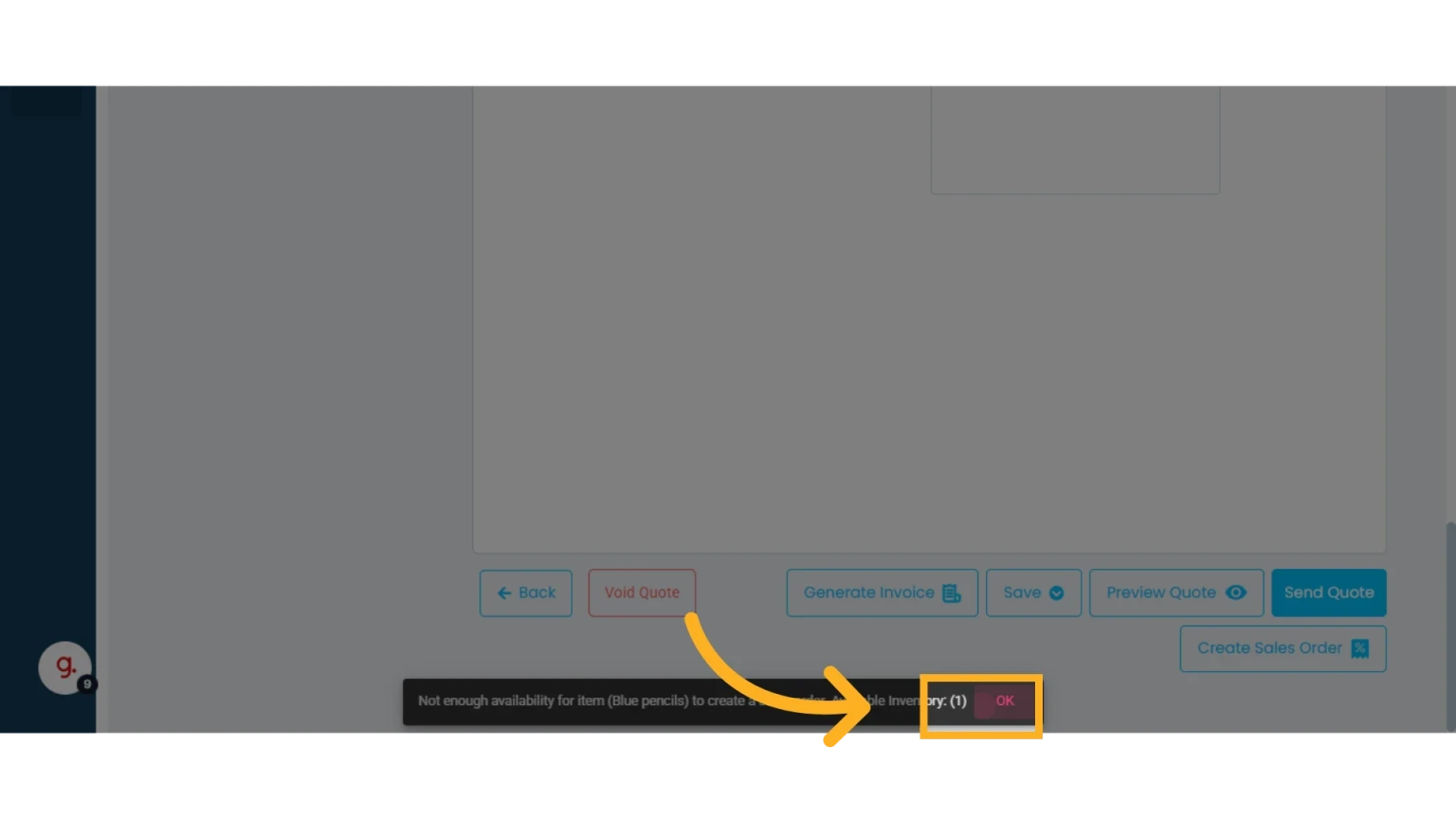
When creating a sales order, Osmos will automatically check the availability of your products.
If there aren’t enough products in stock, you’ll receive an error message indicating which items are unavailable.
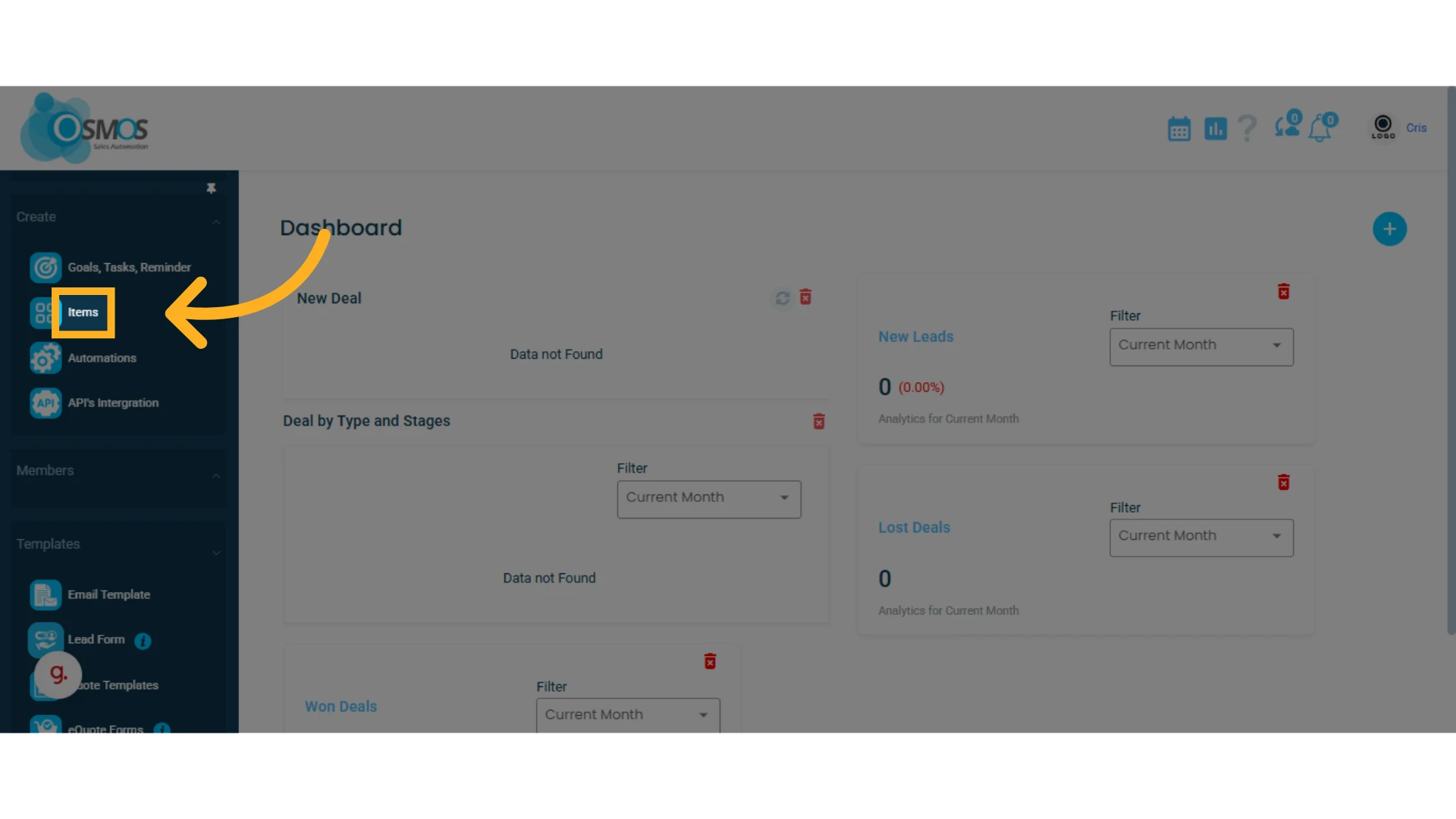
2. Go to the Items module
Access it from the main menu or edit the item directly from within the quote.
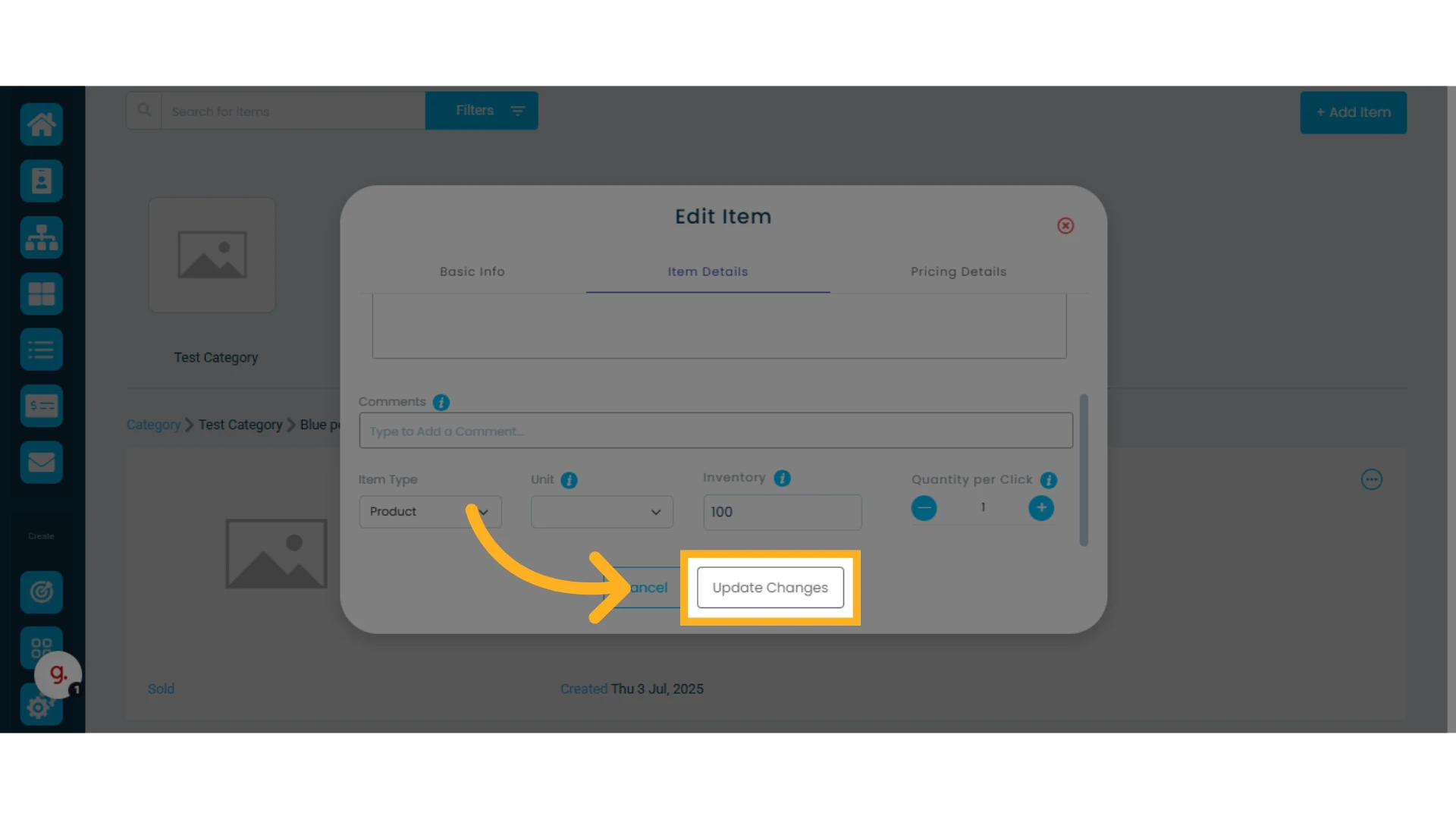
3. Update the Inventory Quantity
Find the product in the item list, click Edit, and update the available quantity.
Learn how to update items in bulk.
Managing Service Availability ("Inventory")
Before creating a sales order with services, you need to include the "Booking" element in your quote template. This allows Osmos to check service availability based on the start and end date and time of the service.
Learn how to create a sales order with services and everything about sales orders.
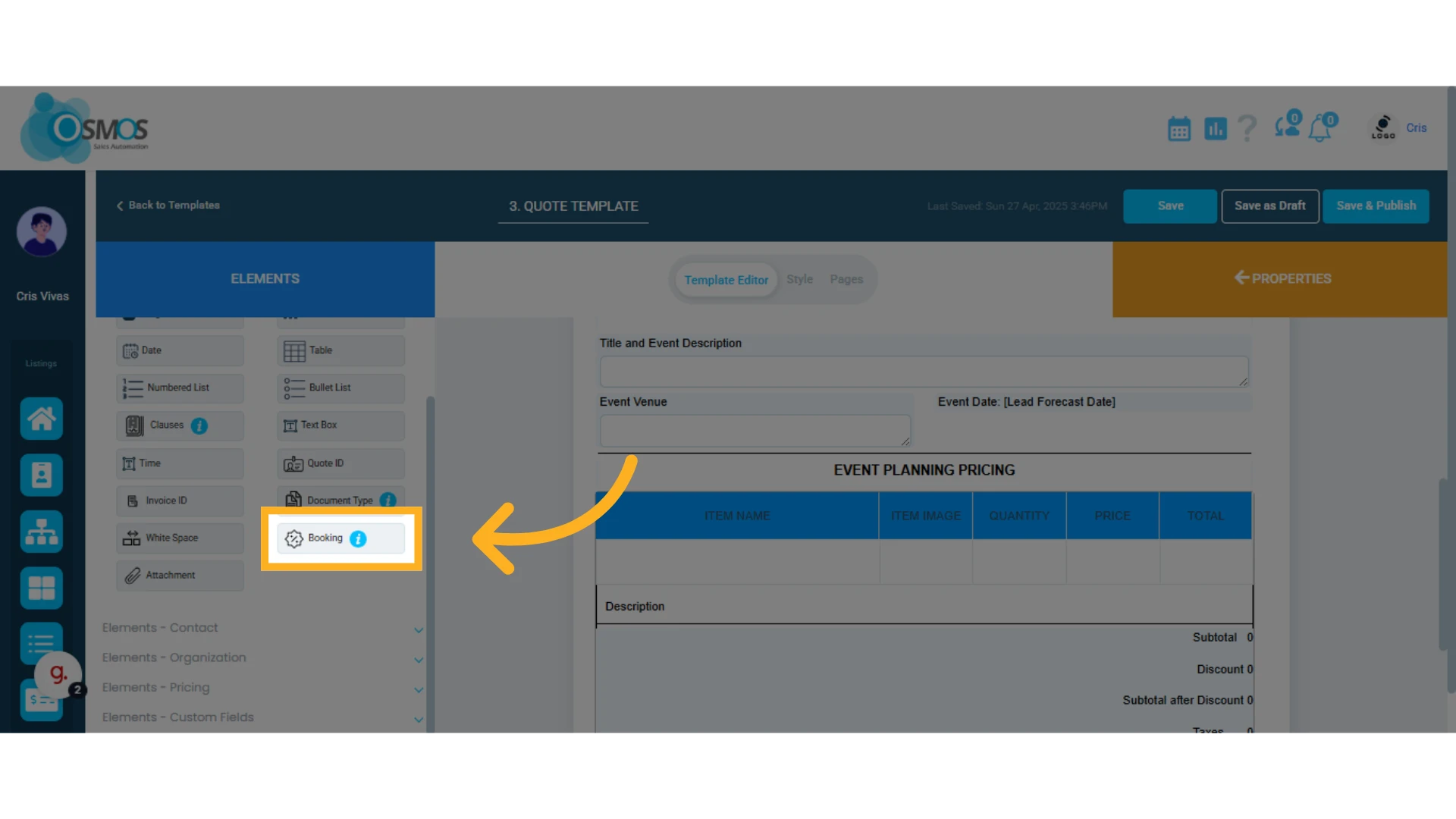
By following the same steps as for products, you can manage your service availability. Keep in mind that service inventory is NEVER deducted automatically; it is simply marked as unavailable when a sales order that includes the service is created.
1. Mark the item as a "Service"
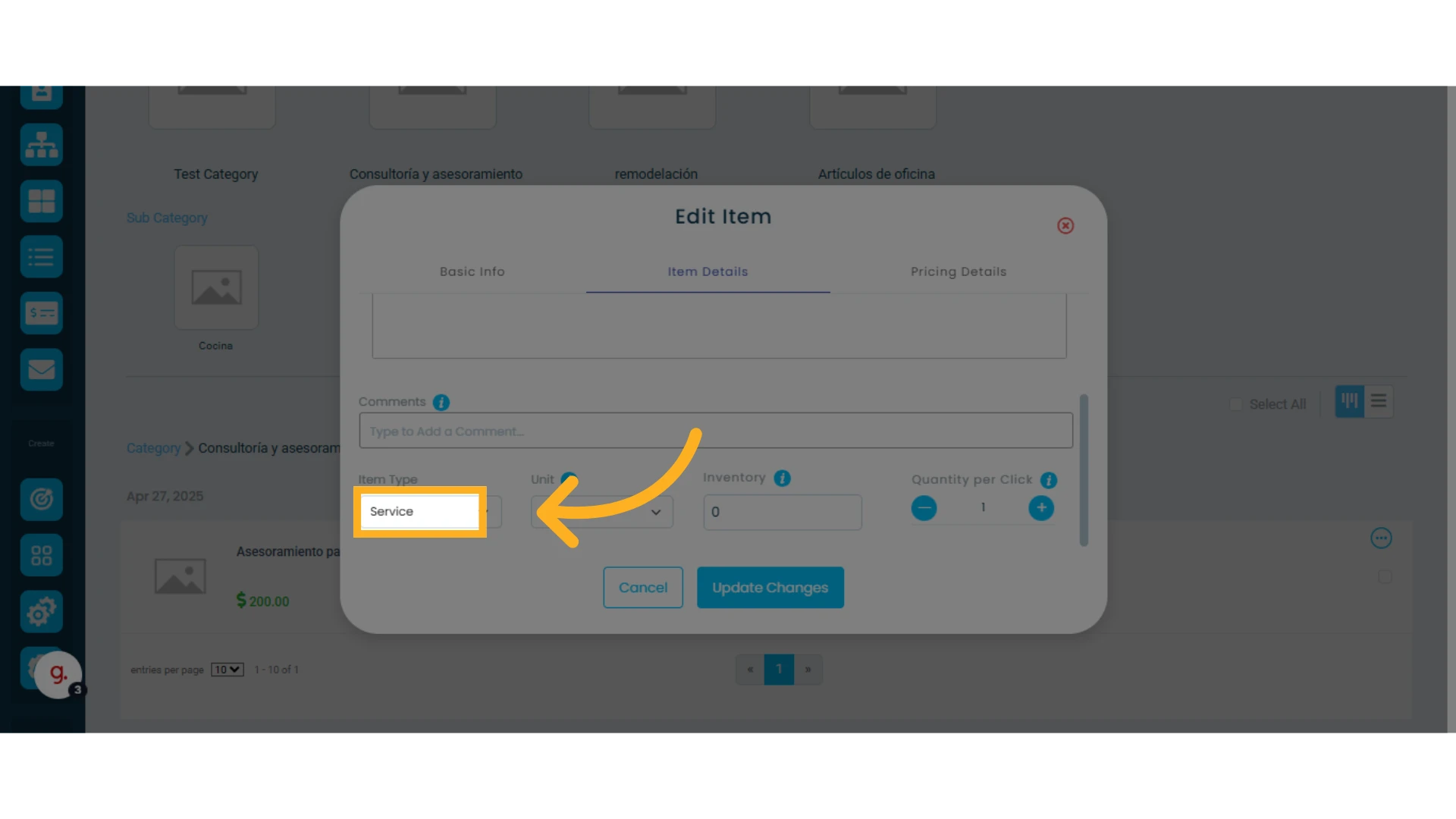
2. Set how many services you can provide during a given period