Osmos allows you to receive credit card payments through integration with the Stripe payment gateway. In this guide, you’ll learn how to set up and receive payments using Stripe.
Link Your Stripe Account in Osmos
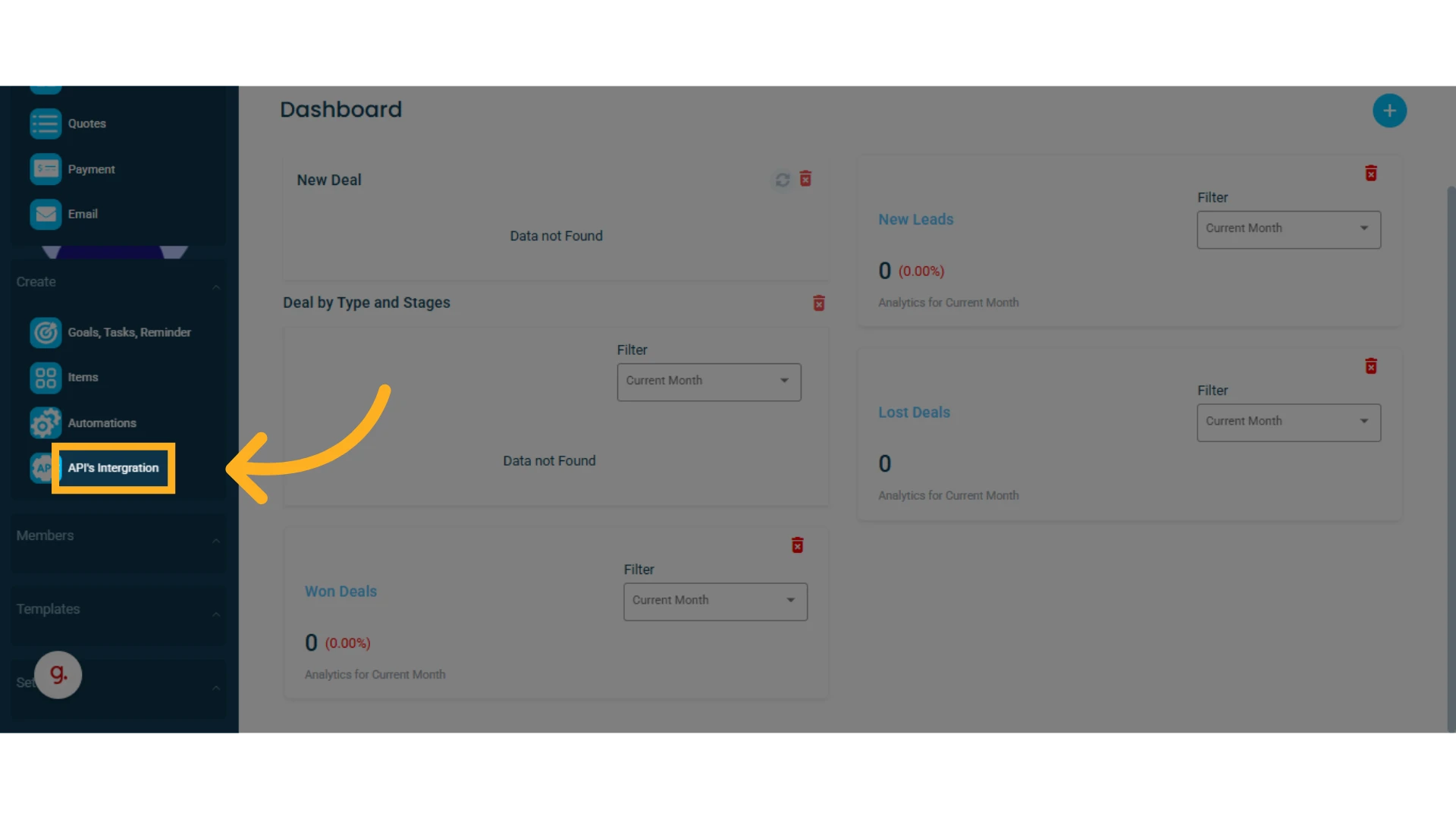
1. From the left-hand side menu, locate and select the "API's Integration" option
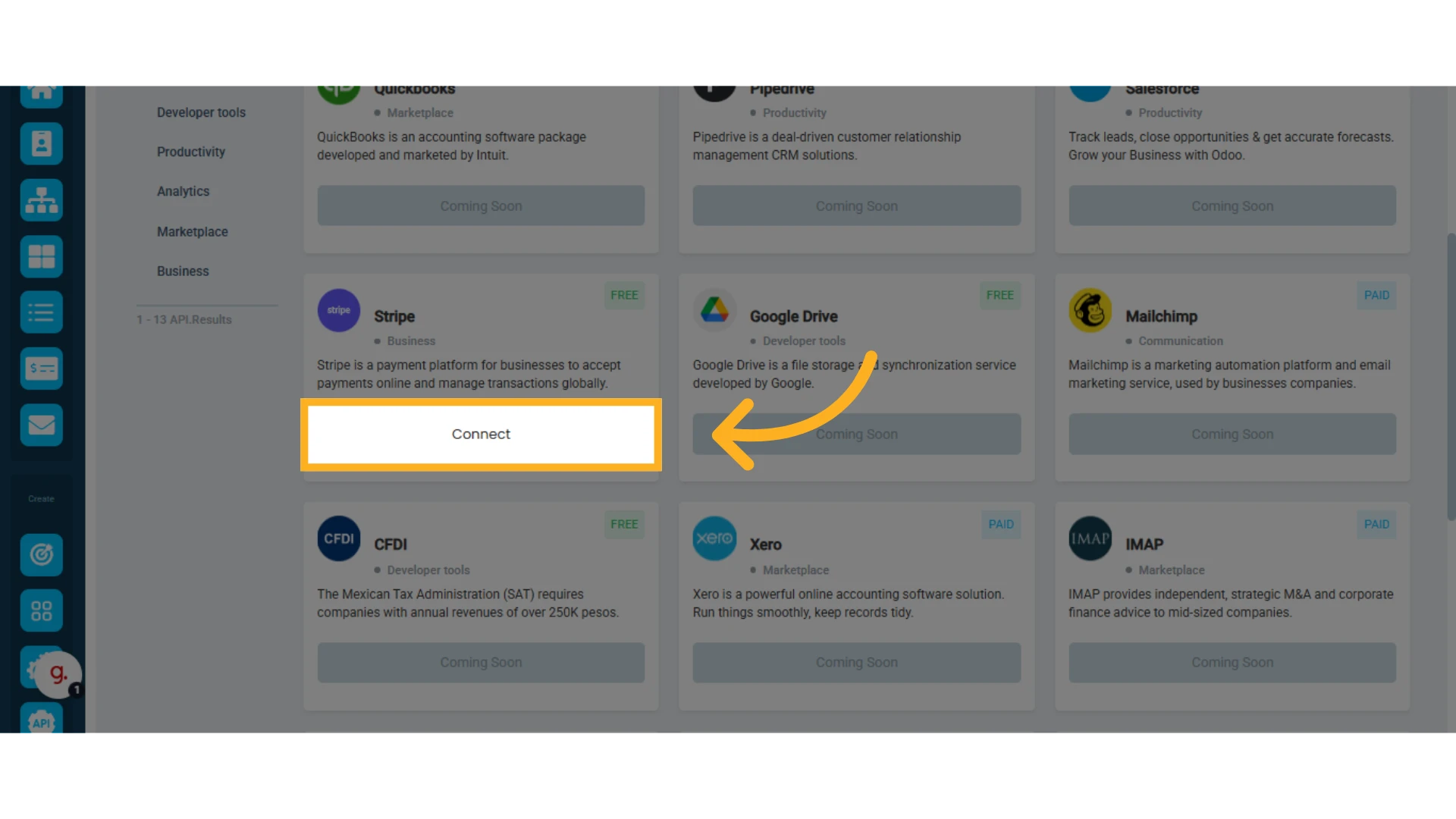
2. In the list of APIs, find "Stripe" and click "Connect"
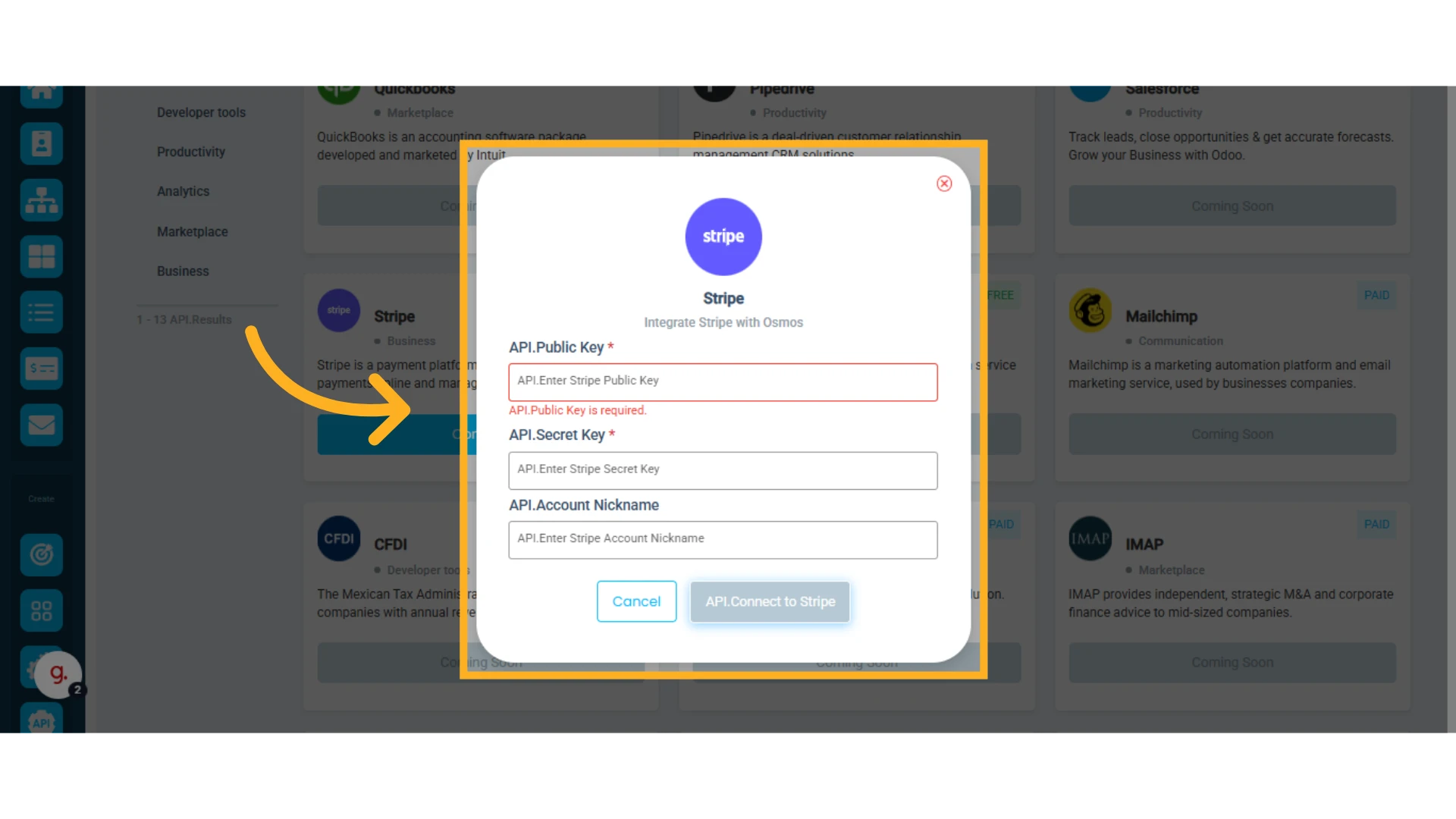
3. Provide the required information:
Fill in the requested details, including your public key, secret key, and a name for your account.
IMPORTANT: You must first create a Stripe account directly on their platform in order to accept credit card payments in Osmos.
Add Stripe as a Payment Method in a Quote
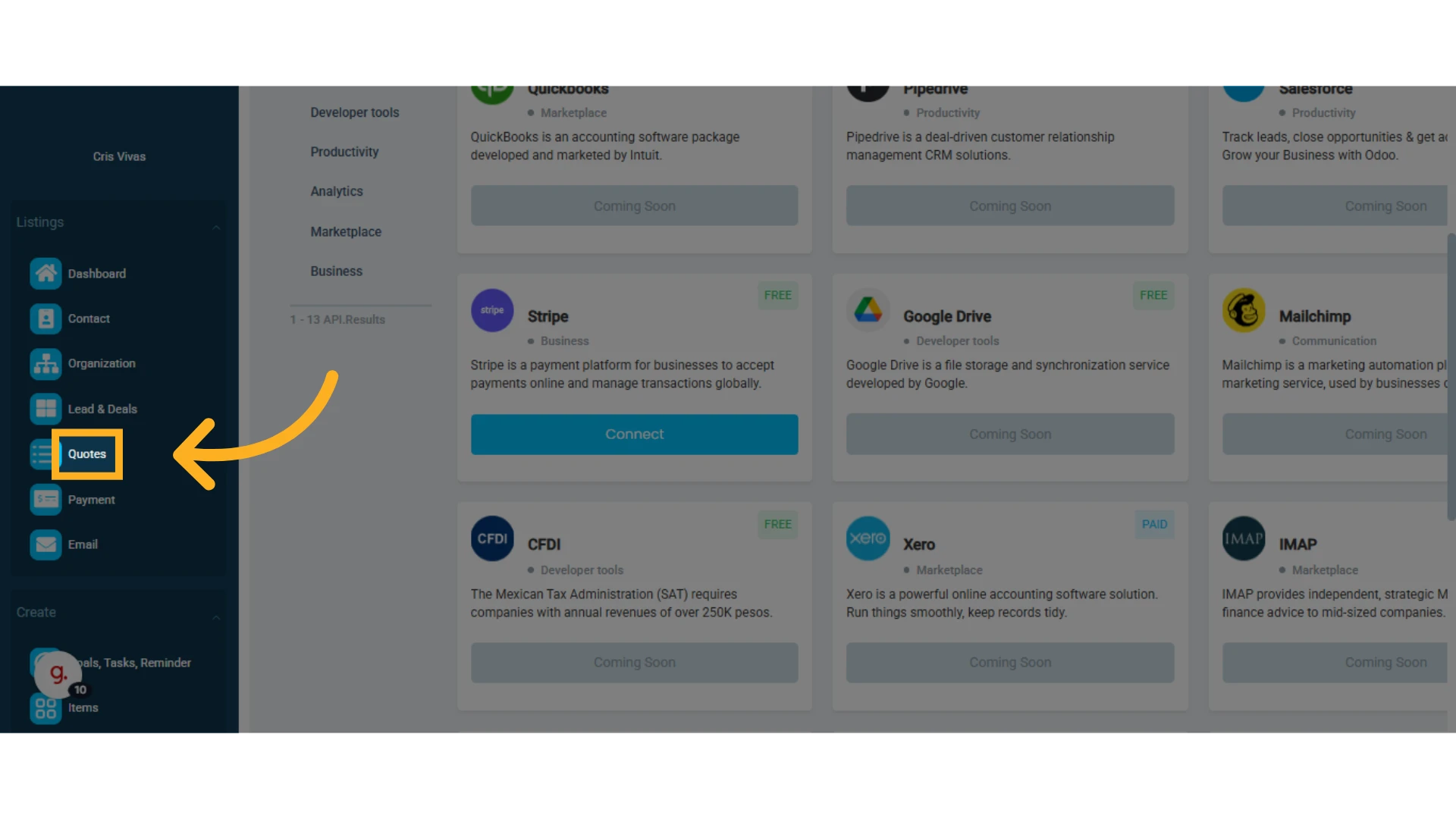
1. Go to the left-hand side menu and select the "Quotes" module
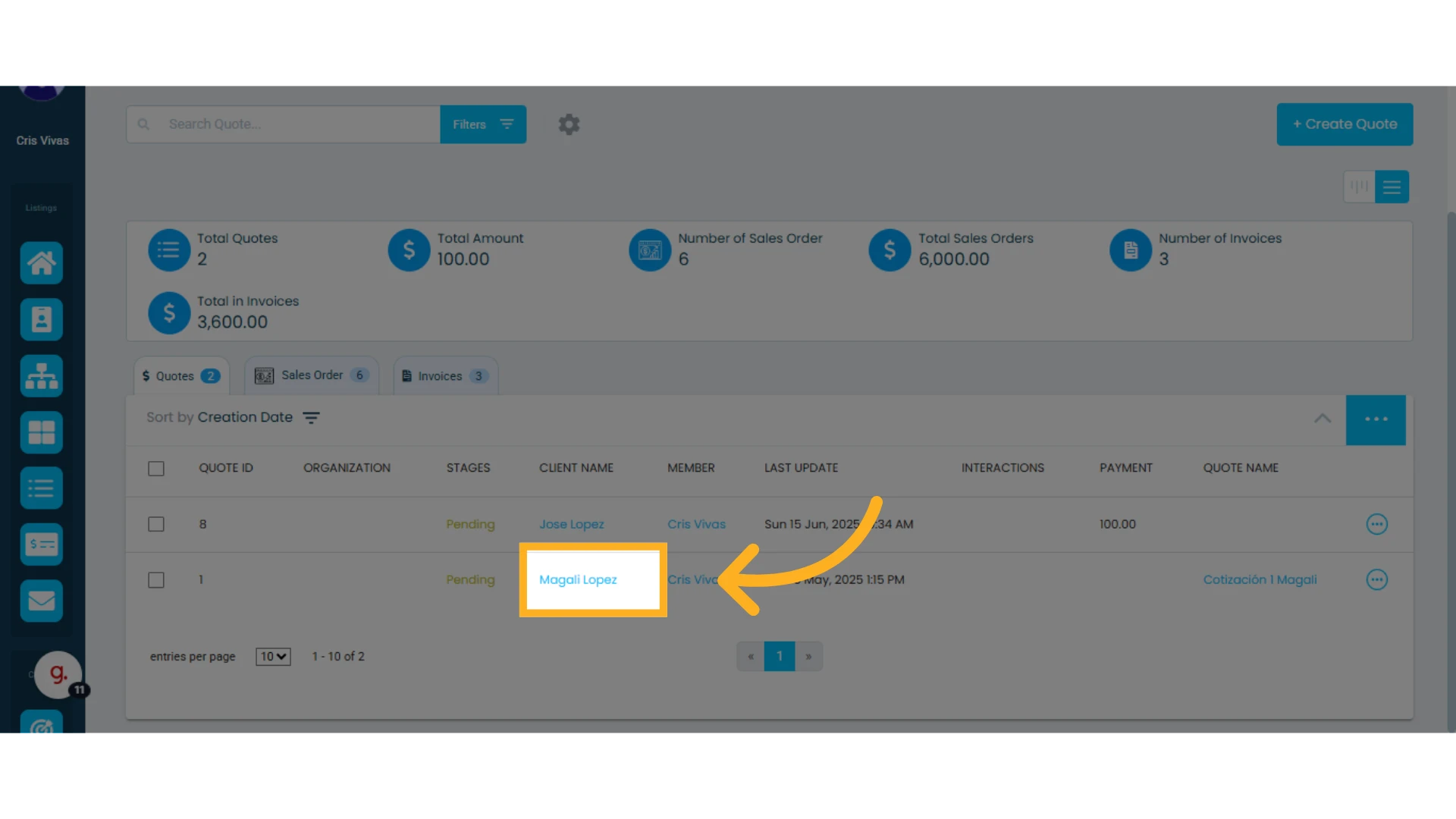
2. Click on the quote you will use to receive the payment
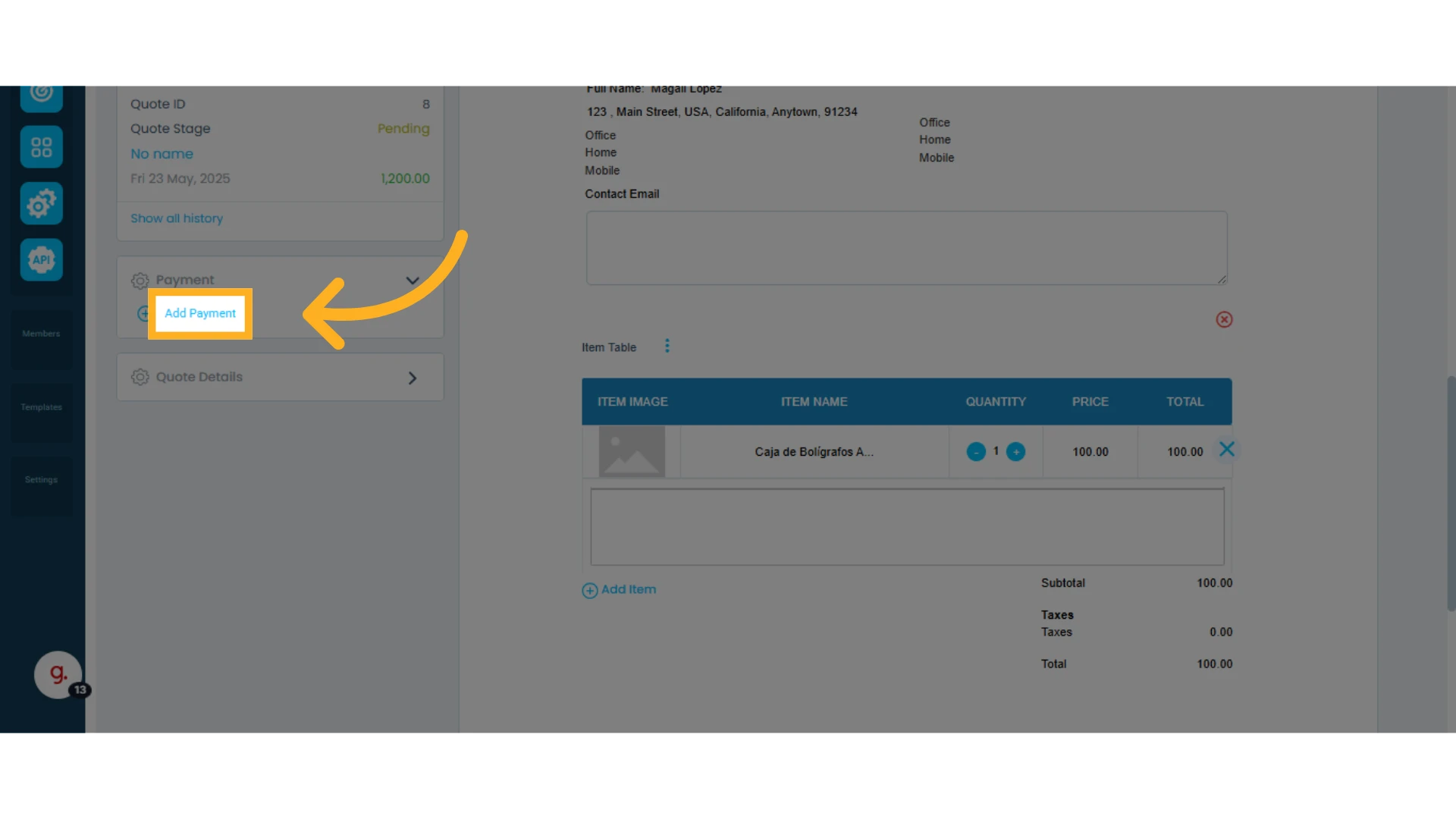
3. Open the Payment menu and click "Add Payment"
Learn how to add payments to a quote.
4. Select the Payment Method:
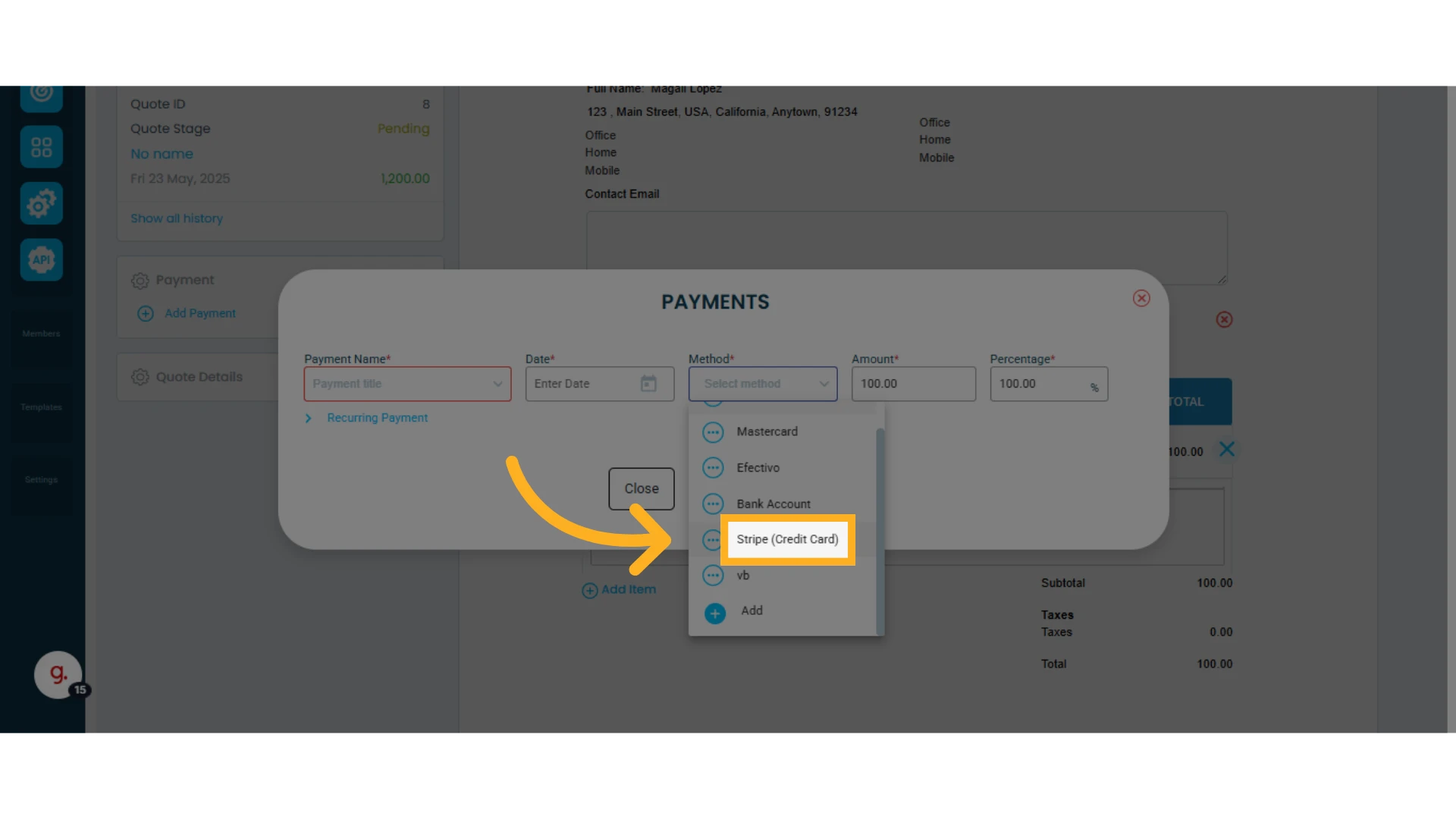
On the new screen, go to the column labeled "Method" and select "Stripe (Credit Card)."
You are now ready to receive credit card payments through Stripe in Osmos.