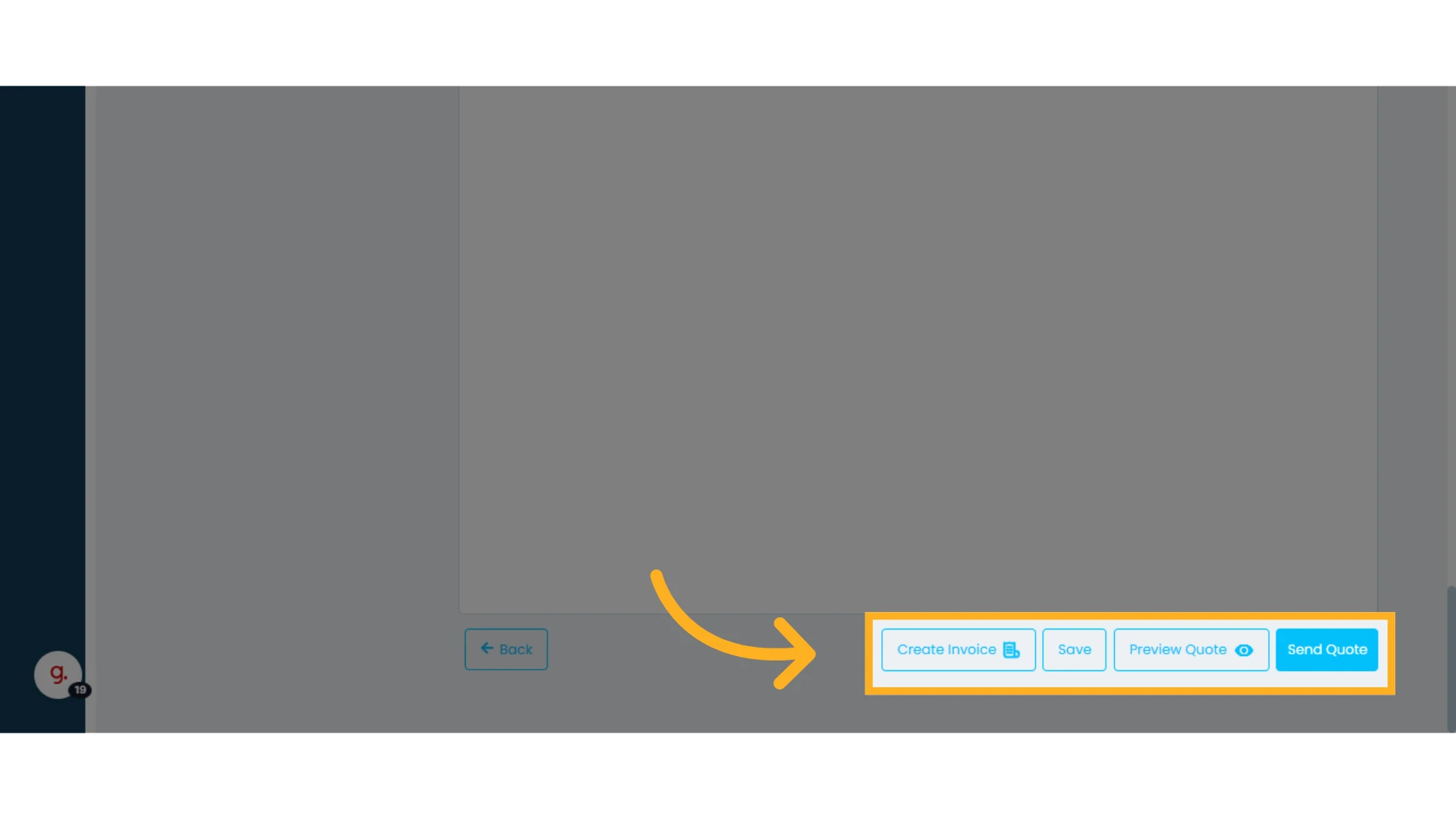
Creating a quote in Osmos is quick and easy. In this guide, you’ll learn how to create and send a quote.
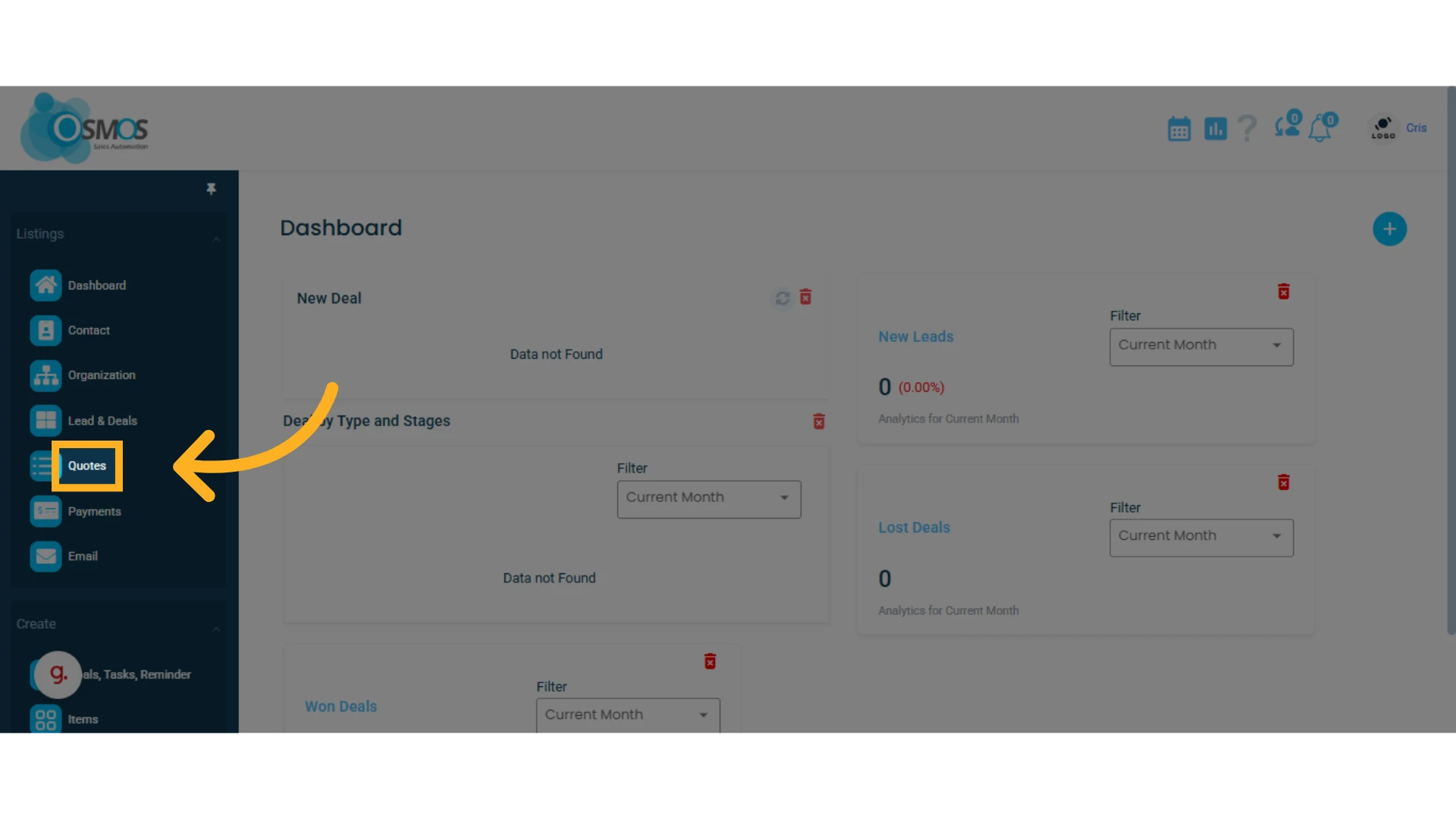
1. Go to the left-hand menu and select the "Quotes" module
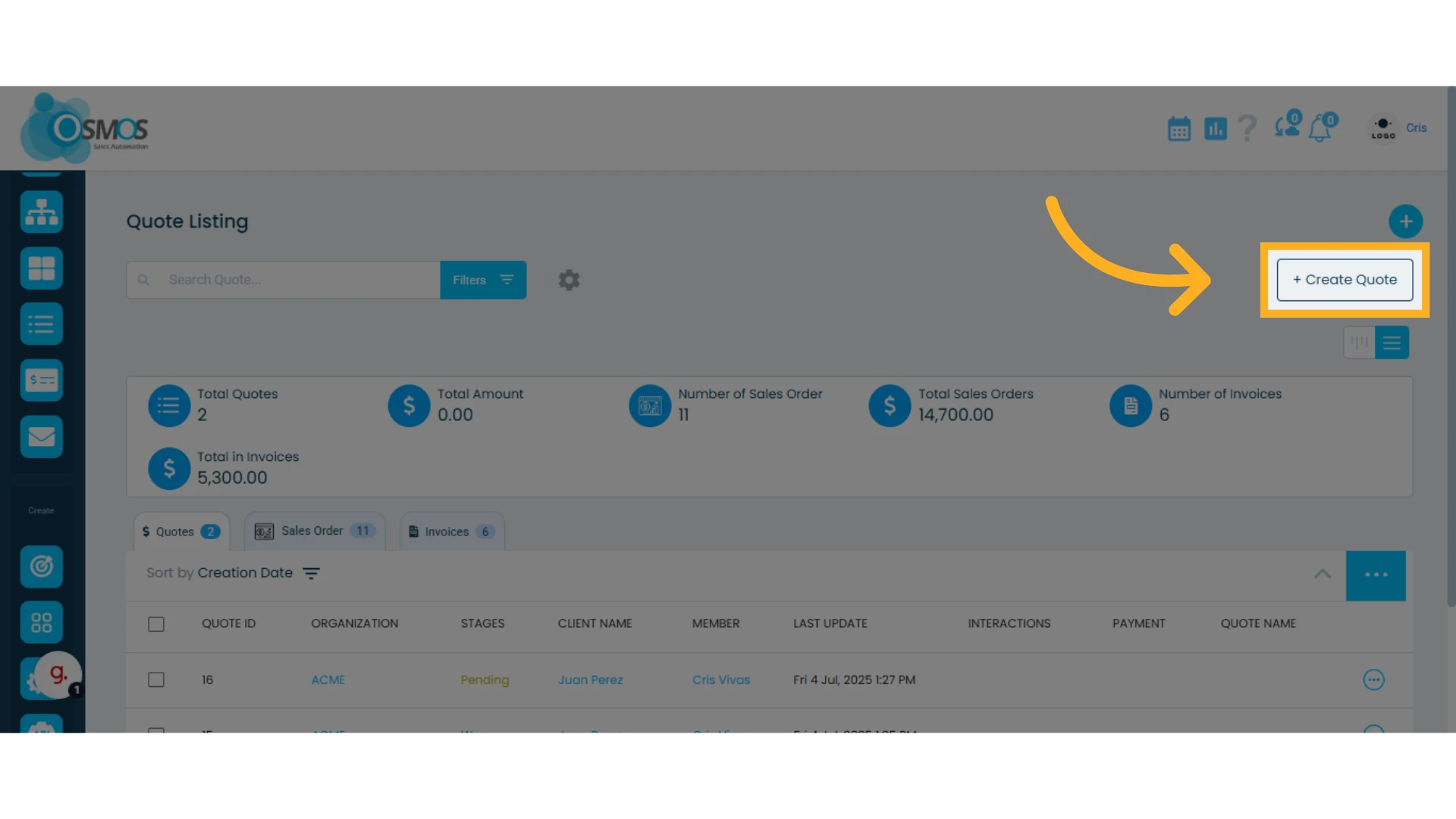
2. Inside the Quotes module, click the "Create Quote" button located in the top right corner
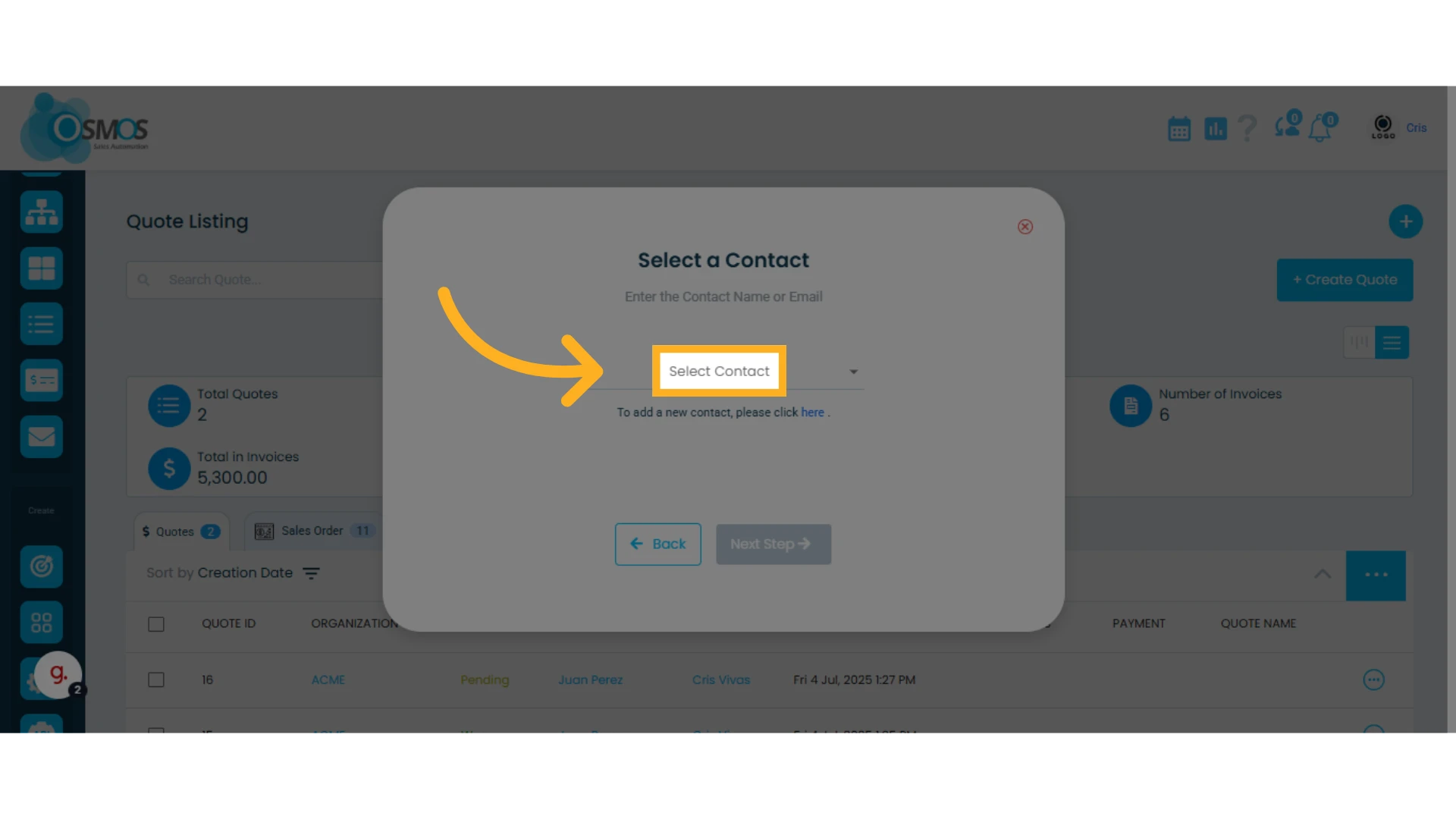
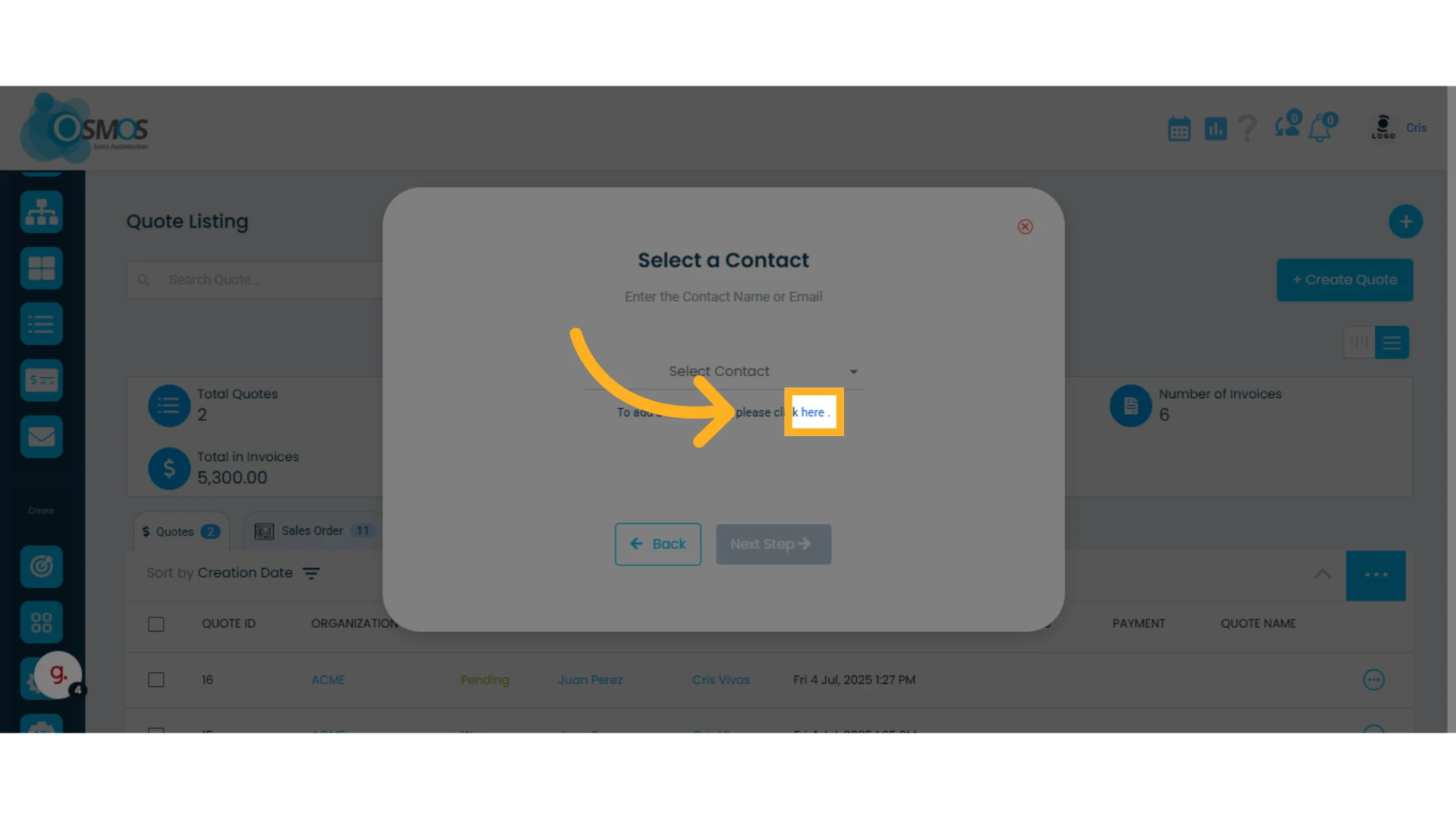
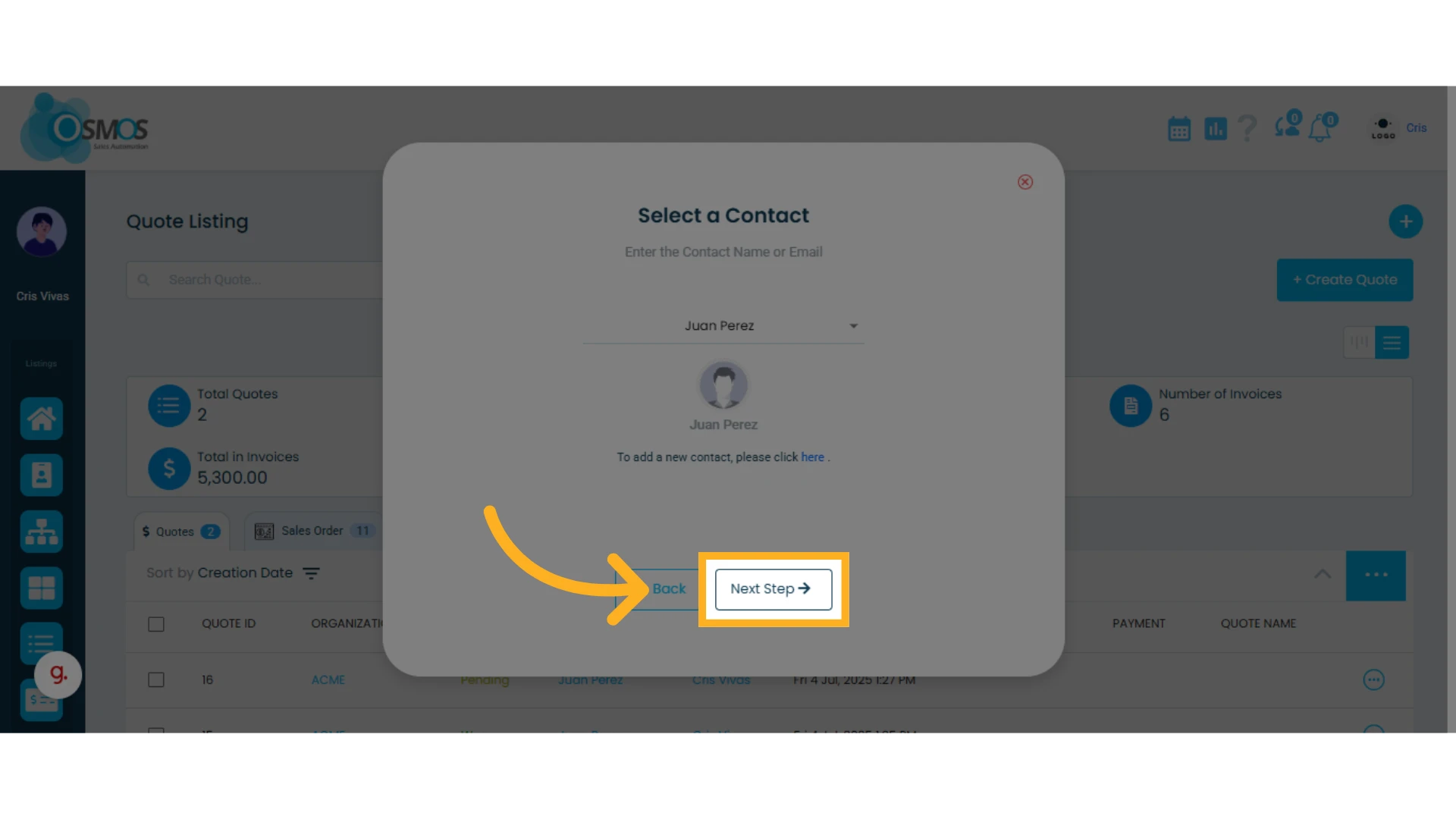
3. Select a contact from your contact list
If you want to add a new contact, click "here" to create one.
Learn how to create a contact.
4. Once you’ve selected the contact, click "Next Step"
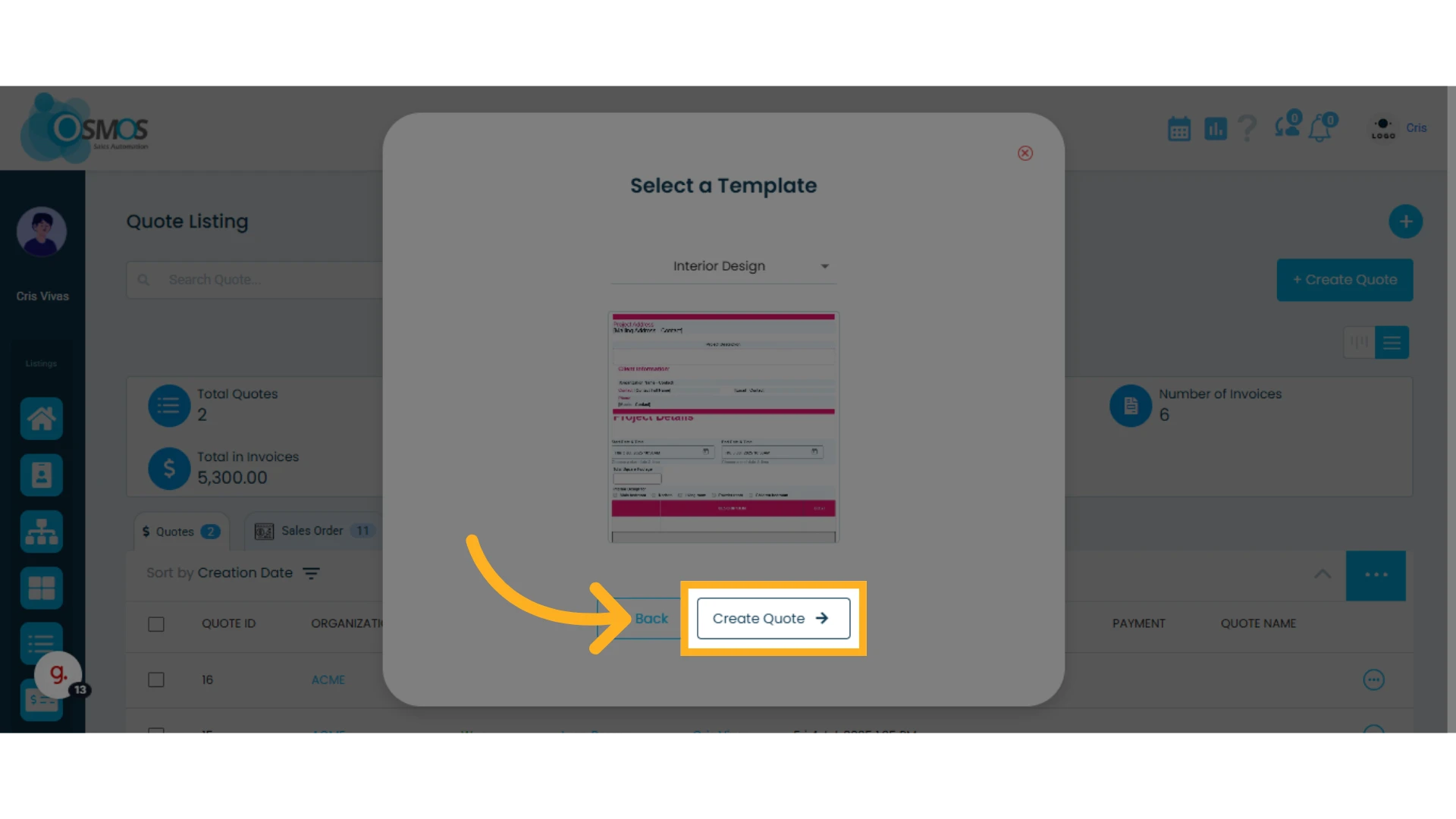
5. Select a template and click "Create Quote"
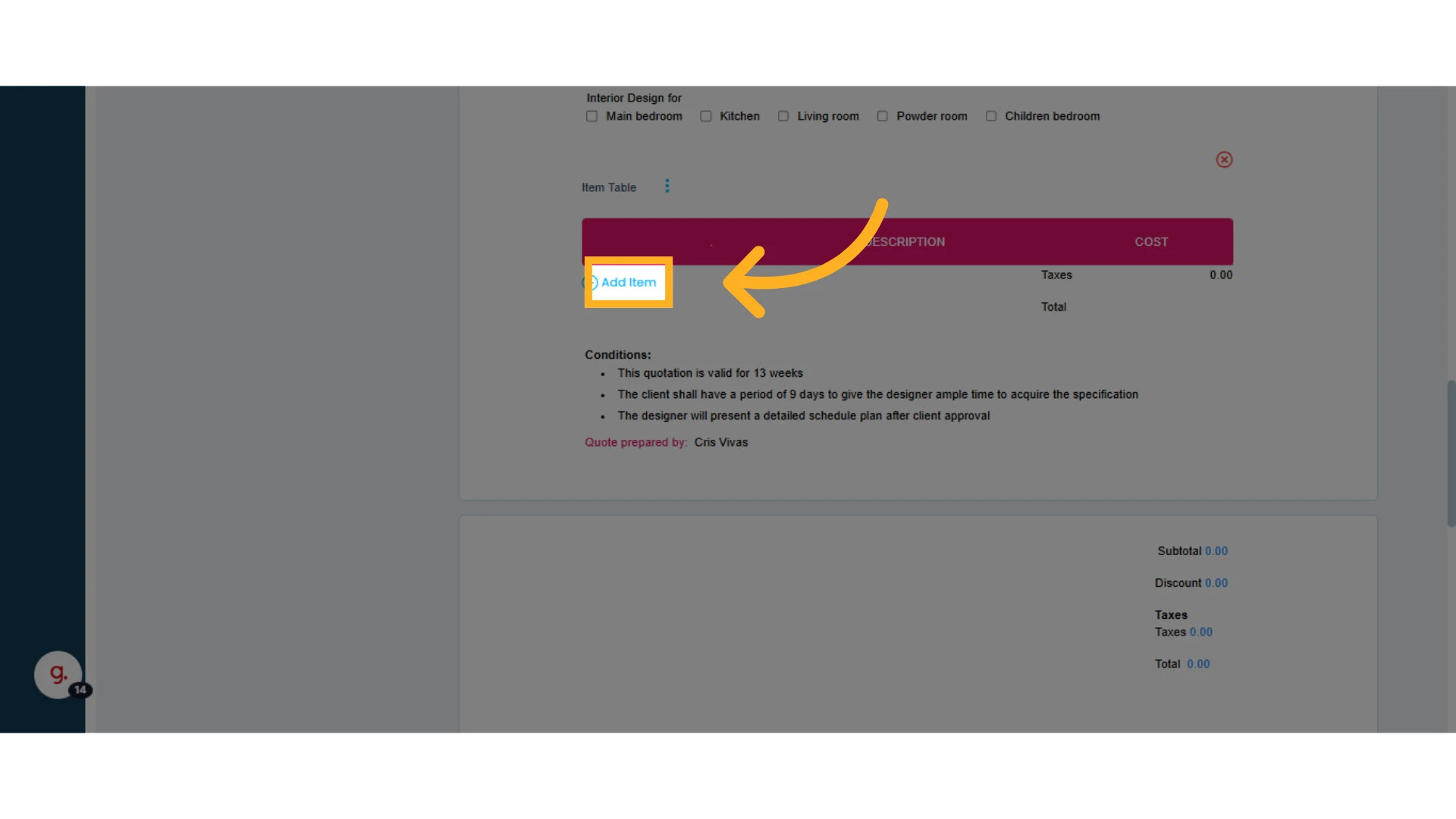
6. Add the items you want to include in the quote
7. Click the "Send Quote" option
Once you click "Send Quote," the quote will be automatically emailed to the contact’s email address(es).
Learn more about the Quotes module.