Composing an email from Osmos can be done in different sections.
Email module
Contact module
Quotes module
Lead module
Contact overview
To be able to compose emails, you need to set up your email account.
Learn more about email setup.
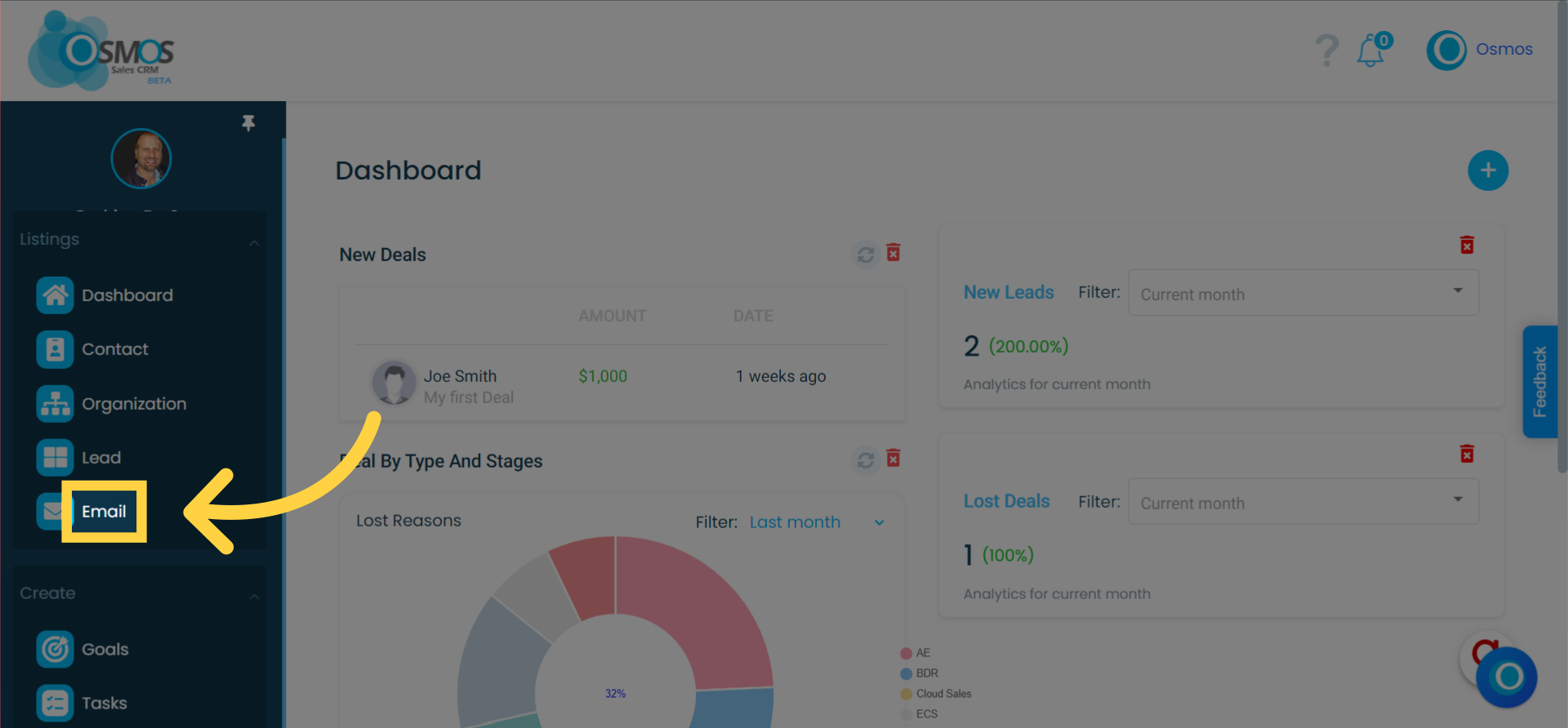
Compose email from "Email Module"
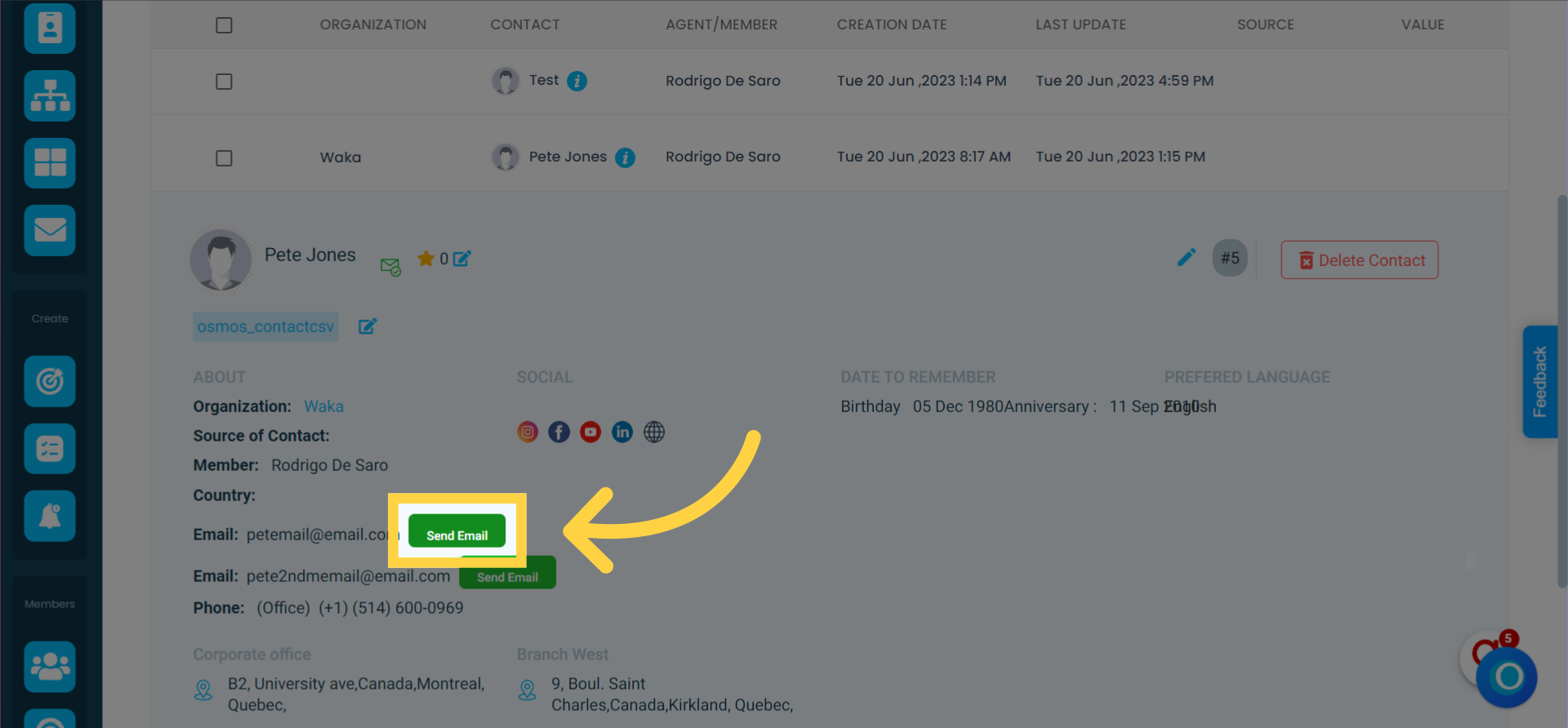
Compose email from "Leads and Contact Listing"
By clicking the green envelope next to the prospect’s or contact’s email address.
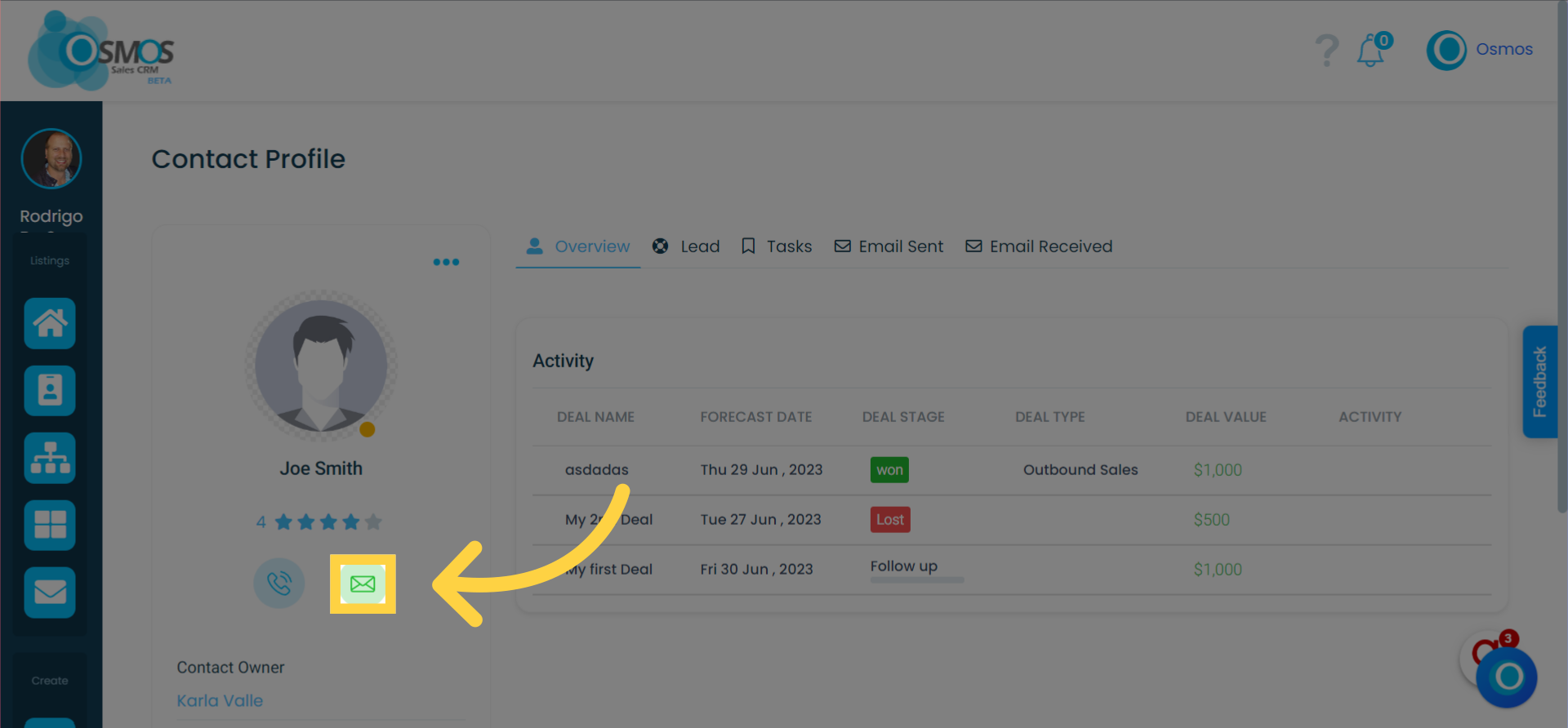
Compose email from "Contact Overview"
By clicking the green envelope located below the contact’s profile picture.
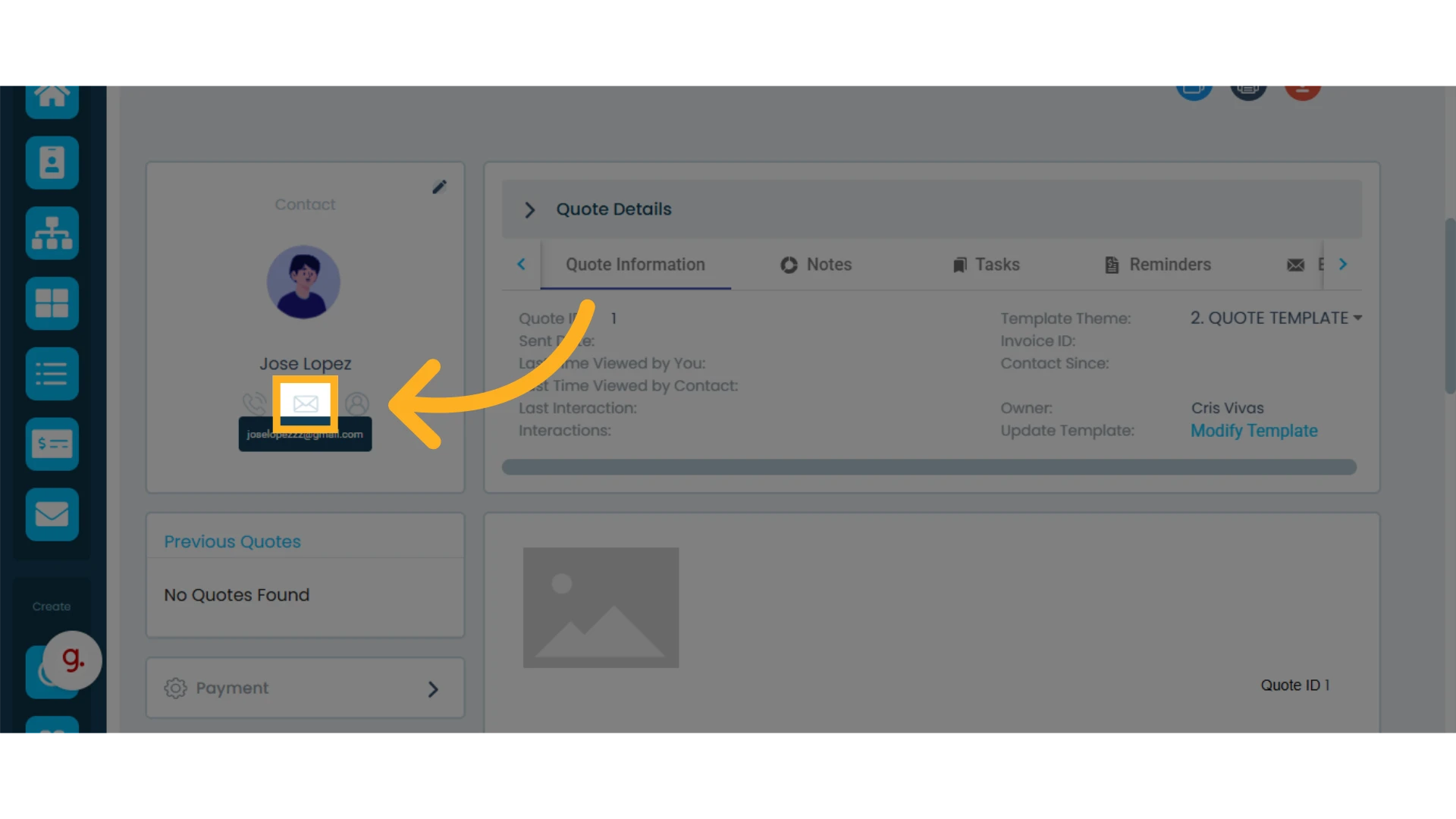
Compose an Email from a “Quote”
Click the envelope located below the contact’s profile picture.
You can also schedule and send emails from the Automations module.
Learn how to create an automation.